AI Moodboard: Define Your Design Style
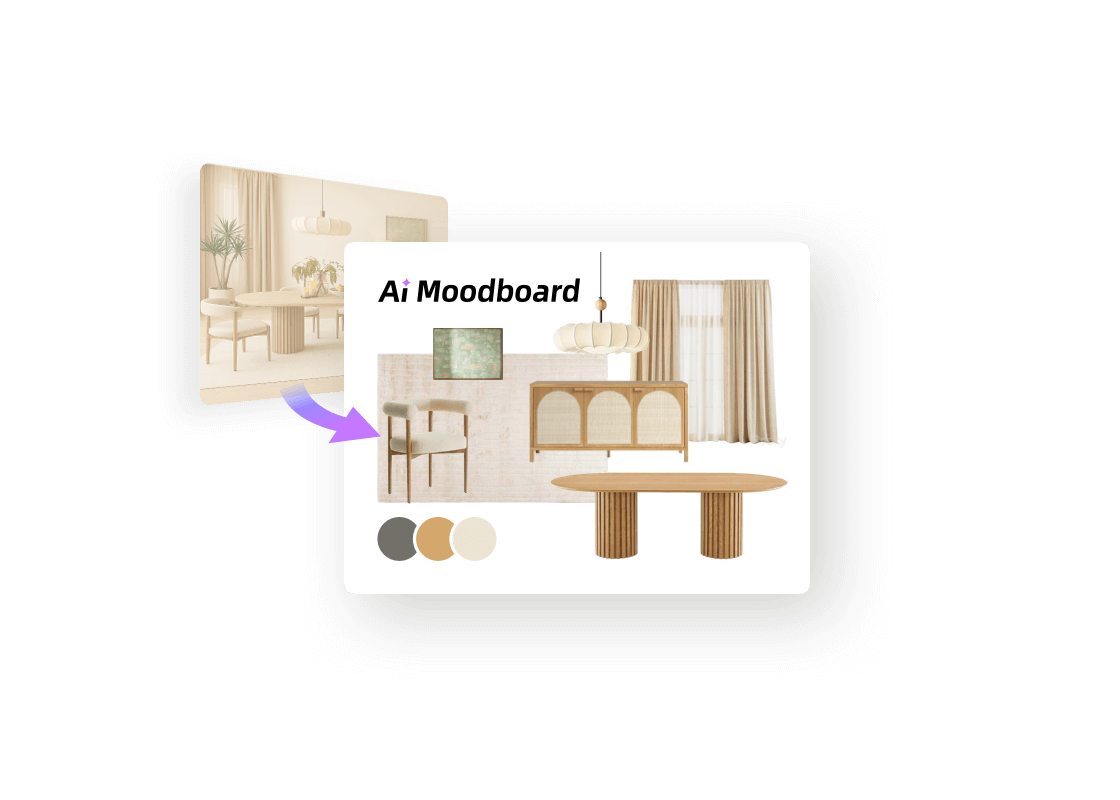
Create a coordinated moodboard from a prompt or reference photo.




 3D Floor Plan


Let AI design moodboard for you
Tutorial
See What AI Can Do
Explore more. Create what's next.
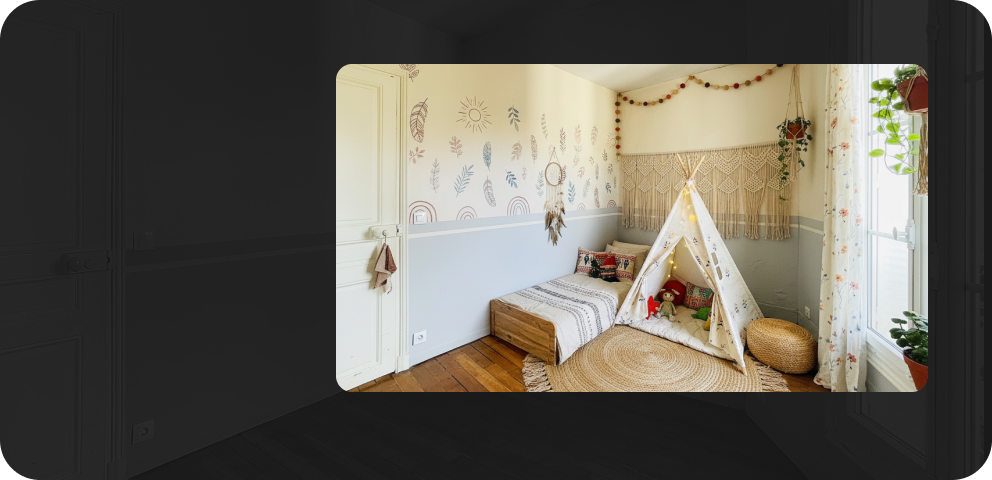 AI Stager
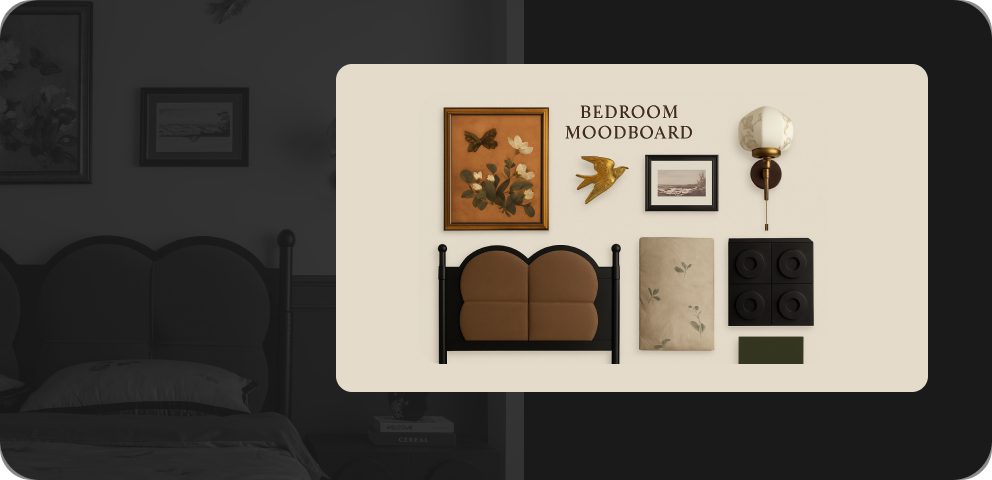 AI Moodboard
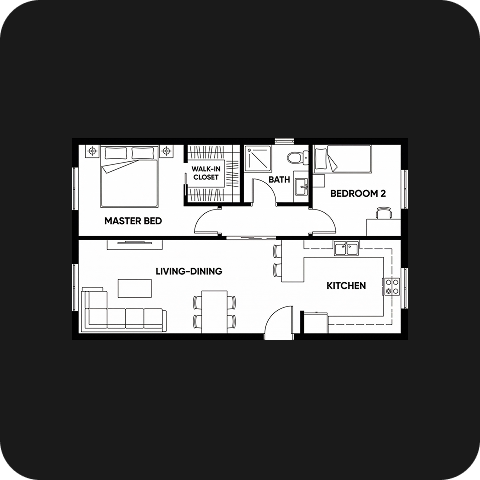 AI Planner
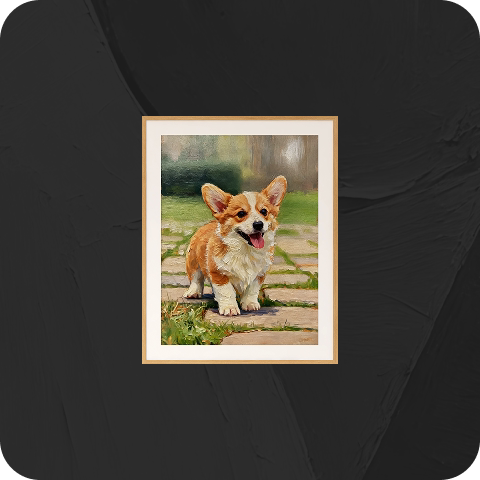 AI Painter
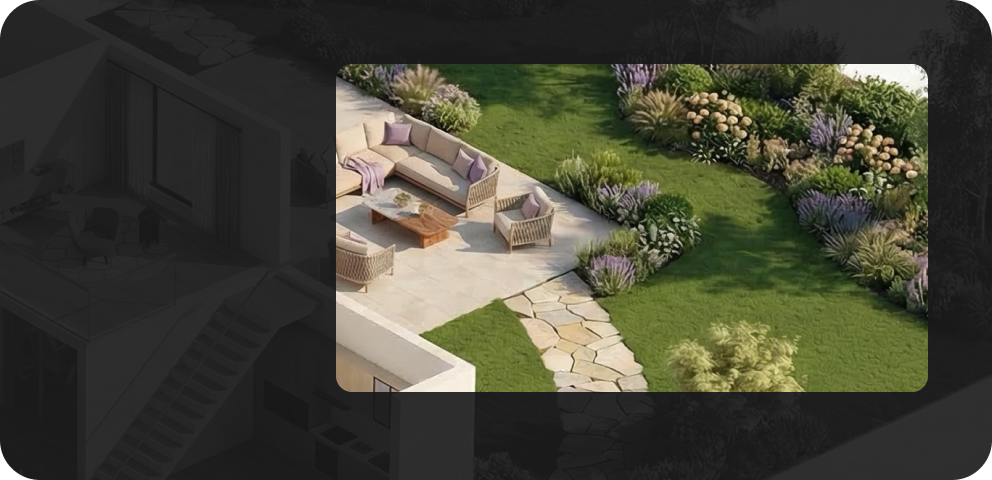 AI Planter
 AI Texturer
FAQ
Homestyler AI Moodboard creates visual inspiration boards to communicate interior styles, color palettes, materials, and furnishings before developing a detailed design.
Yes. Select Text-to-Moodboard and describe your room type, style, colors, and materials. You can also generate a moodboard from a reference image.
Yes. Choose layouts such as Mood Grid, Material Board, or Cork Collage, and select an aspect ratio for your presentation.
Some preset templates use fixed prompts. Select the Default template to add your own description. Text-to-Moodboard supports descriptions across all templates.
Describe the room type and design style, then add colors, materials, key furnishings, and atmosphere. Keep your requirements specific and consistent.
Yes. Select Generate 3D Design to continue from your moodboard in a Homestyler 3D project and develop the concept further.
Free trials may be available for eligible accounts. Sign in to check your trial access and available benefits. Further generation may require AI Credits.
AI Moodboard uses AI Credits for generation. You can purchase credit packs or choose an AI Boost membership with a monthly credit allowance. Check the tool interface and pricing page for current costs.