AI Planner: Generate Your Floor Plan
Set your room needs, then develop your layout in editable 3D.




 3D Floor Plan


Auto-plan your home in clicks
Tutorial
Bring your dream home to life with AI-powered floor planner in just a few clicks.
See What AI Can Do
Explore more. Create what's next.
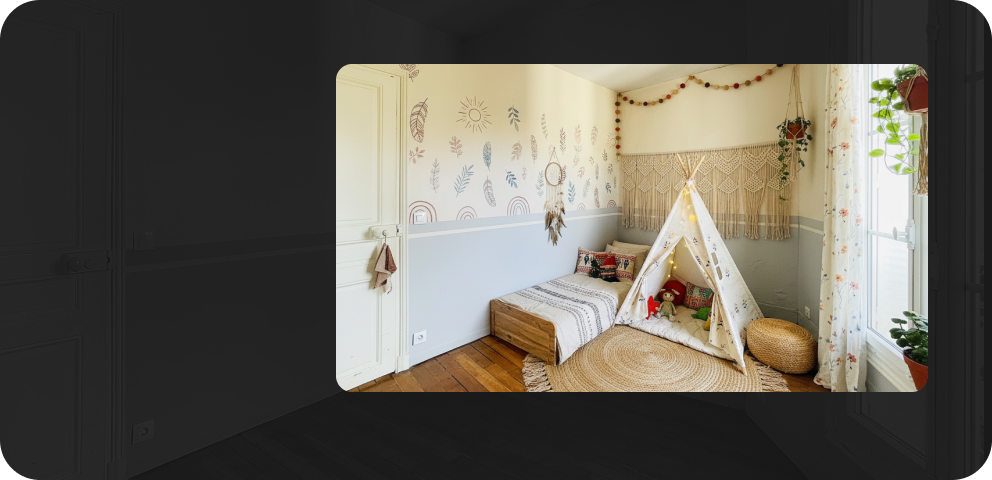 AI Stager
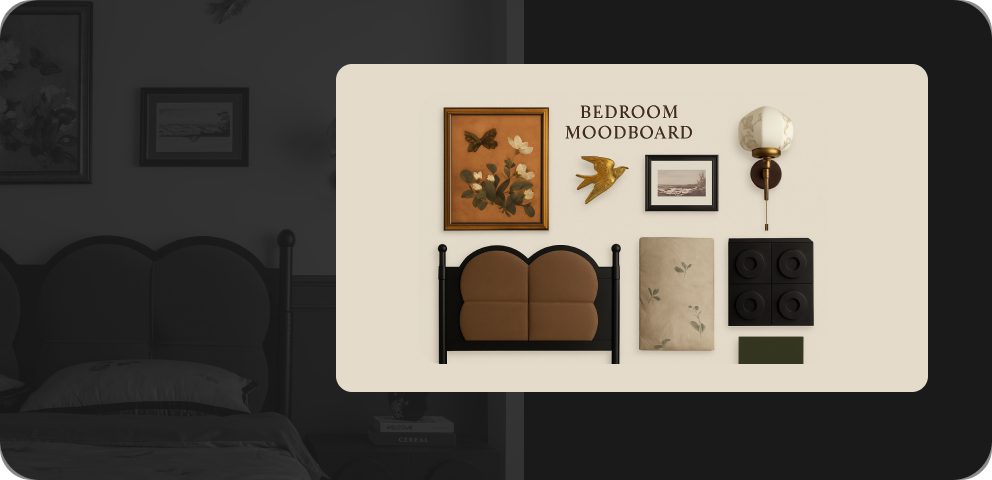 AI Moodboard
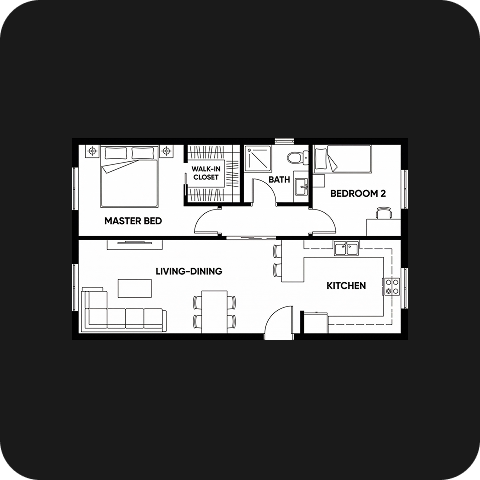 AI Planner
 AI Painter
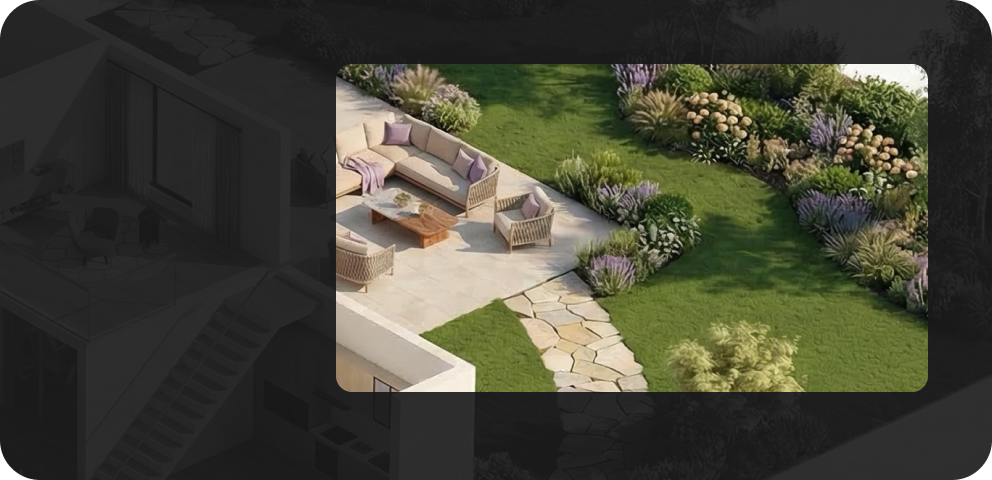 AI Planter
 AI Texturer
FAQ
Homestyler AI Planner is an AI floor plan generator that creates home layouts based on your room requirements and preferred floor area. It helps you explore initial layout ideas before developing your design in 3D.
Yes. Set the number of bedrooms and bathrooms, choose an open or closed kitchen, and add spaces such as a home office, laundry room, garage, or balcony. Then select your preferred total floor area range.
No. AI Planner generates a new layout from your selected room requirements and home size. You can start exploring floor plan ideas without uploading a drawing or creating a layout manually.
Yes. Open the generated floor plan in Homestyler Floor Planner to continue editing it in 3D. Adjust the layout and room dimensions, then refine the design to better suit your needs.
Yes. After opening your generated plan in Homestyler Floor Planner, you can furnish rooms with 3D models, apply materials and finishes, and create renderings to visualize your design.
Find your generated plans in Homestyler Floor Planner under My > AI Result > AI Planner. Plans created with AI Planner are marked with an AI badge, making them easy to identify and open for further editing.
Free trials may be available for eligible accounts. Sign in to check your trial access and available benefits. Further generation may require AI Credits.
AI Planner uses AI Credits for generation. You can purchase credit packs or choose an AI Boost membership with a monthly credit allowance. Check the tool interface and pricing page for current costs.