AI Animator: Bring Designs to Life
Turn still design images into engaging videos with AI.



 3D Floor Plan


Turn any image into a dynamic video
Tutorial
See What AI Can Do
Explore more. Create what's next.
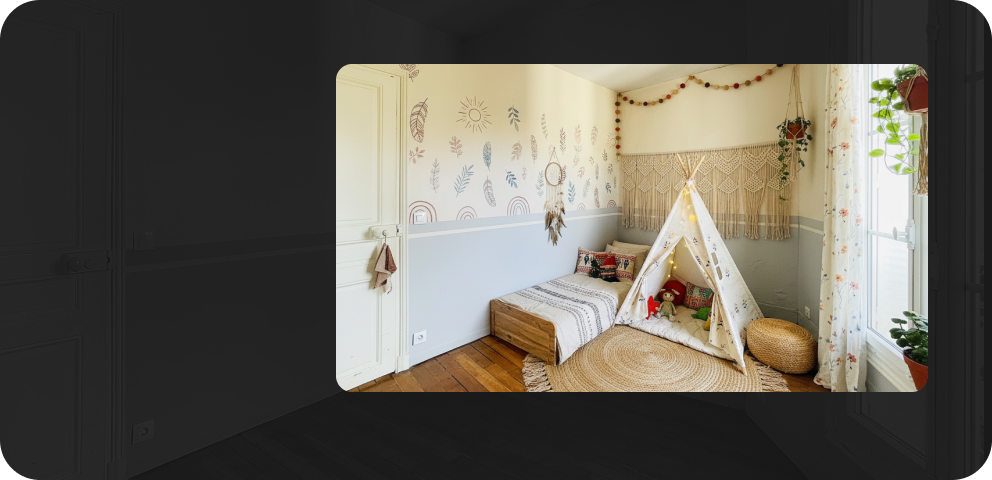 AI Stager
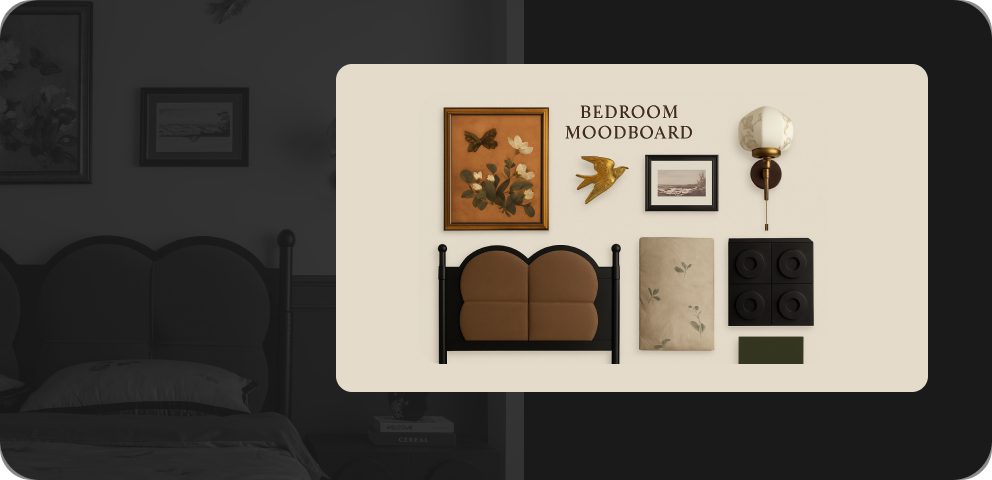 AI Moodboard
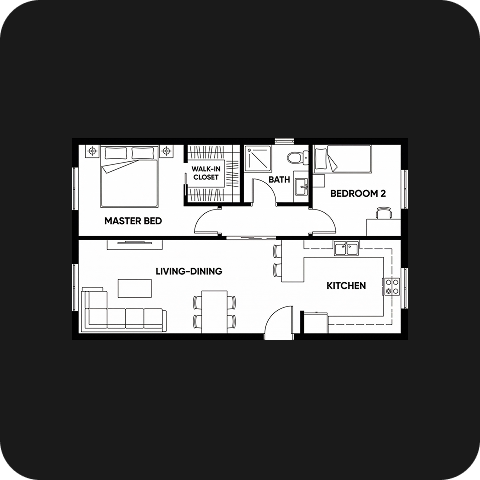 AI Planner
 AI Painter
 AI Planter
 AI Texturer
FAQ
Homestyler AI Animator turns still design images into videos, helping you present spaces through walkthrough effects, furniture animations, and visual transitions.
Upload an image from your device or select a Homestyler project render. Project renders must be at least 2K. Images containing real people are not supported.
Yes. Choose a preset template and upload the required image. AI Animator automatically prepares a prompt for the selected effect.
Yes. Select the None template, upload opening and end frames, and describe the transition, movement, or camera effect you want.
Yes. Choose an aspect ratio, select 720p or 1080p resolution, and adjust the duration using the available settings.
Completed videos appear in the Album panel. Open a result to review it and use the download option available with your account benefits.
Free trials may be available for eligible accounts. Sign in to check your trial access and available benefits. Further generation may require AI Credits.
AI Animator uses AI Credits for generation. You can purchase credit packs or choose an AI Boost membership with a monthly credit allowance. Check the tool interface and pricing page for current costs. Credit usage depends on the selected video resolution and duration.