AI Texturer: Create Textures from Photos
Bring real-world materials into your 3D designs.



 3D Floor Plan


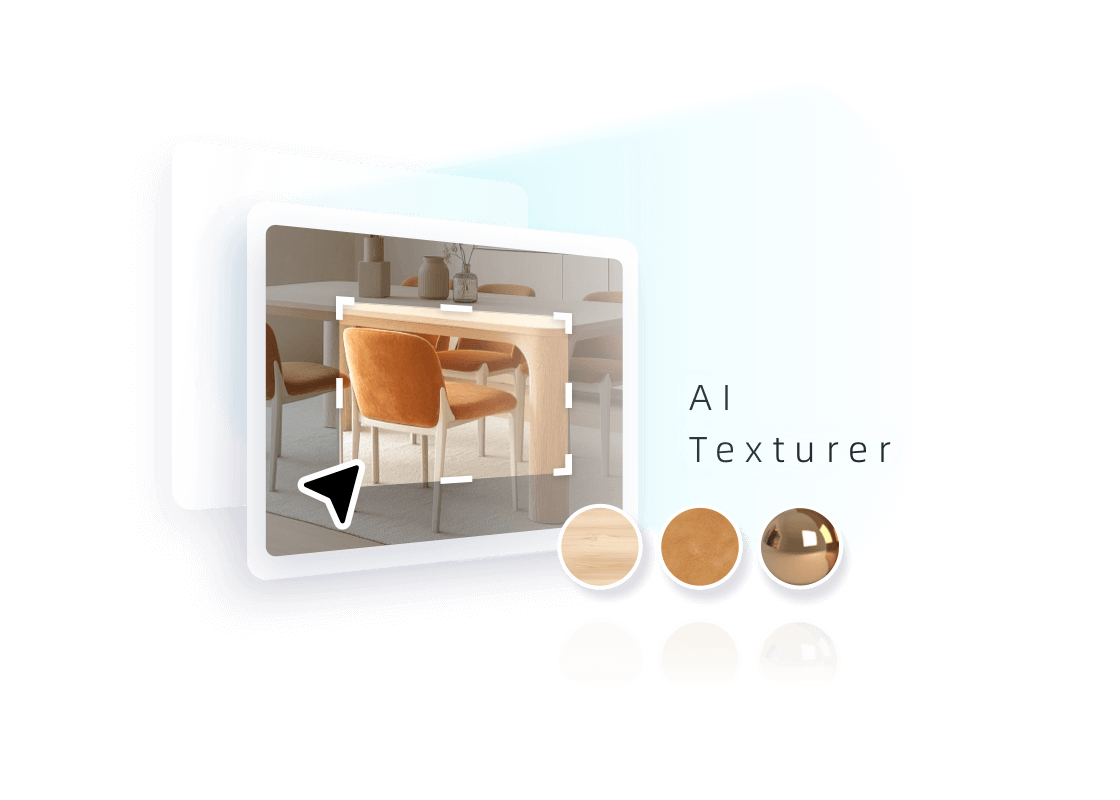
Turn any image into a texture
Tutorial
See What AI Can Do
Explore more. Create what's next.
 AI Stager
 AI Moodboard
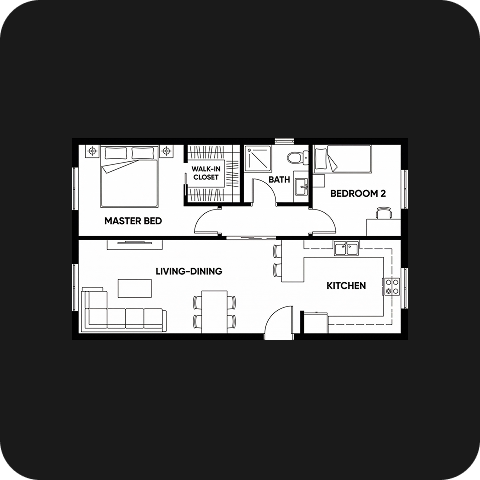 AI Planner
 AI Painter
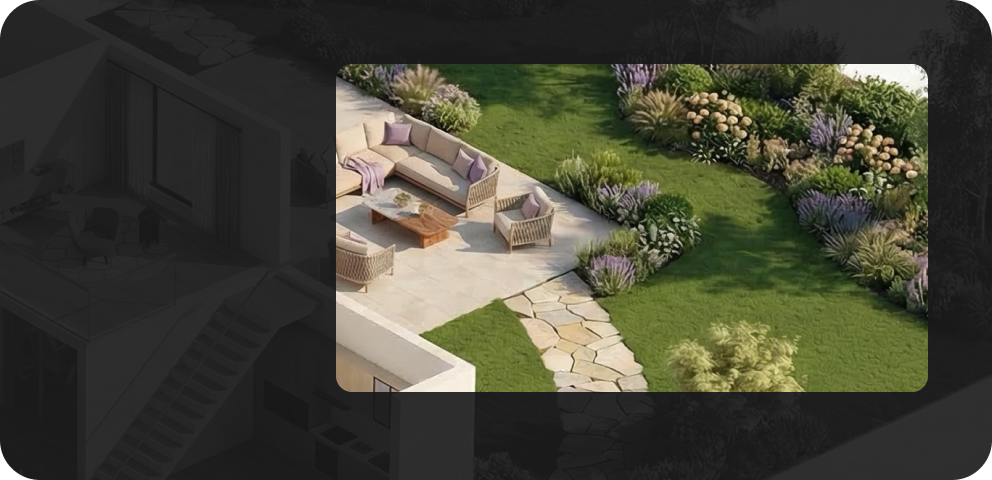 AI Planter
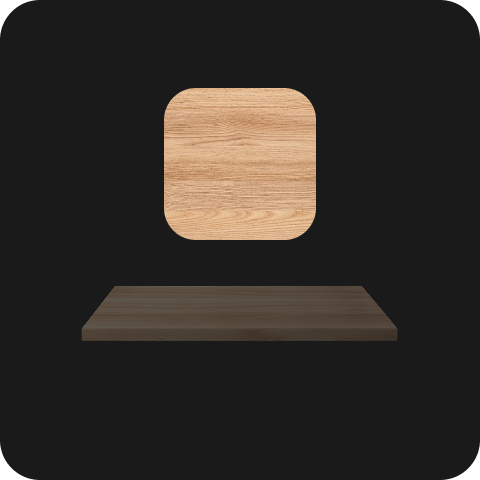 AI Texturer
FAQ
Homestyler AI Texturer converts material photos into texture maps that you can apply to surfaces in your 3D designs.
Use clear photos of surfaces such as wood, stone, or fabric. Choose high-resolution images that show the material’s pattern and details.
Yes. Move and resize the selection rectangle to choose the area you want AI Texturer to use for texture generation.
The size determines the real-world dimensions of each texture tile. Enter it in millimeters to help display the pattern at the intended scale.
Find completed textures in Floor Planner under My > AI Result > AI Textures, then apply them to surfaces in your design.
AI Texturer creates surface materials from photos. AI Modeler creates 3D objects, such as furniture and decorations, that occupy space in your design.
Free trials may be available for eligible accounts. Sign in to check your trial access and available benefits. Further generation may require AI Credits.
AI Texturer uses AI Credits for generation. You can purchase credit packs or choose an AI Boost membership with a monthly credit allowance. Check the tool interface and pricing page for current costs.