AI Modeler: Create Custom 3D Models
Turn images or text into models for your Homestyler projects.



 3D Floor Plan


Let AI generate 3D models for you
Tutorial
Turn images into 3D models and use them instantly in Homestyler Floor Planner.
See What AI Can Do
Explore more. Create what's next.
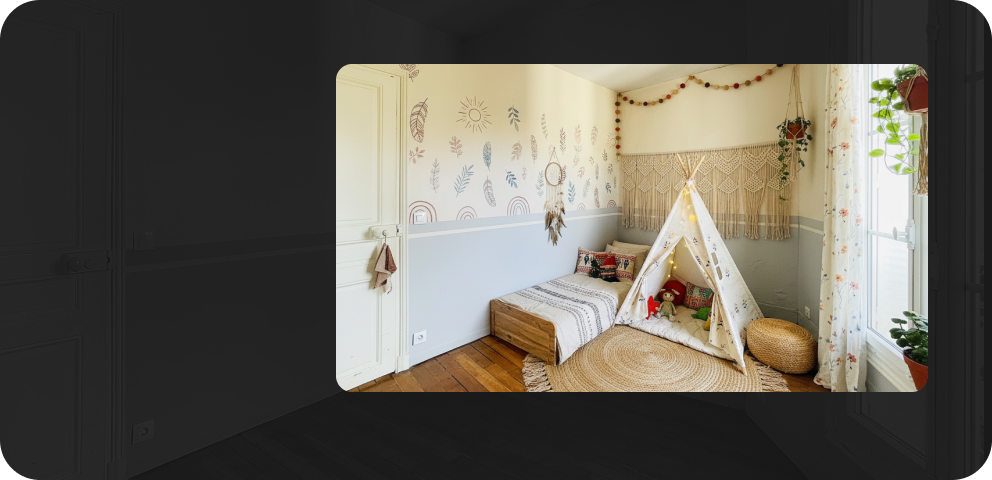 AI Stager
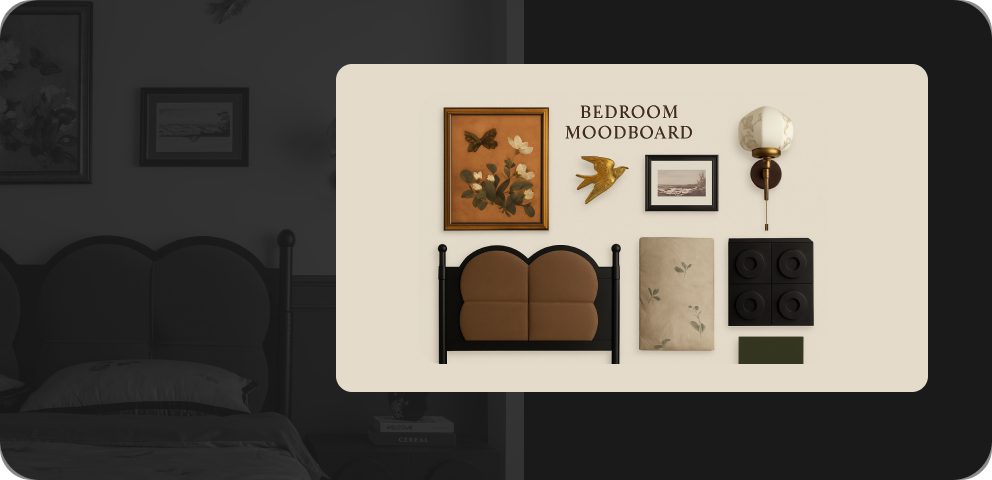 AI Moodboard
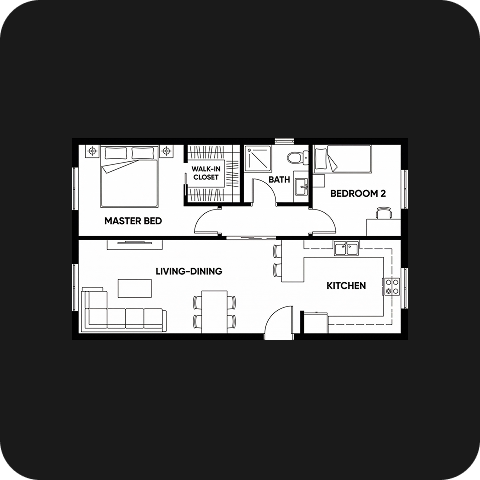 AI Planner
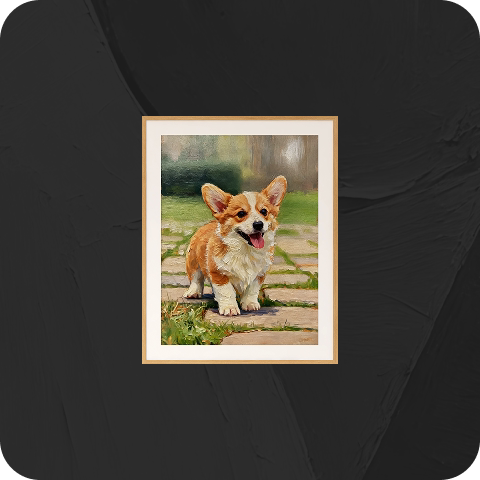 AI Painter
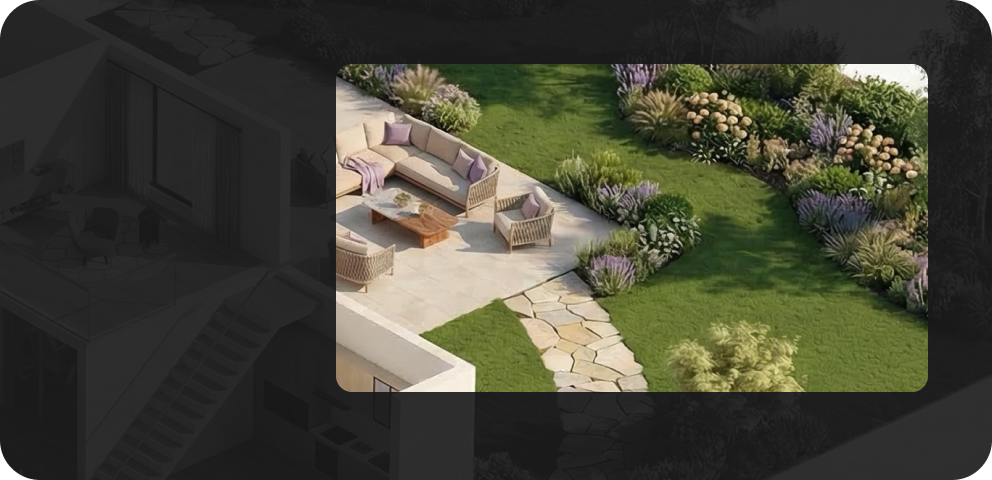 AI Planter
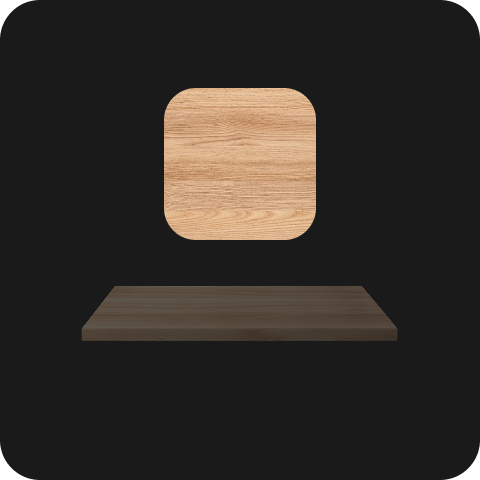 AI Texturer
FAQ
Homestyler AI Modeler generates 3D objects from images or text, helping you create furniture and décor models for your design projects.
Yes. Describe the object you want to create using the text input option. You can also upload a reference image.
Use a clear, focused image showing the entire object against a clean background. Avoid cropped subjects and distracting surrounding items.
Yes. Enter a reference dimension to set the model’s scale. Other dimensions are scaled proportionally, so review the generated model before use.
Find completed models under My > Uploads > 3D Model in Homestyler Floor Planner, then add them to your project.
Model downloads are available in GLB format for eligible memberships. Check your account’s download access before exporting.
Free trials may be available for eligible accounts. Sign in to check your trial access and available benefits. Further generation may require AI Credits.
AI Modeler uses AI Credits for generation. You can purchase credit packs or choose an AI Boost membership with a monthly credit allowance. Check the tool interface and pricing page for current costs.