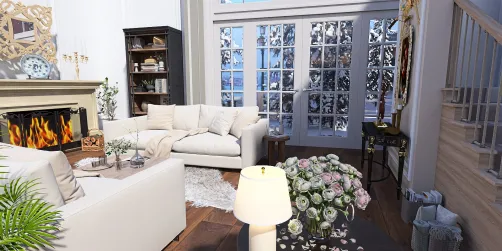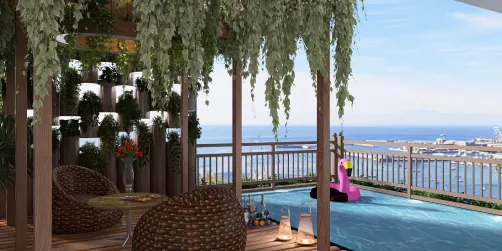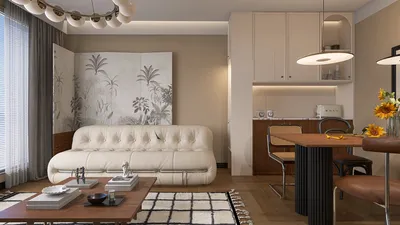
Enhancing your home's curb appeal significantly depends on the entrance gate, which not only ensures security but also gives a first impression of your property. With the advancement in 3D rendering technology, you can visualize your gate design prior to actual implementation. Let’s delve into some innovative tips and ideas for 3D rendering gates that can transform your outdoor space and embrace the capabilities of Homestyler.
1. Select the Appropriate Material
The material chosen for your gate can greatly influence both its look and longevity. Ideal options include wood, metal, or composite materials. Utilizing 3D rendering through platforms like Homestyler allows you to play around with various textures and finishes, helping you envisage the final appearance of your gate before construction begins.
2. Integrate Distinctive Design Features
To ensure your gate is distinctive, think about integrating unique design features. This could involve intricate patterns, custom shapes, or even built-in lighting solutions. By employing 3D rendering, you can visualize how these elements will fit into the overall design, ensuring they complement rather than overshadow the aesthetic appeal.
3. Assess the Environment
Your gate should harmonize with the landscape and architectural style of your home. Utilize 3D rendering to examine how various designs interact with your residence and garden area. This approach facilitates choices that enhance the overall cohesion of your outdoor environment, making the gate a seamless addition.
4. Experiment with Color Schemes
Color is a vital aspect of design, and this principle applies to your gate as well. Leverage 3D rendering tools like Homestyler to experiment with various color schemes. Whether your preference leans towards vibrant colors or soft hues, visualizing your color selections can guide you toward achieving your desired effect.
5. Explore Functional Design Options
Gates can serve multiple functional purposes including privacy enhancement and sound reduction. Consider how different designs can accommodate these needs. Through 3D rendering, you can witness functional designs in action, ensuring your gate is both aesthetically pleasing and practical.
FAQ
Q: Which software is best for 3D rendering gates? A: Some widely-used software for 3D rendering includes SketchUp, AutoCAD, and Blender, all of which provide various features for design visualization, including the user-friendly Homestyler.
Q: How can I guarantee that my gate design is unique? A: Personalize your design with elements such as custom patterns or colors that resonate with your individual style and complement your home’s architecture.
Q: Is 3D rendering costly? A: Expenses can fluctuate based on the design's complexity and the software selected. Nevertheless, many online resources, including Homestyler, provide free trials or affordable options to suit different budgets.
Welcome to the premier Home Design Software, where you can bring your ideas to life effortlessly.