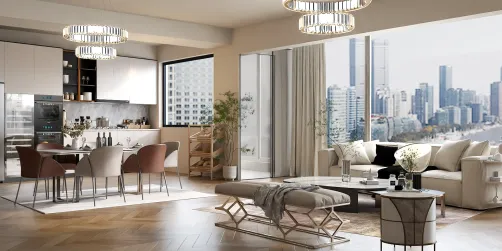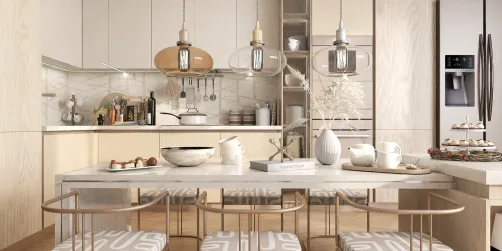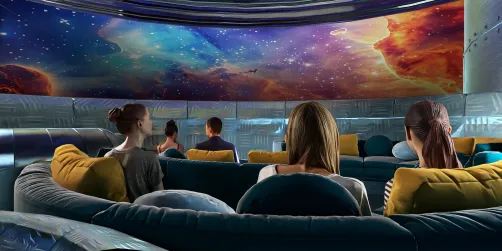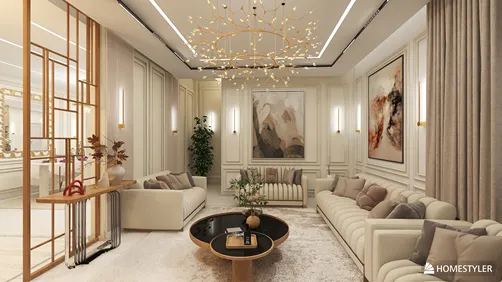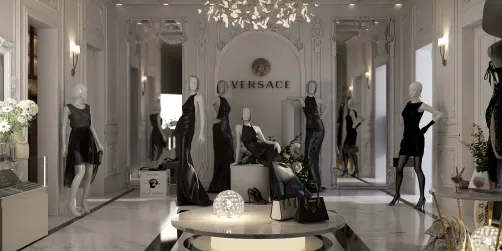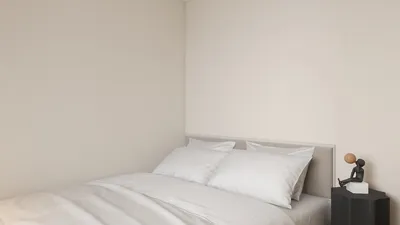
Visualizing your design ideas accurately is a fundamental aspect of interior design. By employing Homestyler, you can significantly boost your design presentations, allowing your concepts for compact spaces to emerge with remarkable realism. With features ranging from natural illumination to detailed textures, Homestyler equips you with tools essential for crafting stunning interior visuals.
Introducing Homestyler
Homestyler is an advanced rendering software that integrates effortlessly with a variety of 3D modeling tools. It is prominently utilized in design and architectural fields due to its capability to generate photorealistic imagery. For those in interior design, this means presenting your ideas in the most appealing manner, facilitating client visualization of the final results.
Notable Features of Homestyler for Interior Design
One of the remarkable features of Homestyler is its sophisticated lighting capabilities. You can replicate real-world lighting sources and environments, a critical aspect for interior areas where natural light is influential.
Homestyler enables designers to develop intricate materials that replicate the appearance of tangible surfaces. Whether it’s the texture of a fabric or the sheen of metal, you have precise control over shaders to achieve your desired results.
Homestyler is compatible with popular 3D design applications like SketchUp and Blender, making it a flexible option for interior designers. This versatility enhances your workflow, allowing you to concentrate more on the creative aspects rather than grappling with technical challenges.
Optimized for speed and productivity, Homestyler enables you to produce high-quality images efficiently, which is particularly advantageous when you're presenting various design alternatives to clients.
Best Practices for Utilizing Homestyler in Your Interior Projects
Ensure that your scene is well-optimized before rendering. This involves minimizing polygon counts where possible and managing texture sizes to improve rendering efficiency.
Leverage the diverse lighting options available in Homestyler. Utilizing area lights can create soft shadows and natural lighting effects, boosting the realism of your interior designs.
When illustrating interiors with windows, incorporating a physical sky can generate a lifelike outdoor ambiance, enriching the depth and context of your designs.
Frequently Asked Questions (FAQ)
Q: Can I utilize Homestyler for architectural visualization? A: Absolutely, Homestyler excels at architectural visualization by offering realistic rendering features that effectively highlight both interiors and exteriors.
Q: What types of projects is Homestyler best suited for? A: Homestyler is ideal for premium projects that demand photorealism, including luxurious interior designs and architectural animations.
Discover the Best Home Design Software Available