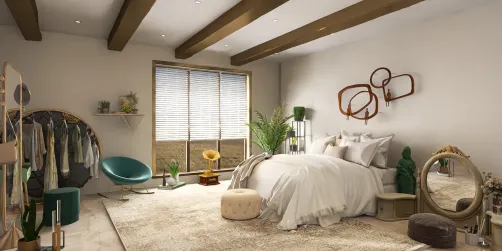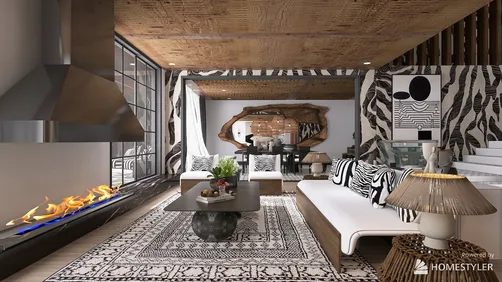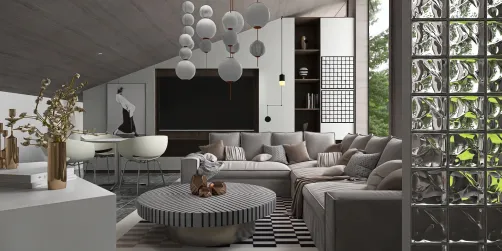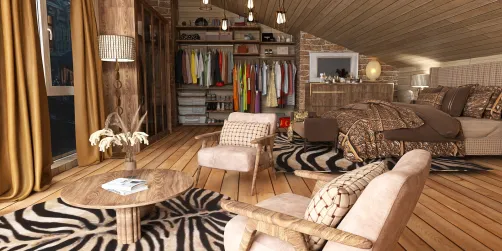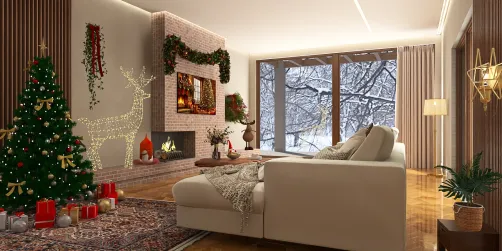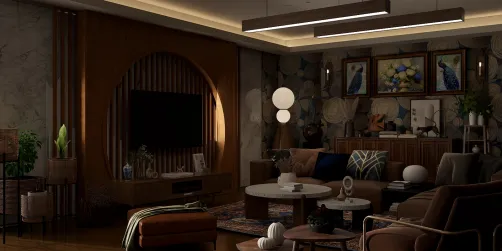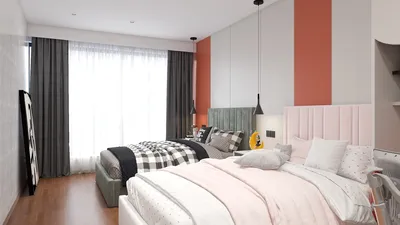
Enhancing the interior visualization of your home with V-Ray can significantly improve your design presentations and offer an impressive visual journey. Regardless of whether you are an experienced designer or just starting, comprehending the rendering technique is vital for obtaining authentic outcomes. In this article, we will delve into the key steps and methods necessary for successfully rendering the interior spaces of your home using V-Ray, along with ways to incorporate tools like Homestyler to streamline this process.
Grasping the Fundamentals of V-Ray Rendering
Prior to immersing yourself in the rendering procedure, it's essential to understand the core principles of V-Ray. This robust rendering engine seamlessly fits with a range of 3D modeling programs. V-Ray boasts advanced capabilities such as global illumination, lifelike materials, and intricate lighting solutions that contribute to generating photorealistic images.
A Comprehensive Guide to Rendering Your Interior
Begin by transferring your 3D model into V-Ray. Ensure that every component, including walls, furnishings, and decor, is correctly positioned. A well-structured scene is vital for achieving a successful render.
Select suitable materials for your surfaces. V-Ray includes a material editor that enables you to tailor textures, hues, and finishes. Feel free to experiment with various settings to discover the optimal appearance.
Lighting plays a crucial role in creating realism in your render. Utilize V-Ray's lights, such as the Sun, Dome light, and Spotlights, to brighten your scene effectively. Tweaking the intensity and color temperature of the lights can substantially influence the ambiance of your interior.
Before initiating the render, make sure to adjust your settings in the V-Ray frame buffer. Select the output dimensions, quality settings, and other parameters to fine-tune the rendering workflow. Higher quality options may take longer but will yield superior results.
Once all configurations are in place, hit the render button and let V-Ray work its wonders. Depending on the complexity of your scene and your computer's capability, rendering time can span from mere seconds to several hours.
After rendering, consider utilizing software like Adobe Photoshop for post-processing enhancements. Adjust brightness, contrast, and saturation levels to elevate your final image.
Common Challenges and Solutions
Rendering interior spaces can present certain challenges. Here are several frequent problems along with their remedies:
Final Thoughts
Rendering the complete interior of your home using V-Ray can be an enriching experience. By mastering the fundamental techniques and adhering to these outlined steps, you can generate striking visuals that bring your designs to life. Keep experimenting with various strategies and settings to further refine your skills and consider incorporating tools like Homestyler for an enhanced design experience.
Frequently Asked Questions
Q: Which software do I need to operate V-Ray? A: V-Ray can be integrated with various 3D modeling software, including SketchUp, 3ds Max, and Rhino.
Q: What’s the time frame for rendering an interior scene? A: The duration of rendering relies on the complexity of the scene and the processing power of your computer; it can vary from seconds to hours.
Q: Is V-Ray suitable for exterior rendering projects as well? A: Absolutely, V-Ray is ideal for both interior and exterior rendering endeavors.
Welcome to the Leading Home Design Software