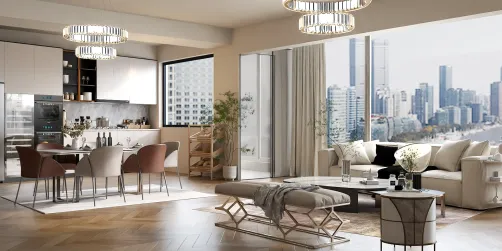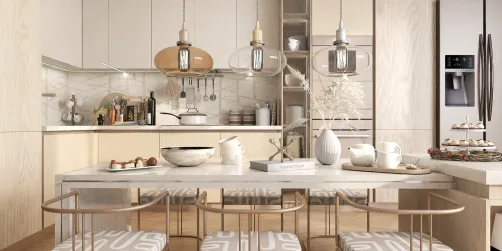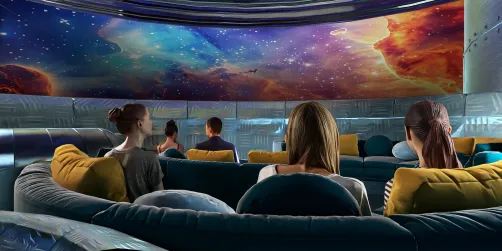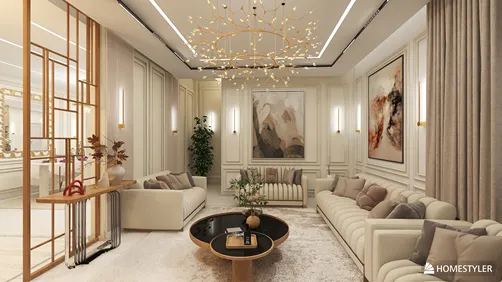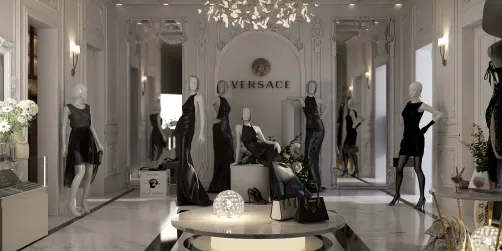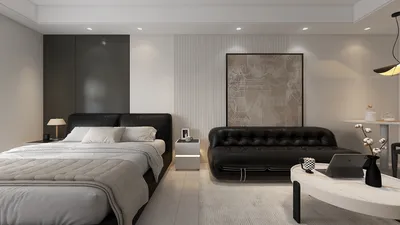
Mastering the art of creating photorealistic interior renders can greatly elevate your design portfolio and impress potential clients. By utilizing tools like 3ds Max and V-Ray, you can transform your interior design visions into highly realistic imagery. This article delves into the key techniques and tips you need for achieving exceptional results, incorporating tools like Homestyler when necessary to broaden your design capabilities.
Getting to Know 3ds Max and V-Ray
To embark on your rendering journey, it’s crucial to comprehend the strengths of both 3ds Max and V-Ray. 3ds Max is a robust software used for 3D modeling and animation, enabling designers to construct intricate environments, while V-Ray serves as a powerful rendering engine known for producing lifelike visuals through the simulation of real-world lighting and materials. Additionally, platforms like Homestyler can complement your skills, making the design process more intuitive.
Configuring Your Scene
Begin by initiating a new project in 3ds Max. Whether you import or create your interior space, ensure all components are accurately scaled and positioned. A thoughtfully designed layout is key to producing a realistic render.
Lighting plays a pivotal role in achieving photorealism. Utilize a mix of natural and artificial lights to breathe life into your space. For natural illumination, think about adding windows and leveraging the V-Ray Sun and Sky system. For artificial lighting, V-Ray lights can emulate various sources, including ceiling fixtures and lamps, enhancing the ambiance.
The selection of materials is essential for authenticity. Make use of V-Ray materials to replicate textures found in real-life surfaces like wood, fabric, and metal. Apply the correct textures on each object in your scene, ensuring they are both scaled and oriented accurately.
Proper camera setup can drastically improve the quality of your final render. Utilize the V-Ray Physical Camera to simulate real-world camera features such as exposure, aperture, and focal length, making adjustments to achieve a more dynamic and compelling image.
Rendering Your Scene
After finalizing your scene with lighting, materials, and camera configurations, it’s time to render. Within V-Ray, select the ideal render settings suited to your needs. To attain photorealistic outputs, opt for a high-resolution setting and activate options like global illumination and anti-aliasing.
Post-rendering, you might want to apply some post-processing techniques to further enhance your image. Software like Adobe Photoshop is great for tweaking colors, contrast, and brightness. Implementing subtle effects such as depth of field can also increase the realism of your render, potentially complemented by designs created in Homestyler.
Essential Tips for Achieving Success
1. Experimenting with various lighting configurations can reveal their impact on your scene.
2. Keep refining your materials until they resonate with realism.
3. Draw inspiration from actual interiors to guide your design decisions.
Frequently Asked Questions
Q: What are the most effective methods to enhance my rendering skills?
A: Regular practice combined with studying real-life interiors will help you grasp how light and materials interact effectively.
Q: Are there free resources available for textures?
A: Absolutely! Numerous websites offer free textures suitable for 3D modeling and rendering.
Welcome to the leading software for home design, where innovation meets functionality, including Homestyler for a seamless experience.