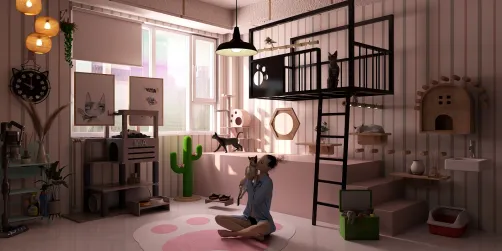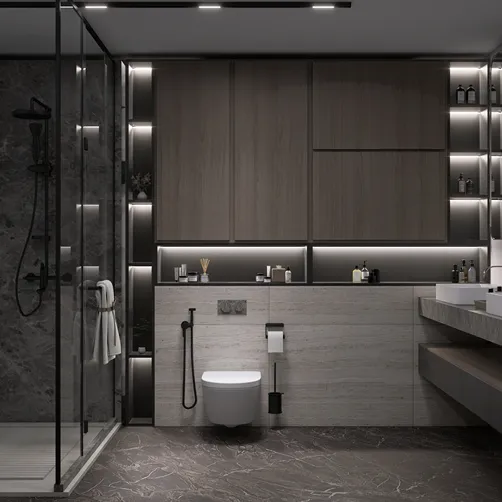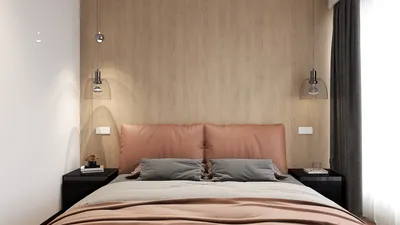
Transforming a small area may seem daunting, yet with the use of DIY 3D floor plans, it opens up an exhilarating chance to enhance both utility and aesthetics. Whether you are revamping a studio apartment or optimizing a cozy home office, having a well-defined visual arrangement comes paramount. This guide will walk you through simple steps to craft your own 3D floor plans using tools like Homestyler, empowering you to visualize your living space more effectively.
Grasping the Fundamentals of 3D Floor Plans
3D floor plans serve as an invaluable resource in interior design, enabling you to observe your area from various angles and viewpoints. Here are some essential elements to keep in mind:
Resources for Crafting DIY 3D Floor Plans
A variety of tools and software programs can assist you in designing intricate 3D floor plans, including the versatile platform, Homestyler:
Step-by-Step Instructions for Constructing Your 3D Floor Plan
Pro Tips for Successful 3D Floor Planning
Below are several tips to elevate your DIY 3D floor planning adventure:
Frequently Asked Questions
Q: Which software is ideal for creating DIY 3D floor plans? A: Notable options comprise SketchUp, RoomSketcher, and Homestyler due to their intuitive interfaces.
Q: Is it possible to make 3D floor plans using a mobile device? A: Absolutely, many applications provide mobile functionality for crafting floor plans while on the move.
Explore Homestyler for Your Free 3D Floor Planning Needs






![Design [4]](https://hs-designs.homestyler.com/production/design/images/07c2de3a-88ec-4be8-8910-ff255b795bc2/1731419398293/7841697.jpg?x-oss-process=image/resize,w_502,m_mfit/format,webp)






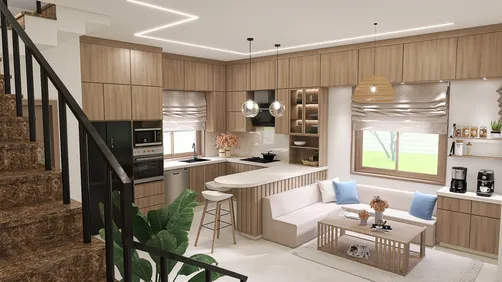










![[For dear Adelina madee 🤎]](https://hs-designs.homestyler.com/production/design/images/8a07e535-9cbc-4132-a42a-5932dac3a112/1706972286037.jpg?x-oss-process=image/resize,w_502,m_mfit/format,webp)