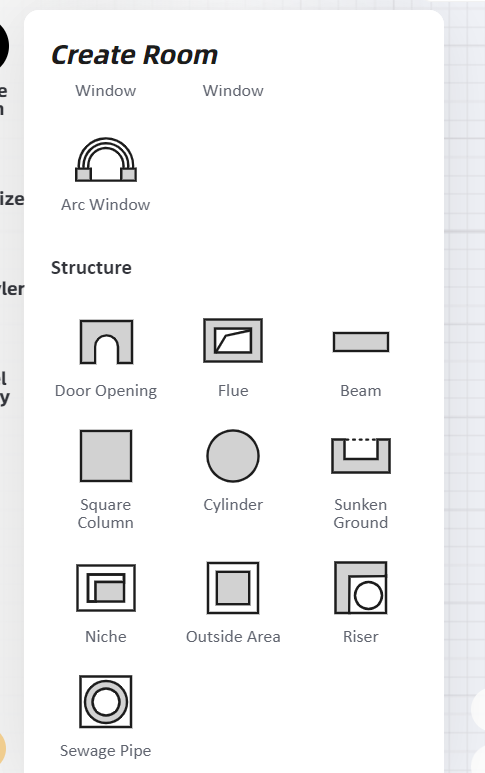
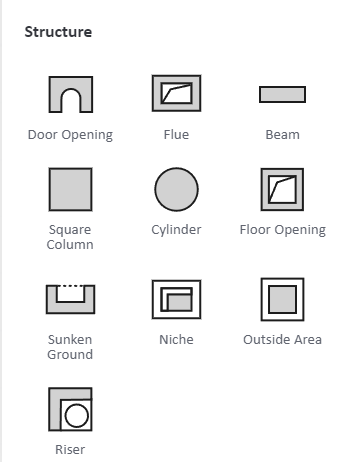
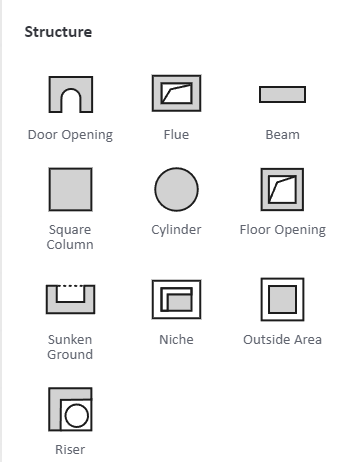
Select "Create Room-Structure-Floor Opening" in the left list and drag it into the scene to make a hole in the floor. After the hole has been opened, you can adjust the size and position of the opening in the 2D plane view by dragging directly, or adjusting the size value in the right property panel.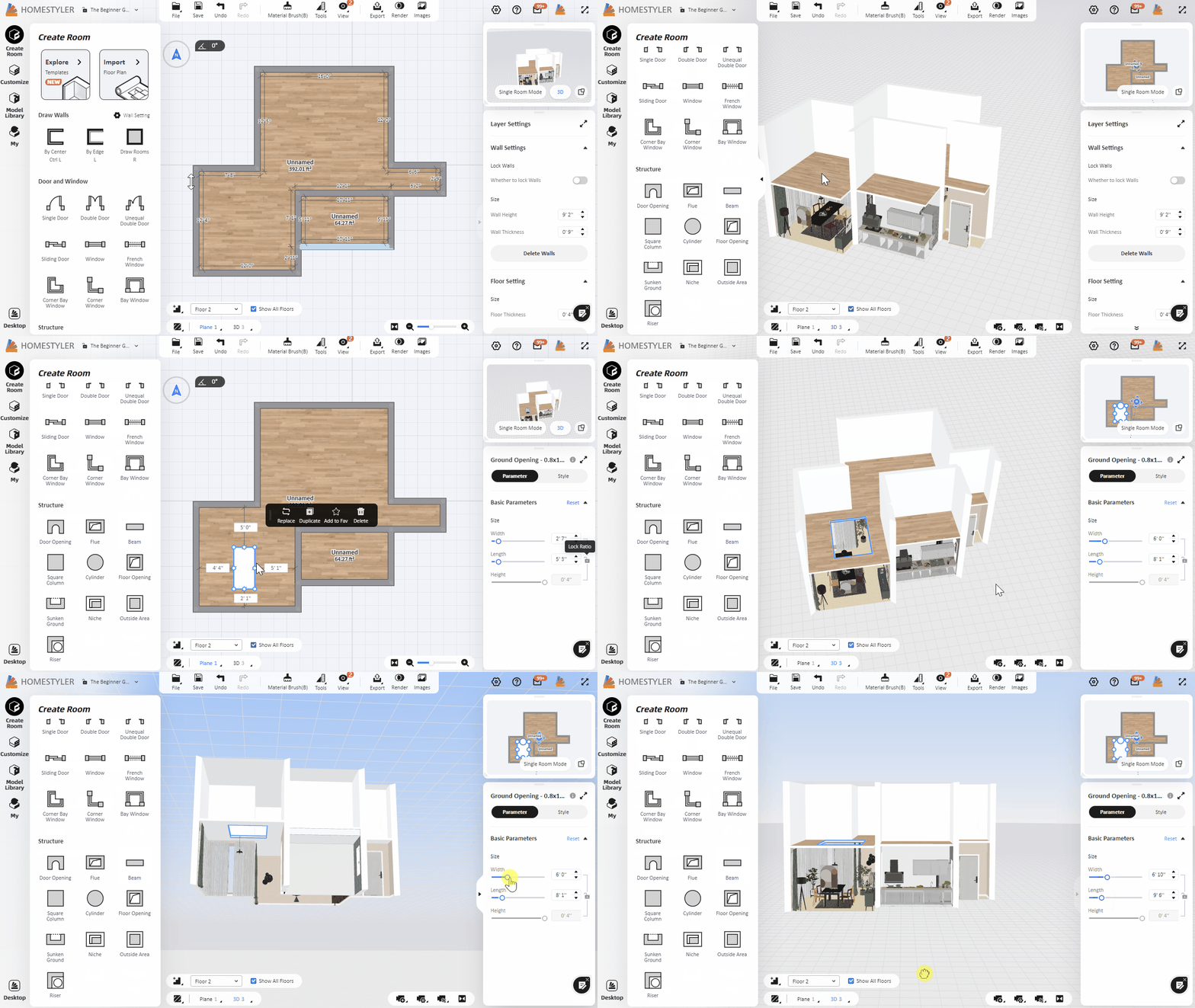




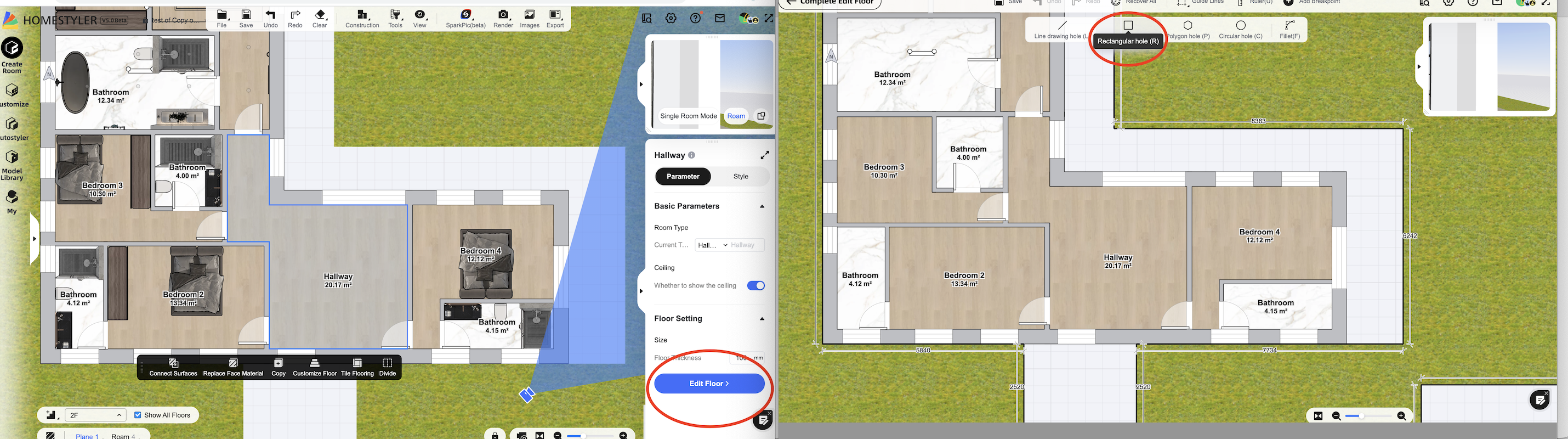
My room is odd shaped - not square, so cannot open a hole using the Floor opening tool. Please help.