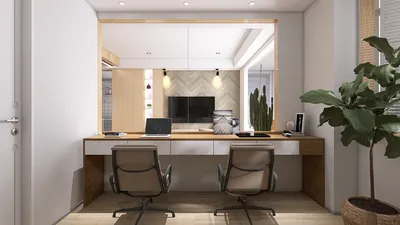
The live 3D render preview functionality in Blender represents a significant advancement for designers and artists striving for breathtaking visuals in real-time. This feature enables users to immediately observe changes, facilitating design refinement and boosting creativity without the hassle of extended rendering durations.
If you're eager to start utilizing live 3D render previews in Blender, here are the key steps to follow:
Activating Live 3D Render Preview
1. Access your Blender project and head to the upper right section of the viewport.
2. Click on the shading icon, which looks like a sphere, to open the shading options.
3. Choose the 'Rendered' option to activate real-time render mode.
4. Make sure your render engine is set to either Eevee or Cycles, as these support real-time rendering capabilities.
Enhancing Your Scene for Live Rendering
For optimal performance, keep these suggestions in mind:
- Start with less complex materials to minimize processing demands.
- Limit the amount of lighting in your scene for a more efficient lighting arrangement.
- Modify the viewport display settings to utilize lower resolutions if you experience performance drops.
Common Issues and Their Solutions
During your experience with live 3D render previews, you may face several challenges:
- **Performance Lag:** If lag occurs, consider reducing viewport shading quality or decreasing texture dimensions.
- **Rendering Artifacts:** Verify that your material nodes are configured correctly, as complex shaders can sometimes lead to rendering complications.
Frequently Asked Questions
A: Eevee functions as a real-time render engine focused on speed, whereas Cycles delivers more photorealistic images, albeit at the cost of longer rendering times.
A: Absolutely, live preview is particularly advantageous for animators, as it offers instant feedback on modifications related to lighting and materials.
Discover the power of Homestyler, the leading home design software that simplifies and elevates your creative process.