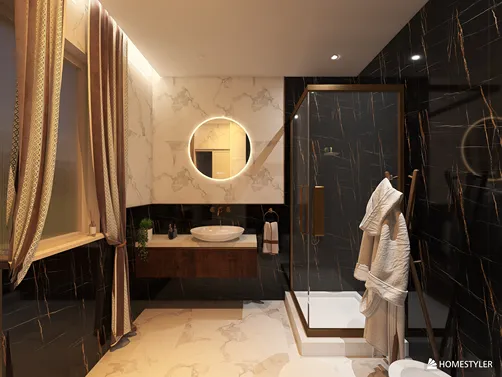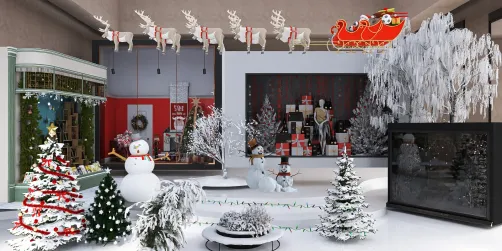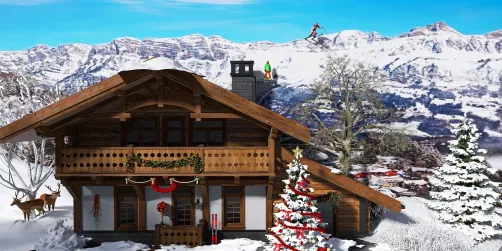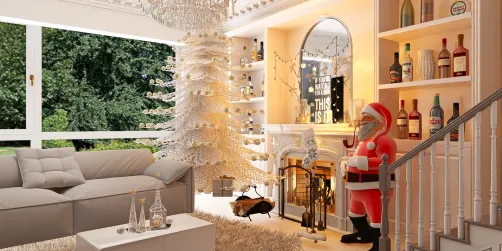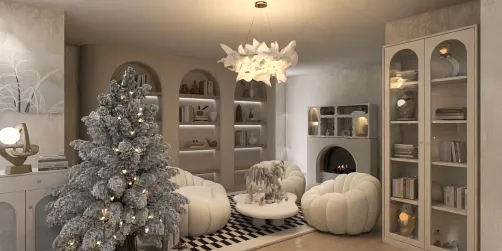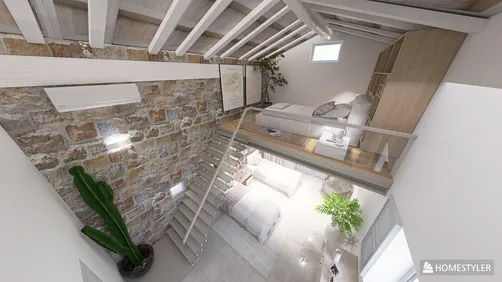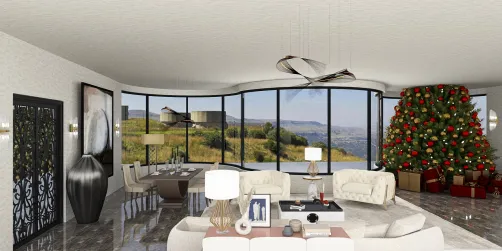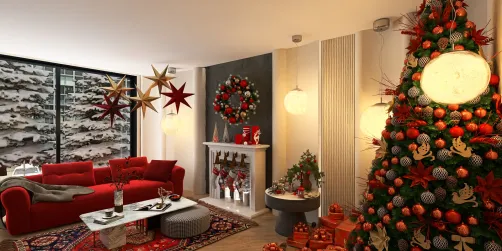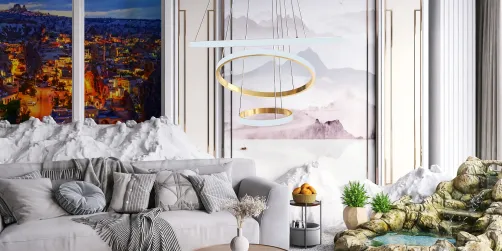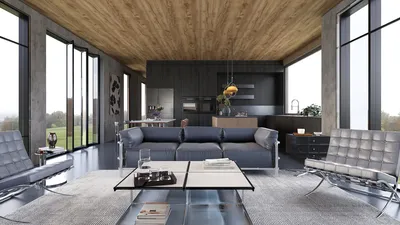
In the world of 3D design and modeling, creating photorealistic renders can significantly elevate your project. With the free version of Homestyler, users can craft stunning visuals without needing expensive software. This article will discuss how to utilize the tools provided in Homestyler's free version to generate impressive photorealistic renders that captivate clients and enhance your presentations.
Exploring Homestyler's Rendering Capabilities
Homestyler provides powerful rendering features that allow users to produce high-quality visuals. The essence of achieving photorealism is in grasping the software's rendering engine and effectively manipulating materials, lighting, and environments.
Before you start rendering, ensure that your model is properly configured:
Materials are pivotal in creating photorealistic renders:
Lighting can significantly influence the final appearance of your render:
A well-chosen background can enhance the overall allure of your render:
Rendering Settings for Superior Output
To produce a photorealistic outcome, your rendering settings are vital:
Exporting Your Render from Homestyler
Once you are happy with your render, export it in your preferred format to share:
Optimization Tips for Efficient Rendering
To streamline your rendering experience, consider the following tips:
FAQ
Q: Is it possible to achieve photorealism using the free version of Homestyler? A: Yes, although the free version has some limitations, you can still create high-quality renders by optimizing your materials, lighting, and settings.
Q: Are there tutorials available for beginners? A: Certainly! Homestyler offers a variety of tutorials and forums to assist you in getting started with rendering.
Q: What are some frequent mistakes to steer clear of when rendering? A: Avoid cluttering your model with superfluous details, and make sure your lighting is balanced to prevent harsh shadows from detracting from your render.
A warm welcome to the leading home design software.