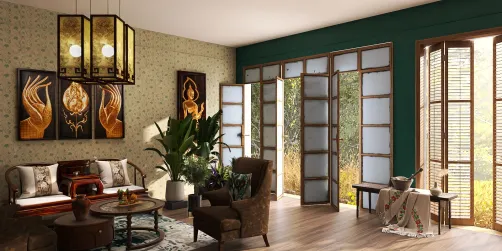
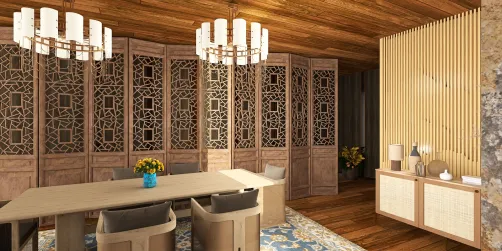
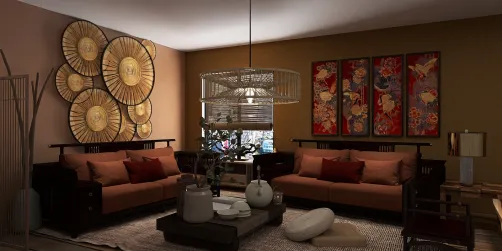
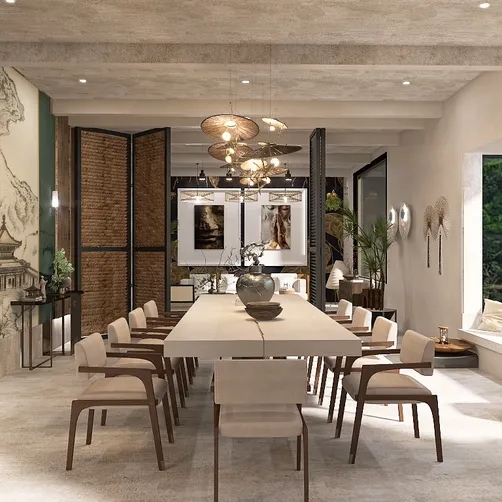
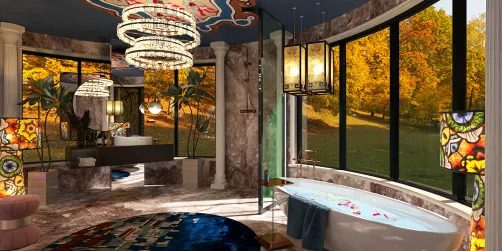
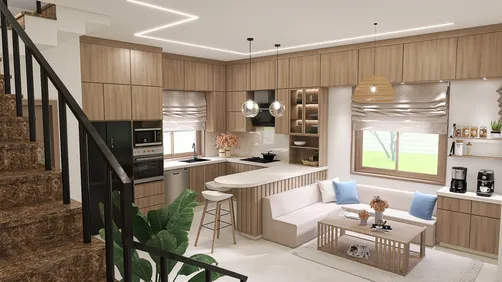
Homestyler offers a robust platform for architects and designers, enabling them to produce striking visualizations of their projects. While the cost of rendering services can be a concern for many, there are several strategies you can employ to utilize Homestyler’s capabilities at little or no cost, helping you elevate your design presentations without breaking the bank.
Exploring Homestyler Rendering Capabilities
Before seeking free alternatives, it’s vital to grasp the offerings of Homestyler’s rendering features. This cloud-based tool empowers users to render designs remotely, leveraging powerful hardware and software that can generate stunning outcomes swiftly. Users can easily upload 3D models, adjust rendering settings, and obtain high-quality images without requiring a hefty investment in local computing resources.
What About Free Trials and Promotions?
One excellent method to access Homestyler rendering features for free is by taking advantage of trial versions and promotional deals. Homestyler frequently offers complimentary trials for new users, allowing you to experiment with its rendering capabilities without any obligations. Keep an eye on their official site for updates on such offers.
1. Navigate to the Homestyler website and locate the rendering section.
2. Search for options to register for a free trial.
3. Follow the steps to create an account and start using the software.
1. Subscribe to Homestyler newsletters or follow their social media accounts.
2. Watch for information regarding seasonal promotions or discounts.
Utilizing Educational Licenses
If you are a student or educator, you might be eligible for Homestyler’s educational licenses, which offer access to their software, including rendering features, at no charge or at a significantly low cost. These licenses are designed for educational use but represent a fantastic opportunity to tap into powerful design tools.
1. Confirm your eligibility as a student or educator.
2. Visit the Homestyler Education Community page.
3. Register for an educational license by following the provided steps.
Community Insights and Resources
Connecting with the Homestyler community can unveil a wealth of free resources. Users often share their experiences, valuable tips, and even free rendering materials on forums and social media. Engaging with these communities could lead to new insights and access to free tools and techniques.
1. Join Homestyler forums and user groups.
2. Engage in discussions to uncover available free resources.
Conclusion
Exploring ways to access Homestyler rendering capabilities at no cost is certainly achievable, whether through free trials, educational licenses, or community participation. By examining these avenues, you can significantly enhance your design projects with high-quality visual outputs without incurring heavy expenses.
FAQ
Q: Is rendering on Homestyler entirely free?
A: Although there are free trials and educational licenses accessible, full access to Homestyler rendering generally necessitates a subscription after the trial phase.
Q: How can I acquire educational licenses?
A: Educational licenses can be obtained by verifying your status as a student or educator on the Homestyler Education Community page.
Q: Are there community resources available for Homestyler users?
A: Yes, numerous online forums and social media groups offer valuable resources, tips, and free content shared by fellow Homestyler users.
Welcome to your No.1 choice for home design software.