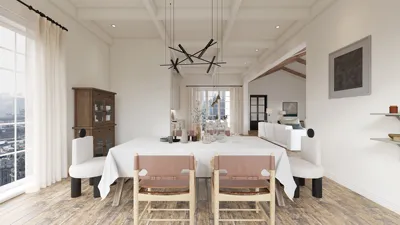
Are you encountering troubles with 3ds Max where your 2D floor plan isn't appearing? This can be quite exasperating, particularly during an ongoing project. Let's delve into some typical reasons that might cause this issue and potential resolutions. It often stems from improper settings, issues with graphics drivers, or even file corruption. Don't worry; we're here to guide you through effective solutions.
Verify Your Viewport Configurations
First, confirm that your viewport configurations are set up properly. Sometimes, the 2D floor plan may not show due to the viewport being configured in a manner that omits 2D elements. Switching to a different viewport mode, such as 'Wireframe' or 'Shaded', may reveal your floor plan.
Update Your Graphics Drivers
Having outdated graphics drivers can result in visualization issues within 3ds Max. Ensure your graphics drivers are current to improve performance and compatibility. Check the manufacturer’s website for the latest driver downloads, and remember to restart your computer following the update.
Properly Importing Your 2D Floor Plan
When importing a 2D floor plan, verify that you’re using the appropriate file format and import settings. A frequent error is attempting to import non-compatible formats or neglecting to use the right scale. Double-check these settings to prevent issues.
Ensure Layer Visibility
At times, the layers in your project may be disabled. Access your layer manager and confirm that the layer with your floor plan is set to visible. If it's currently hidden, you can easily make it visible again.
Frequently Asked Questions
What should I do if my floor plan still doesn't display after attempting these steps? If the issue continues, try restarting 3ds Max or even your computer. If the problem remains unresolved, you might need to reinstall the software as a last resort. Additionally, consider utilizing tools like Homestyler that facilitate interior design and 2D planning.
Welcome to the premier tool for 2D floor planning!

Homestyler is your go-to online home design platform! With its user-friendly design tool, stunning 3D renderings, and a treasure trove of DIY video tutorials, you can easily turn your design ideas into reality. Perfect for both beginners and seasoned decorators!





















































