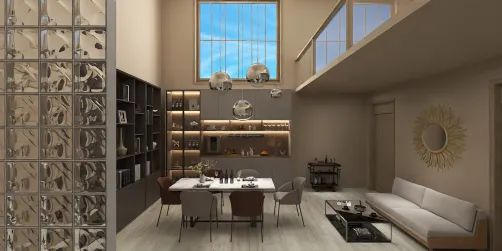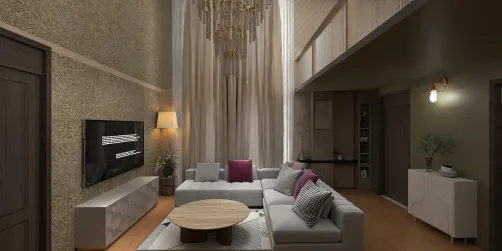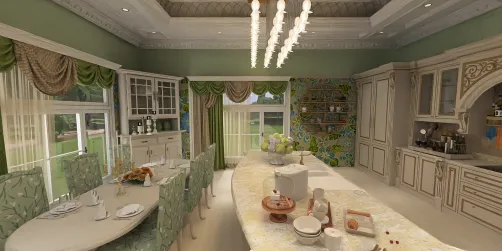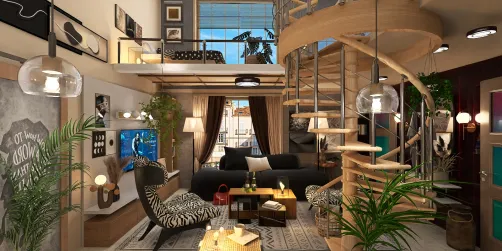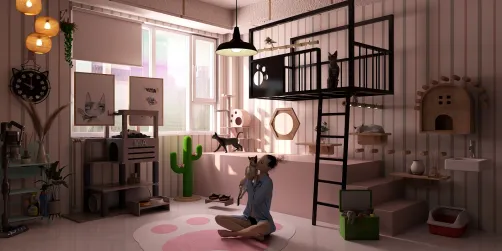
Transforming traditional 2D floor plans into dynamic 3D designs can greatly improve your spatial awareness. Whether you’re a professional interior designer or a passionate DIYer, this conversion process enables you to see how various elements work together in a room. In this comprehensive guide, we will explore key steps and tools that will assist you in crafting impressive 3D representations from your 2D floor plans using platforms like Homestyler.
Understanding the Fundamentals of Floor Plans
A floor plan serves as a scaled depiction that showcases the arrangement of a space from a top-down perspective. It indicates walls, doors, windows, and occasionally furniture. Before plunging into 3D modeling, it is crucial to grasp the dimensions and layout detailed in your 2D floor plan.
Selecting Appropriate Tools for 3D Modeling
There are numerous software solutions available for transforming your 2D floor plans into 3D models. Here are several popular alternatives:
Steps to Transition 2D Floor Plans into 3D Models
Adhere to these steps to convert your 2D designs into captivating 3D visuals:
Improving the Realism of Your 3D Model
To enhance the realism of your 3D model, consider the following tips:
Conclusion
Converting a 2D floor plan into a vivid 3D design can unveil a multitude of opportunities for visualizing your area. By adhering to these outlined steps and employing the appropriate tools, you can produce an eye-catching representation of your design that combines aesthetic appeal with functional practicality.
FAQ
Q: What software is ideal for converting 2D floor plans into 3D? A: A few popular options include SketchUp, AutoCAD, and Homestyler, each designed to cater to different skill levels and user requirements.
Q: Is it possible to create a 3D model without any prior knowledge? A: Absolutely! Many applications come equipped with user-friendly interfaces and tutorials that are perfect for beginners.
welcome to Use No.1 2D Floor Planner