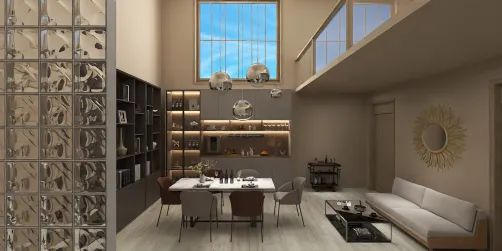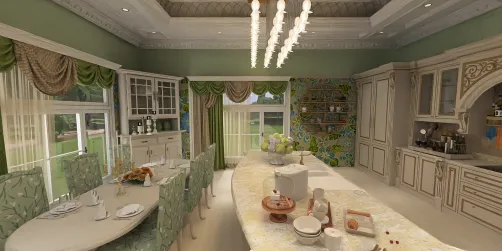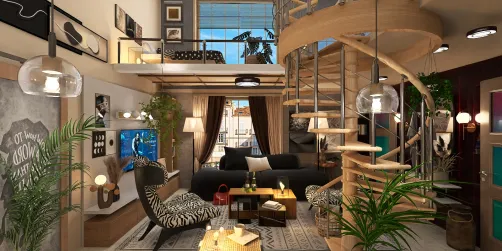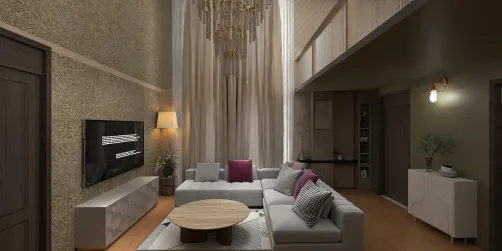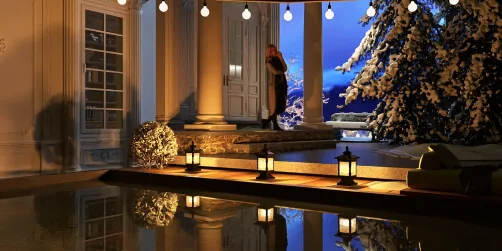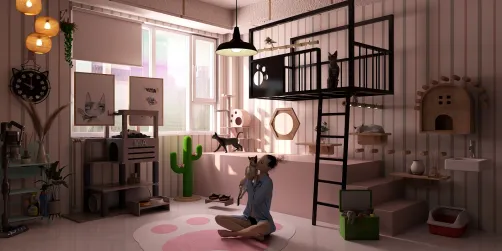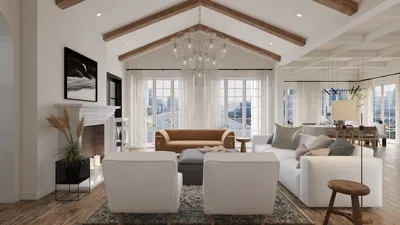
Creating breathtaking interior renders is vital for any interior designer aiming to captivate clients and highlight their talents. Homestyler serves as an excellent tool, enabling you to convert your 3D models into stunning visual representations. In this article, we will delve into effective strategies for obtaining realistic and vivid interior renders utilizing Homestyler.
Getting Acquainted with Homestyler's Interface
Before you begin rendering, it's important to familiarize yourself with Homestyler's intuitive interface. Key components to note include:
Lighting Methods for Authentic Renders
Effective lighting is essential in interior rendering. Here are some useful tips:
Utilize natural light to its fullest by positioning windows strategically in your model. Adjust the sun's angle for dynamic shadows and highlights.
Incorporate artificial lighting elements such as ceiling lights and lamps. With Homestyler, you can modify the intensity and color temperature to create a warm ambiance.
Choosing and Customizing Materials
The choice of high-quality materials can greatly enhance the realism of your render:
Opt for materials that align with your design’s desired style. Homestyler features a diverse library of textures and finishes to choose from.
Use the material customization options to adjust aspects like glossiness and transparency, ensuring surfaces react realistically to light.
Incorporating Furniture and Decorative Touches
Include furniture and decor to enliven your render:
Place furniture thoughtfully to foster a natural flow within the space. Utilize Homestyler's object placement features for accuracy.
Add small decorative items such as plants and art pieces to boost visual interest and create a lived-in atmosphere.
Rendering Settings for Ideal Output
Once you're prepared to render:
Modify the rendering quality based on your requirements. Opting for higher quality settings may take longer but will yield more detailed visuals.
Finally, export your render in the preferred format, suitable for either digital presentations or print media.
Conclusion
Mastering Homestyler for interior rendering unlocks countless opportunities to exhibit your design projects. By concentrating on lighting, materials customization, and thoughtful decor arrangement, you can produce magnificent visuals that not only impress your clients but also elevate your portfolio.
FAQ
Q: What system requirements are necessary for Homestyler? A: Homestyler requires a capable computer with a dedicated graphics card for optimal functionality.
Q: Is it possible to utilize Homestyler for exterior rendering too? A: Definitely. Homestyler is versatile and can be employed for both interior and exterior visualizations.
Q: Is there a free trial available for Homestyler? A: Yes, Homestyler offers a trial version that allows potential users to explore its features before making a purchase.
Welcome to the premier Home Design Software