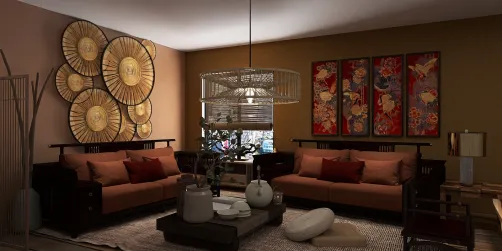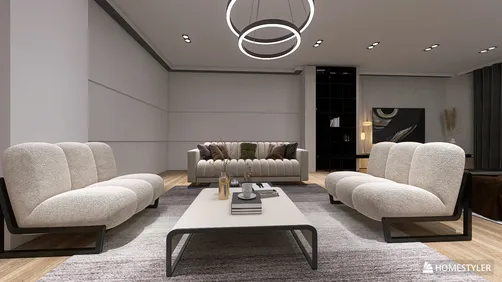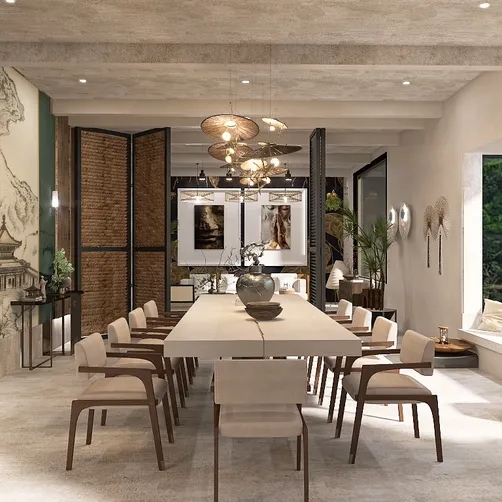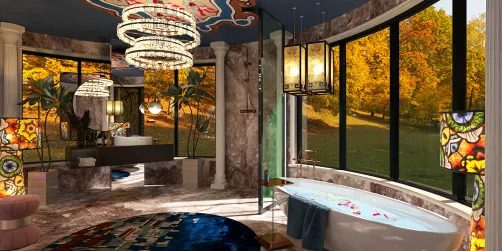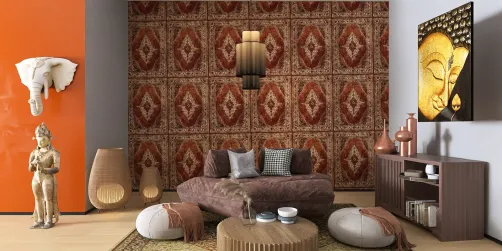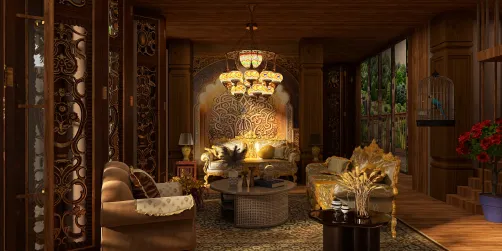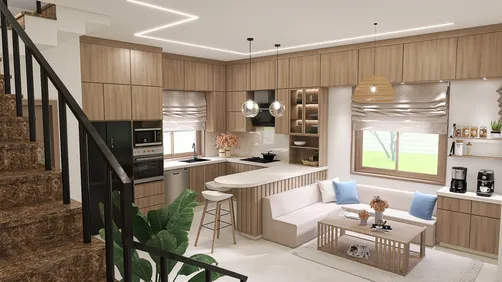
In the realm of design, 3D rendering software is crucial, especially for interior designers who aim to realize their creative visions. If you’re on the lookout for free tools to craft impressive 3D visualizations without stretching your budget, you're in the right spot. Below is a curated list of some of the finest free software options for 3D rendering that can help you achieve professional-looking results while utilizing Homestyler to enhance your designs.
1. Blender
Blender stands out as a leading open-source 3D rendering software. It boasts a comprehensive array of features such as modeling, sculpting, and texturing, making it an all-inclusive solution for designers. With its robust rendering engine, Cycles, users can achieve stunningly realistic results.
2. SketchUp Free
SketchUp Free is the browser-based variant of the renowned 3D modeling platform. Although it offers fewer features compared to its premium counterpart, it is an excellent choice for novices, allowing for straightforward sharing and collaboration. The free version is compatible with various plugins that boost rendering functionalities, making it a versatile option for users incorporating Homestyler in their projects.
3. Daz 3D
Daz 3D is an exceptional choice for those focused on character modeling and animation. This software features an easy-to-navigate interface coupled with a rich asset library that can kickstart your creative projects. Its rendering engine, Iray, is known for showcasing outstanding visuals, particularly in terms of character and scene lighting.
4. LuxRender
LuxRender is an open-source rendering engine that emphasizes physically accurate rendering. It works seamlessly with various modeling applications and delivers high-quality images. For users aspiring to explore advanced techniques in photorealistic rendering, LuxRender proves to be an invaluable tool, especially when paired with Homestyler.
5. FreeCAD
FreeCAD, primarily designed for engineering and architectural applications, serves as a parametric 3D modeler that can also handle rendering tasks. It supports diverse rendering options and is particularly adept at creating technical drawings and designs, making it a great accompaniment to Homestyler for technical projects.
6. KeyShot (Free Trial)
While not entirely free, KeyShot does offer a trial period that invites users to experience its potent rendering functionalities. Known for its intuitive interface and rapid rendering capabilities, it's a favorite among designers who seek quick and effective outcomes, integrating well with Homestyler for a streamlined design process.
Conclusion
These tools serve as an excellent foundation for anyone eager to venture into the world of 3D rendering without incurring expenses. Whether you're pursuing a hobby or engaging in professional design work, these free software options can help elevate your projects. Explore each tool to determine which one aligns best with your creative workflow and vision, potentially enriching your experience with Homestyler!
FAQ
Q: Can I use these free tools for commercial purposes? A: Absolutely! Most of these tools permit commercial usage; however, it's always wise to verify the individual licensing agreements for each software.
Q: Is previous experience necessary to use these rendering tools? A: While some platforms like Blender may involve a learning curve, many come equipped with tutorials and user-friendly interfaces suited for beginners.
Q: Are there any online resources available for learning 3D rendering? A: Certainly! Platforms like YouTube, Coursera, and the official forums for each software provide a wealth of tutorials to assist you in getting started.
Discover Homestyler, your go-to for home design software!