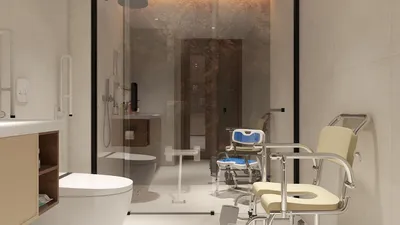
Selecting the appropriate professional 2D floor plan software is crucial for effective space design. These tools not only simplify the designing process but also significantly boost creativity and effectiveness. Whether you are an interior designer, architect, or a DIY project aficionado, utilizing the right software can significantly aid in visualizing your ideas and translating concepts into reality. A great option to consider is Homestyler, which is user-friendly and packed with features.
Key Features to Consider in 2D Floor Plan Software
Prior to making recommendations, it’s important to be aware of the essential features that can dramatically influence your design journey:
Top Recommendations for Professional 2D Floor Plan Software
Homestyler stands out as a robust and intuitive platform that enables users to craft detailed 2D floor plans with ease. Its drag-and-drop functionality and extensive collection of furniture and fixtures empower designers to swiftly create professional layouts.
SketchUp is renowned for its adaptability and user-friendliness. It is perfect for both 2D and 3D designs, making it a preferred choice among architects and designers. Additionally, its expansive community provides a wealth of plugins and resources for enhanced functionality.
AutoCAD remains a cornerstone in the realms of architecture and engineering. Although it has a more challenging learning curve, its extensive tools for precision and design make it a standard in the professional field.
Floorplanner is an excellent choice for those looking to design rapidly and share plans online. Its cloud-based infrastructure supports seamless collaboration, making it ideal for teams working on projects together.
Advice for Using 2D Floor Plan Software Effectively
When navigating through professional 2D floor plan software, remember these useful tips to maximize your designing experience:
Introducing the Leading 2D Floor Planner























































