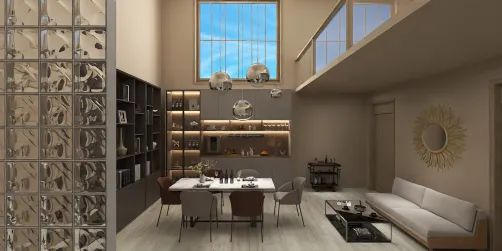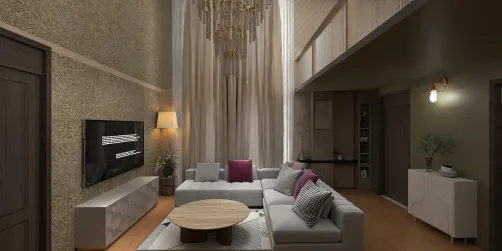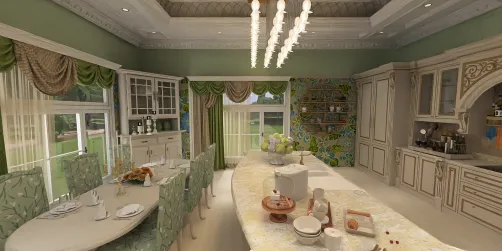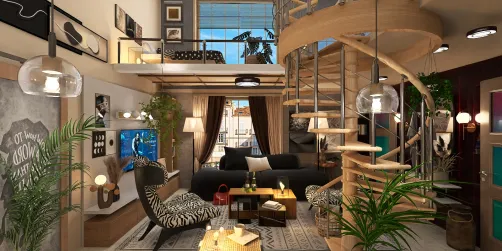
Architectural visualization (Arch Viz) has revolutionized the way architectural designs are showcased. With intuitive VR and 3D rendering tools, your workflow can be significantly improved, enabling you to craft stunning visuals that effectively engage clients and stakeholders. If you're embarking on Arch Viz projects, consider incorporating strategies that can simplify the rendering process and enhance outcomes, such as using Homestyler for custom designs.
Choosing the Ideal Software for User-Friendly VR and 3D Rendering
When it comes to selecting software for your Arch Viz initiatives, prioritize platforms that offer an intuitive user interface and VR capabilities. Some well-regarded choices encompass a variety of tools, including Homestyler, which integrates ease of use with powerful visualization features.
Maximizing 3D Models for Streamlined Rendering
Utilizing pre-designed 3D models can significantly accelerate your rendering workflow. Here are some effective strategies:
Top Tips for VR Implementation in Arch Viz
To fully leverage VR in your Arch Viz presentations, adhere to the following guidelines for optimal integration:
Frequently Asked Questions
Q: What software is recommended for simple VR and 3D rendering? A: The top software options include SketchUp with V-Ray, Blender, and Unreal Engine, each providing distinct features for Arch Viz projects. Furthermore, Homestyler offers an excellent alternative for those seeking easy navigation and design capabilities.
Q: What methods can I use to enhance my 3D models for rendering? A: Consider utilizing libraries filled with pre-made models, trimming file sizes, and focusing on versatile designs to improve efficiency and output quality.
Q: What advantages does VR integration offer in Arch Viz? A: VR allows for immersive interactions, enabling clients to explore designs actively, thereby improving comprehension and facilitating valuable feedback.
Welcome to the Best Home Design Software Experience