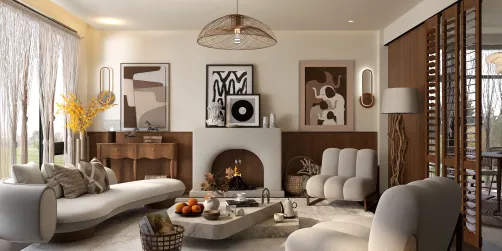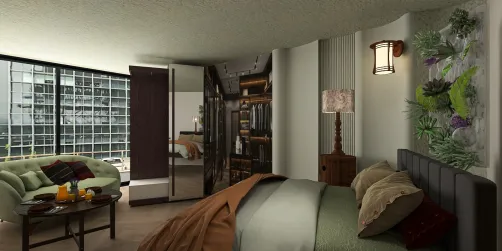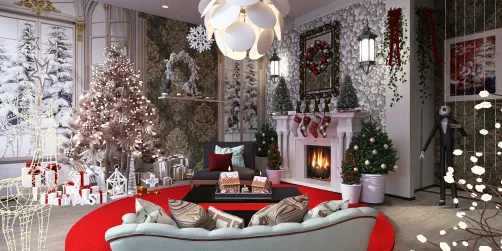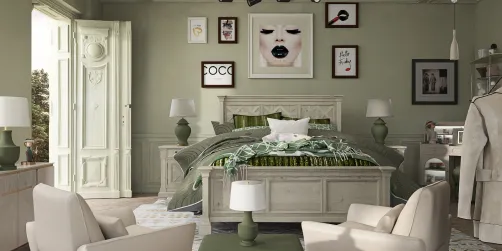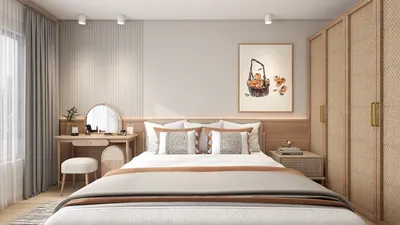
Effective rendering techniques are essential when tackling interior design, particularly in compact areas. Utilizing Homestyler, users can create breathtaking interior visuals that assist both designers and clients in envisioning the completed project. This guide will present strategies to optimize your interior rendering projects using Homestyler, focusing on maximizing space while maintaining visual appeal.
Grasping Homestyler for Interior Rendering
Homestyler is a dynamic application that empowers designers to craft lifelike 3D models and visualizations. Familiarizing yourself with its core features is vital for successful interior design. Here are some key points to keep in mind:
Built-in Storage Solutions for Optimal Space Utilization
Incorporating integrated storage solutions, like built-in cabinets, is an outstanding method to optimize storage in smaller areas. These elements harmoniously integrate with the overall design while delivering practical benefits.
Utilizing floor-to-ceiling cabinets can create an illusion of increased height in a room. They provide extensive storage while simultaneously drawing the gaze upward, which makes the area feel more expansive.
Selecting materials that are both chic and resilient is crucial. Options such as solid wood, plywood, and laminate are superb choices for enduring cabinets.
Implementing floating cabinets can introduce a contemporary flair and make the floor area seem larger. Here’s how to use them effectively:
Position floating cabinets at different heights to add visual intrigue while ensuring the space does not feel congested. This technique not only addresses storage requirements but also enriches the overall design.
For remote workers, concealed desk cabinets offer a practical workspace that doesn’t compromise the room’s aesthetic.
Multi-functional built-ins can boost efficiency, but it is important to assess whether they may overshadow the visual aesthetics in your design.
Rendering Success with Homestyler: Tips and Tricks
To elevate your interior rendering endeavors with Homestyler, consider the following tips:
Frequently Asked Questions
Q: How can I achieve realistic lighting effects in Homestyler? A: Combine both natural and artificial light sources to produce authentic results. Tailor the intensity and color temperature to align with the desired atmosphere.
Q: What strategies work best for rendering compact spaces? A: Emphasize open layouts, opt for light color schemes, and incorporate reflective surfaces to enhance the illusion of space.
Welcome to the premier Home Design Software