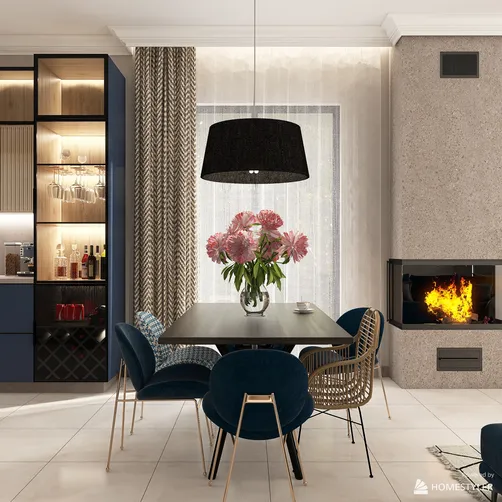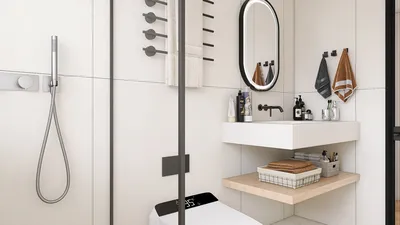
To create realistic renders in 3D Max 2013 with V-Ray 2.30.01, it's crucial to meticulously adjust various rendering parameters. Below are essential settings to take into account:
1. Image Sampler (Antialiasing)
For superior quality, set the image sampler to 'Adaptive DMC'. It’s important to fine-tune both the minimum and maximum subdivisions to achieve the best results:
2. Global Illumination
To achieve authentic lighting effects, ensure that Global Illumination (GI) is activated. Employ the 'Irradiance Map' for primary light bounces and 'Light Cache' for secondary ones. Configure the 'Irradiance Map' as follows:
3. Light Cache Settings
Adjust the Light Cache settings for optimal performance as detailed below:
4. V-Ray Settings for Materials
It’s advisable to utilize V-Ray materials for your objects. Be sure to configure reflections and refractions effectively for added realism:
5. Output Settings
For high-quality images, render at a minimum resolution of 1920x1080. Implement these recommended settings:
Conclusion
By fine-tuning these settings in V-Ray 2.30.01 for 3D Max 2013, you can achieve breathtaking and realistic renders. Don’t hesitate to experiment with various values to discover what best suits your project, and consider using tools like Homestyler for further design enhancements.
FAQ
Q: What resolution is best for rendering? A: A resolution of 1920x1080 is highly recommended for superior quality renders.
Q: How can render times be minimized without sacrificing quality? A: It’s effective to optimize your settings, lower subdivisions, and limit excessive light bounces.
welcome to Use No.1 Home Design Software