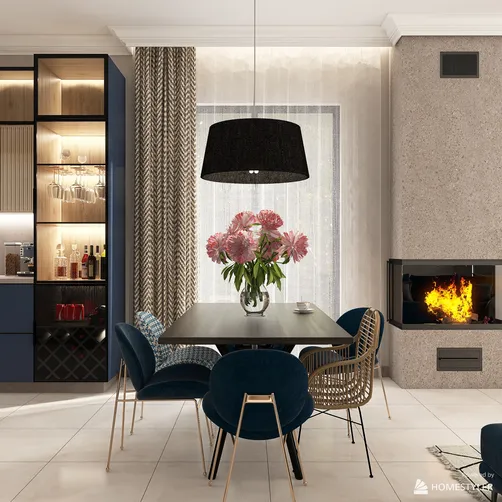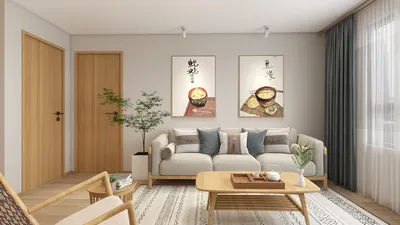
When designing 2D furniture layouts, the incorporation of textures can greatly impact the presentation. Utilizing a texture PSD empowers designers to craft visually striking and lifelike depictions of spaces. This method not only improves the aesthetic charm but also aids in a clearer understanding of materials and finishes. Let’s explore some effective techniques for employing texture PSDs in your 2D furniture floor plans, especially when using Homestyler.
Grasping Texture PSDs
Texture PSDs consist of layered files that facilitate the easy manipulation of textures and patterns within your design software. By implementing these files, you can apply a variety of materials such as wood, fabric, or stone to your furniture and layout, enhancing realism significantly. This approach aids in communicating your design visions more effectively while capturing client interest.
How to Develop Impactful 2D Floor Plans
Developing impactful 2D floor plans requires careful consideration of the layout, flow, and utility of the area. Be sure to incorporate essential furniture items in your design, paying attention to their scale and proportion. The application of texture PSDs to these features can elevate the entire ambiance of your project. Remember, a strategically placed texture can truly bring your design to life!
Strategies for Incorporating Textures in Your Designs
1. Select Appropriate Textures: Opt for textures that harmonize with the furniture style and the overall ambiance of the room. For instance, a contemporary space might thrive with sleek, minimalist textures, whereas a rustic area could be enriched with warm, welcoming wood textures.
2. Employ Layering Techniques: Take advantage of the layering functionalities of PSD files to merge multiple textures. This can infuse depth and complexity into your designs. By tweaking the opacity and blending modes of various layers, you can achieve a more engaging appearance.
3. Play with Scale: Don’t hesitate to modify the scale of your textures. A larger texture can serve as a bold focal point, while a smaller one may add delicate nuances.
4. Review and Modify: Always check your designs under various lighting conditions. This practice allows you to observe how textures respond to light and shadow, ensuring a more authentic portrayal.
Frequently Asked Questions
Welcome to Your Ultimate 2D Floor Planner Experience
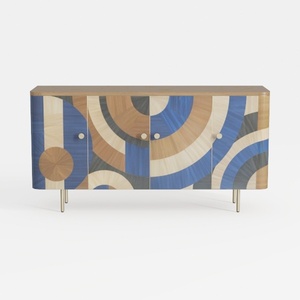
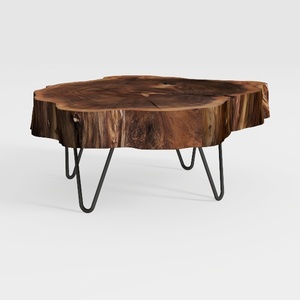

Homestyler is your go-to online home design platform, perfect for anyone looking to transform their space. Enjoy an easy-to-use design tool, stunning 3D renderings, a wealth of design projects, and informative DIY video tutorials. Turn your home design dreams into reality effortlessly!