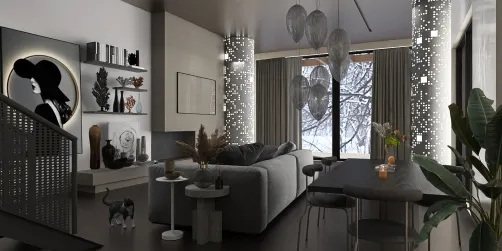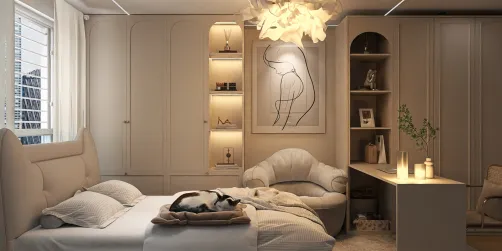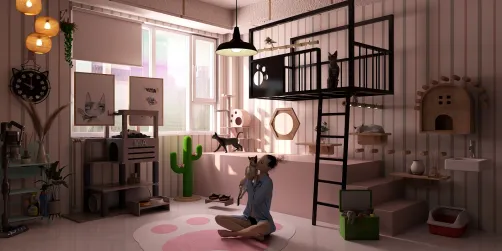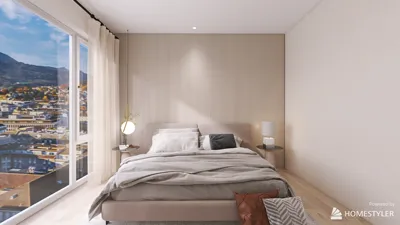
Are you aiming to elevate your interior design projects with breathtaking visual presentations? Incorporating Homestyler into your workflow can significantly enhance your rendering capabilities, delivering photorealistic visuals that highlight every aspect of your design. This article will delve into strategies for maximizing the advantages of Homestyler for interior rendering, ensuring your designs truly stand out.
Exploring the Benefits of Homestyler for Interior Design
Homestyler serves as an intuitive design software that complements your interior visualization efforts, enabling designers to craft high-quality visualizations efficiently. It encompasses a range of features including rapid rendering capabilities, sophisticated lighting options, and optimized material management, establishing itself as an invaluable tool for interior decorators.
Getting Started with Homestyler
To initiate your interior rendering journey with Homestyler, adhere to these guidelines:
Advanced Lighting Techniques for Interior Rendering
Effective lighting is a fundamental component in rendering interiors. Here are some advanced strategies to implement:
Material Management in Homestyler
The choice of materials is critical in realizing photorealistic results. Here’s how to manage them efficiently:
Optimizing Rendering Settings for Superior Quality
For achieving optimal outcomes, fine-tune your rendering settings:
Enhancing Your Renders Through Post-Processing
Post-rendering, fine-tuning your images can yield even more polished results. Consider employing tools like Adobe Photoshop for:
Frequently Asked Questions
Q: What are the technical requirements for using Homestyler? A: Ensure your device meets the necessary specifications for Homestyler, which may include a compatible graphics card and ample memory for peak performance.
Q: Is Homestyler applicable for exterior rendering as well? A: Absolutely! Homestyler is versatile and adept for both interior and exterior rendering endeavors.
Q: How can I boost my rendering efficiency? A: Enhance your scene by lowering polygon counts, utilizing proxy elements, and simplifying materials to expedite rendering speed.
Welcome to the Leading Home Design Software