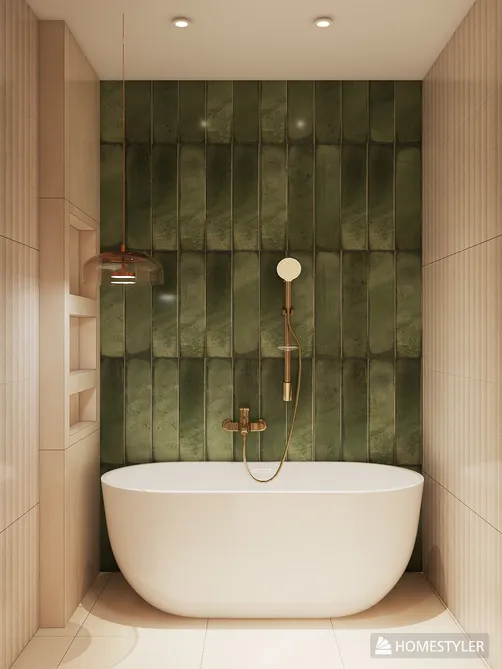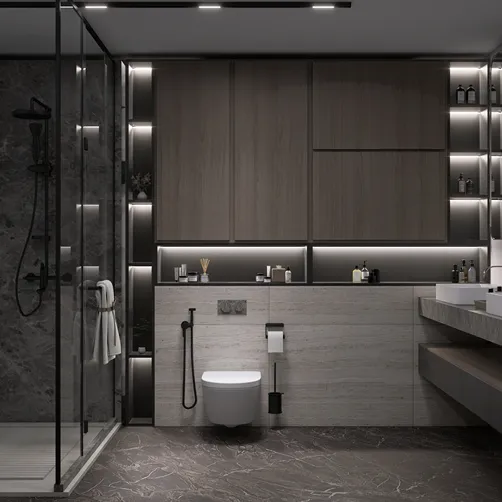


Enhancing your workflow efficiency in 3D modeling can be achieved by updating parameters. Instead of re-rendering the entire model, explore techniques that facilitate real-time adjustments, which can save both time and resources.
Grasping Parameter Modifications
It is essential to comprehend the impact of parameters on your overall 3D design. These parameters typically encompass dimensions, materials, and lighting configurations. By modifying them, visual feedback occurs instantaneously in your model, allowing avoidance of a complete rework.
Advantages of Parameter Modifications
There are numerous benefits associated with implementing parameter modifications:
Maximizing Parameter Updates
Many 3D modeling applications, such as Homestyler, provide dynamic input options that enable instant adjustments within the viewport, facilitating faster iterations.
Structure your model using layers. This enables you to modify specific sections without altering the entire design.
Automating recurring tasks linked to parameter updates through scripts can significantly reduce the time investment required in the long term.
Summary
By prioritizing parameter modifications over full model rendering, you can optimize your design workflow and achieve superior results promptly. Adopt these techniques to enhance your efficiency and increase productivity in 3D modeling.
Common Questions
Q: Which software allows for parameter modifications? A: A variety of contemporary 3D modeling software, including AutoCAD, Blender, and Homestyler, is equipped to handle parameter modifications.
Q: Is it possible to undo changes made to parameters? A: Absolutely, most software includes an undo feature enabling you to reverse changes as necessary.
Q: What resources can help me learn more about efficient modeling practices? A: Online courses or tutorials tailored to your specific 3D modeling software are excellent options for skill enhancement.
welcome to Your Number One Home Design Software