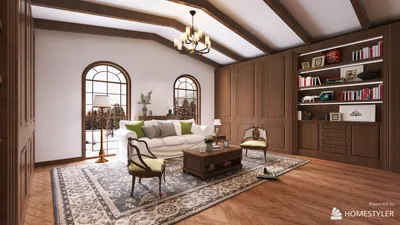
Transitioning a floor plan creator might seem straightforward, but it's an essential step in designing the perfect space. Whether you're updating furniture arrangements, improving layouts, or switching to a new design software like Homestyler, knowing the best methods can make this process more efficient. Here’s how to seamlessly move and adjust your floor plan creator while keeping your design vision intact.
Familiarizing Yourself with Your Floor Plan Creator
Before beginning the moving process, take some time to explore the features of your preferred floor plan creator. This includes mastering tasks such as:
Having a comprehensive understanding of these functionalities can prevent unnecessary delays and headaches as you implement changes.
Step-by-Step Instructions for Moving Components in Your Floor Plan Creator
To effectively move components within your floor plan, adhere to the following guidelines:
Frequent Obstacles and Their Solutions
While adjusting elements in your layout, you may face certain challenges:
In Summary
Efficiently shifting your floor plan creator can significantly improve your design experience and enhance spatial optimization. By adhering to these guidelines and suggestions, you'll be on track to crafting the ideal blueprint for your home or office, especially when utilizing tools like Homestyler.
Frequently Asked Questions
Q: Which software is recommended for creating floor plans? A: There are several excellent tools available, including Homestyler, SketchUp, and Floorplanner. Each comes with distinct features to help you visualize your environment.
Q: What are the best strategies for maximizing small spaces in my floor plan? A: Emphasize the use of multi-functional furniture, open layouts, and innovative storage solutions to make the most of your area.
Q: Is it possible to collaborate with others on my floor plan design? A: Numerous floor plan creators offer collaborative features, enabling you to share your designs and gather input from others.
Discover the Leading Floor Plan Creator








































