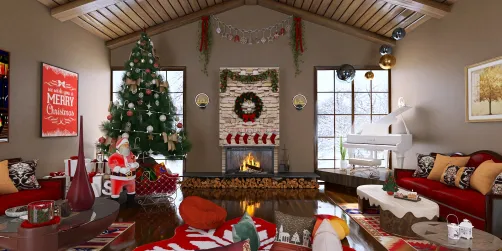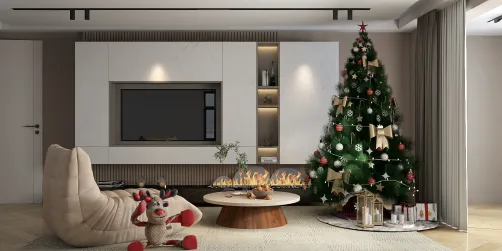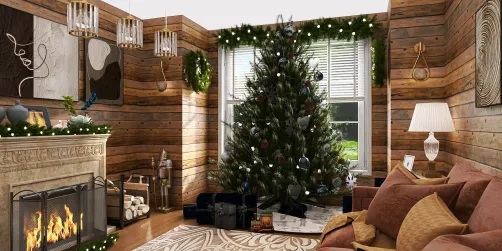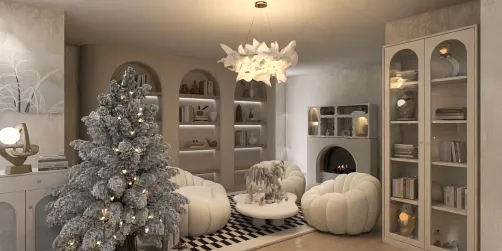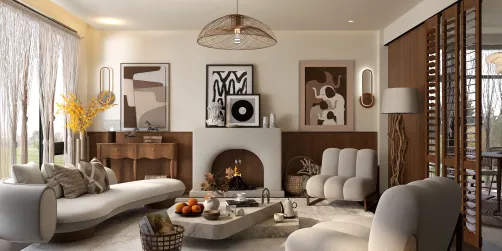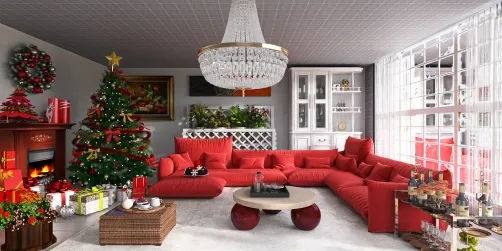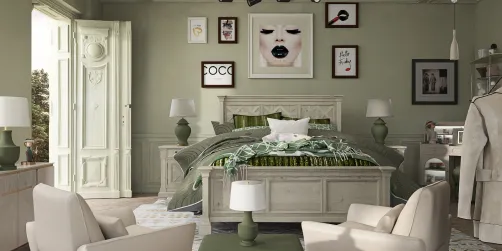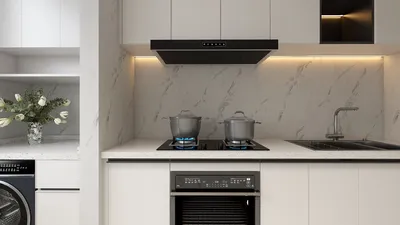
Transforming your design projects into captivating presentations can be achieved through rendering interiors with V-Ray for SketchUp 3.4. By employing the right techniques and configurations, you can craft realistic lighting, textures, and materials that breathe life into your interior spaces. Here’s how to embark on this journey!
Preparing Your Scene
Start by ensuring your SketchUp model is optimized for rendering. This includes:
Illuminating Your Space
Effective lighting is essential for stunning interior renders. Here are some strategies to enhance your lighting:
Selecting Appropriate Materials
The choice of materials in V-Ray significantly influences the authenticity of your render. Follow these guidelines for optimal results:
Adjusting Rendering Settings
Before initiating the rendering process, make sure to fine-tune the following settings:
Post-Production with V-Ray Frame Buffer
Once your rendering is complete, utilize the V-Ray Frame Buffer for post-processing tasks like color grading and exposure adjustments. This essential step can dramatically improve the overall appearance of your render.
Essential Tips for Excellence
To achieve outstanding results:
Frequently Asked Questions
Q: What are the key lighting techniques for interior rendering? A: Combine both natural and artificial lighting sources, regulate their intensity, and pay attention to light color to create a harmonious environment.
Q: What steps can I take to enhance the realism of my materials? A: Incorporate high-resolution textures and adjust material properties in V-Ray to reflect real-world materials accurately.
Discover the leading home design software, Homestyler, to elevate your design experience!