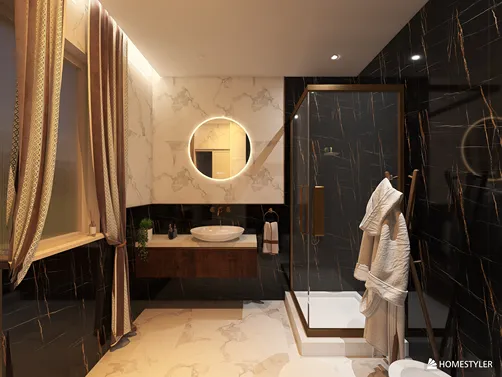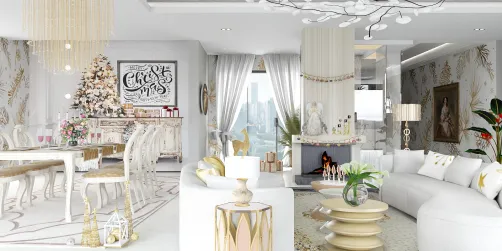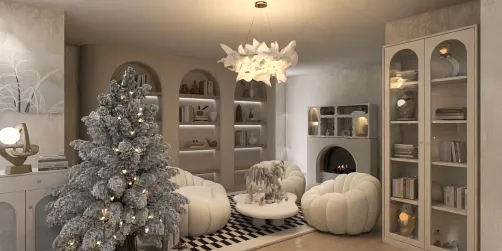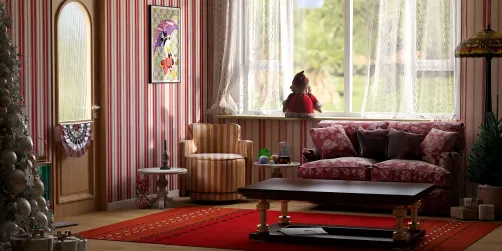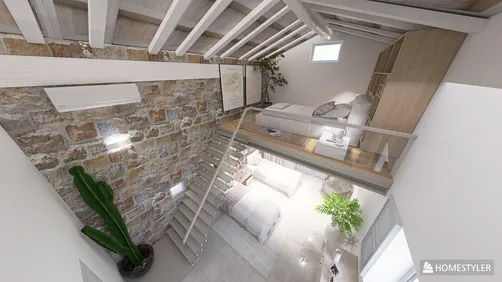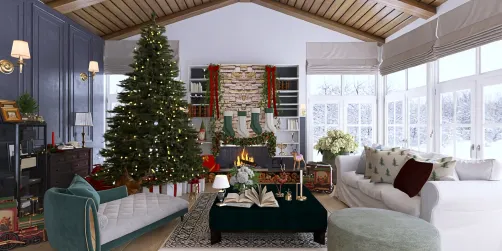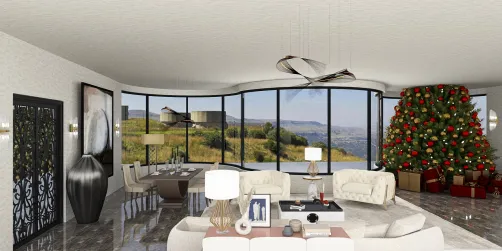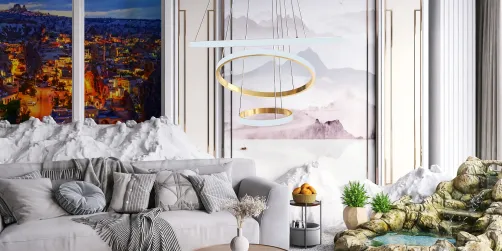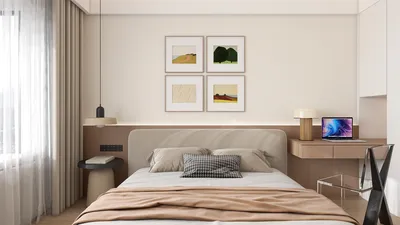
Elevating your design presentations and client approvals can greatly benefit from creating exceptional renderings of house plans with Photoshop. This powerful tool not only fosters creativity but also aids in visualizing how your designs integrate into actual surroundings. In this article, we will explore effective techniques and tips that can lead to remarkable results, all while considering the influential design software, Homestyler.
Grasping the Fundamentals of Photoshop Rendering
Before exploring advanced techniques, it's essential to understand the fundamental aspects of Photoshop rendering. Begin with a blank canvas and collect high-quality images of your house plans. Utilize layers to efficiently manage various components such as furniture, textures, and lighting effects. This method allows you to edit specific elements without impacting the entire composition, similar to the way Homestyler organizes its design components.
Photoshop boasts a range of tools that can significantly improve your rendering process:
Advanced Strategies for Stunning Renderings
Once you’ve grasped the basics, think about incorporating advanced strategies to enhance your renderings to a new level:
Textures are crucial for achieving a realistic look in your renderings. Here’s how you can achieve this:
Lighting can profoundly impact the atmosphere of your rendering. Consider these approaches to enhance your lighting effects:
Final Enhancements for Refined Renderings
After completing your rendering, remember to add final enhancements:
Frequently Asked Questions
Q: What is the optimal resolution for rendering house plans in Photoshop? A: Strive for a minimum of 300 DPI for print quality, while 72 DPI is adequate for web displays.
Q: Is Photoshop suitable for 3D rendering? A: While Photoshop offers some 3D capabilities, it primarily functions as a 2D rendering tool. For advanced 3D rendering, you might want to explore specialized software like SketchUp or Blender.
Q: How can I enhance the realism of my house plan renderings? A: Pay attention to realistic lighting, textures, and include elements such as people or furniture to provide context and scale. Using tools like Homestyler can also assist in achieving a realistic finish.
Welcome to the premier home design software.