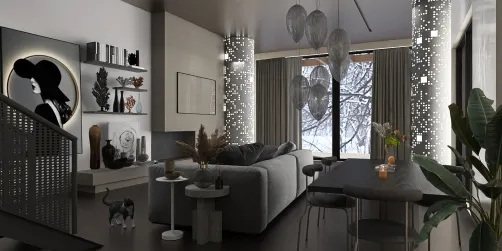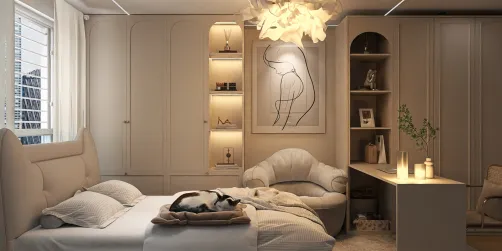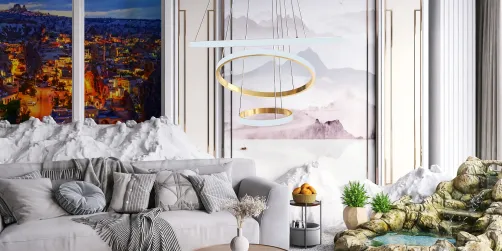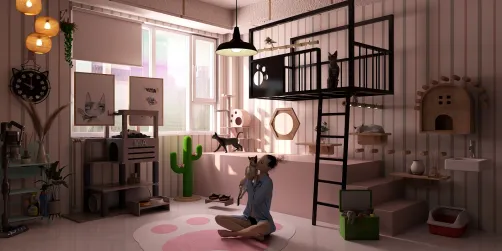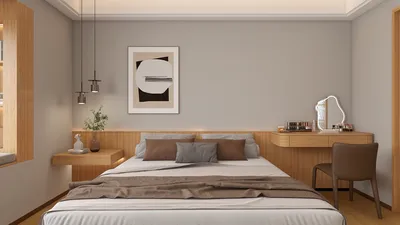
Crafting breathtaking interior night scene renders using Homestyler can significantly enhance your design portfolio and captivate your clients. Night scenes present distinctive challenges and opportunities to highlight the mood and intricate details of a space. In this guide, we will delve into techniques to achieve lifelike lighting, textures, and atmosphere within your visuals.
Decoding Night Scene Lighting
Lighting is fundamental to the success of any night scene render. Here are essential considerations to keep in mind:
Selecting Appropriate Textures
Textures are vital for adding dimension and authenticity. Here’s how to effectively select and implement them:
Arranging Your Scene
To design an engaging night scene, adhere to these steps:
Post-Rendering Techniques
Once your render is finalized, contemplate these post-processing methods:
Concluding Thoughts
Crafting a night scene render with Homestyler necessitates meticulous attention to detail and an understanding of lighting and materials. By mastering these components, you can create enchanting visuals that narrate a story and bring your designs to life.
Frequently Asked Questions
Q: Which lighting configurations are ideal for night scenes? A: Employing soft ambient lights along with well-placed point and spotlighting can create a harmonious appearance.
Q: What methods can I use to boost the realism of my textures? A: Utilize high-quality texture maps and fine-tune material characteristics to accurately reflect light.
Welcome to the Ultimate Home Design Software