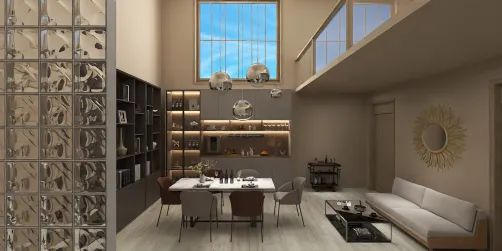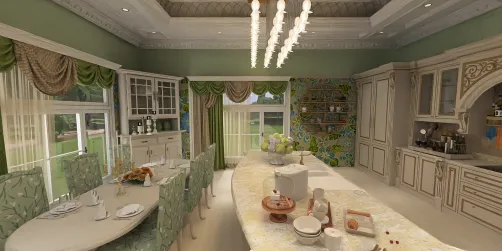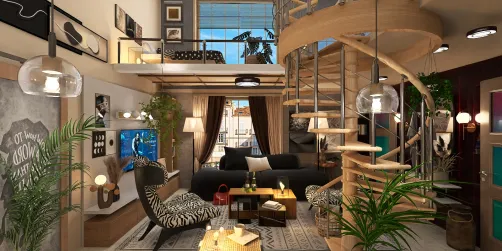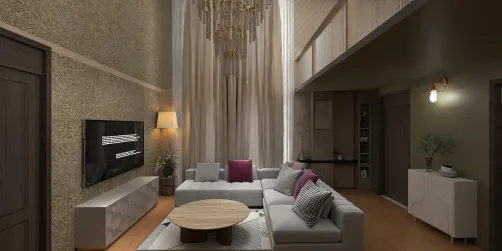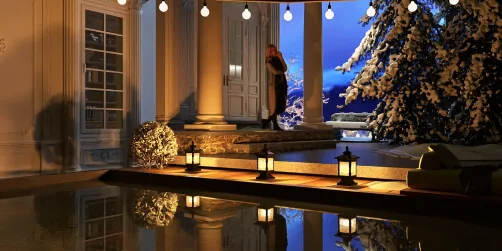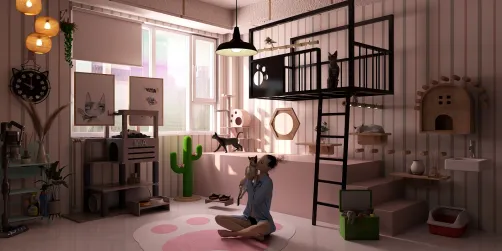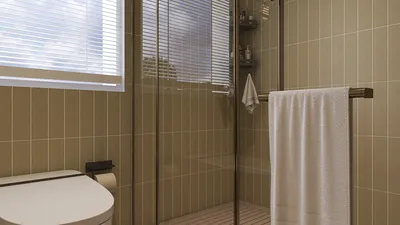
Crafting captivating interior renders is essential for architects and interior designers alike. A well-made render effectively illustrates a design idea, helping clients envision the end result. This guide will delve into the fundamentals of producing interior renders, emphasizing lighting, materials, and camera settings to make your designs stand out with the help of Homestyler.
Familiarizing Yourself with Homestyler:
Before we explore the intricacies of rendering, it is vital to get acquainted with the software at your disposal. Homestyler provides a suite of tools designed to simplify your rendering workflow. Grasping these features will enable you to fully leverage the potential of your interior design projects.
Setting Up Lighting:
Lighting is pivotal to creating realistic renders. Here are several suggestions to ensure an optimal lighting configuration:
Selecting Materials and Textures:
The selection of materials has a significant effect on the final output. Here are crucial considerations:
Adjusting Camera Settings:
Camera adjustments can profoundly influence the viewer's interpretation of your designs. Here are some recommendations:
Enhancing through Post-Processing:
Post-processing is key in refining your final render. Consider using software such as Photoshop to enhance brightness, contrast, and color tone to achieve a polished appearance. Incorporating subtle effects, like lens flares or gentle glows, can further elevate your overall presentation.
Essential Reminders:
Ultimately, mastering interior rendering hinges on practice. Engage with various settings, materials, and lighting methods to cultivate your distinct style. Stay abreast of the latest trends and techniques within the field to keep your designs fresh and innovative, particularly when utilizing Homestyler.
Frequently Asked Questions
Q: Which software is recommended for interior rendering? A: Numerous great choices exist, including Homestyler, which offers intuitive tools specifically catered to interior design.
Q: What strategies can I employ to enhance my rendering abilities? A: Regular practice, gathering feedback from colleagues, and engaging with online tutorials can help you learn new rendering techniques.
welcome to Use No.1 Home Design Software