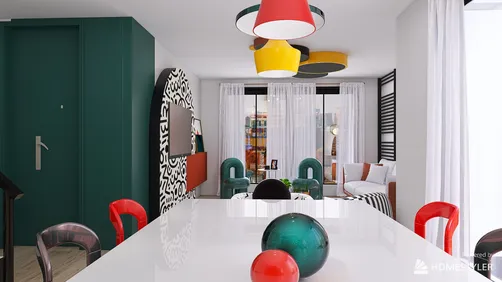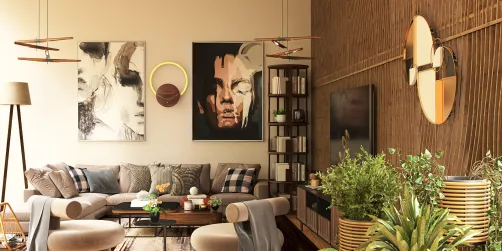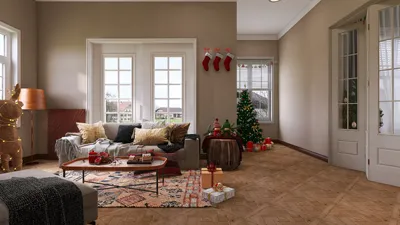
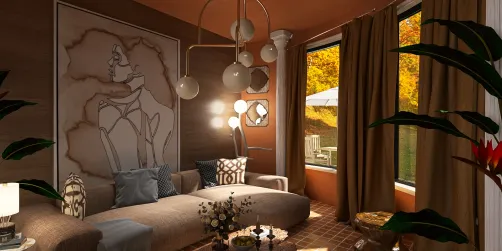
Crafting impressive house renderings can greatly elevate how you present your architectural concepts. Utilizing Homestyler not only simplifies the design process but also enables stunning visual representations that authentically embody your ideas. With features specifically designed for architects and designers, Homestyler emerges as a robust solution for transforming your house plans into vibrant realities.
Exploring Homestyler for House Rendering
Homestyler is an adaptable platform that provides a comprehensive suite of tools particularly tailored for architectural rendering. It seamlessly integrates 2D drafting, 3D modeling, and rendering functions, making it an excellent option for those looking to generate intricate and realistic visual depictions of their work. The incorporation of Building Information Modeling (BIM) fosters efficiency and collaboration throughout the design journey.
Essential Features for House Rendering
To proficiently create house renderings using Homestyler, it is essential to take advantage of the platform’s core features:
A Comprehensive Guide to Rendering a House
Begin by initiating a new project within Homestyler. Ensure your units and dimensions align with your project’s specifications. Import or sketch your floor plan, serving as the foundation for your rendering.
Utilize the 3D modeling tools to transform your 2D floor plan into a three-dimensional structure. Incorporate walls, roofs, and various architectural details.
Access materials from the Resource Browser and apply them to your design. This step is vital for attaining realistic effects in your renderings.
Configure lighting sources in the software to mimic both natural and artificial light. This adjustment will significantly influence the atmosphere of your render.
Select the rendering method that aligns best with your project’s requirements. Homestyler provides high-caliber output suitable for presentations.
Lastly, export your rendering in the preferred file format for dissemination or display. Consider generating high-resolution visuals for both print and digital applications.
Final Thoughts
Gaining proficiency in house renderings with Homestyler is a crucial competency for architects and designers alike. By familiarizing yourself with the platform’s functionalities and adopting a methodical approach, you can produce breathtaking visualizations that engage your audience and effectively highlight your designs.
Frequently Asked Questions
Q: What is Homestyler used for? A: Homestyler is designed for architectural drafting, modeling, and rendering, enabling professionals to develop detailed 2D and 3D representations of structures.
Q: Can I achieve realistic renderings with Homestyler? A: Absolutely! Homestyler features advanced rendering tools that allow users to create high-quality and realistic visualizations of their projects.
Q: Is Homestyler appropriate for newcomers? A: Although there is a learning curve, a plethora of resources and tutorials are available to assist beginners in mastering the software.
Welcome to the Leading Home Design Software
























![Design [4]](https://hs-designs.homestyler.com/production/design/images/07c2de3a-88ec-4be8-8910-ff255b795bc2/1731419398293/7841697.jpg?x-oss-process=image/resize,w_502,m_mfit/format,webp)