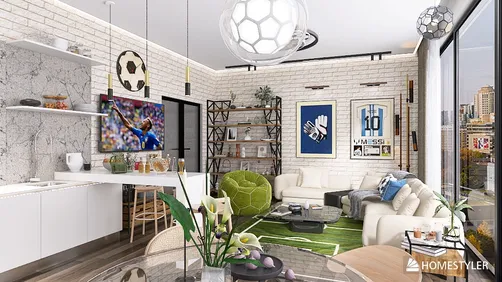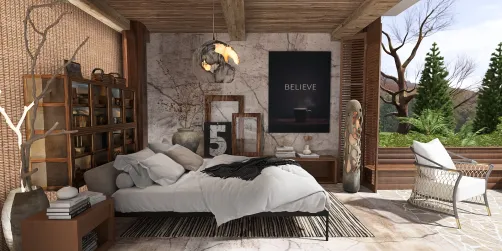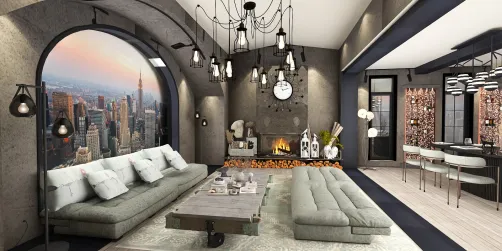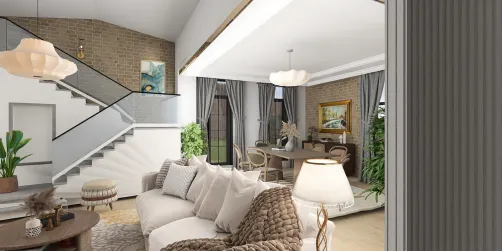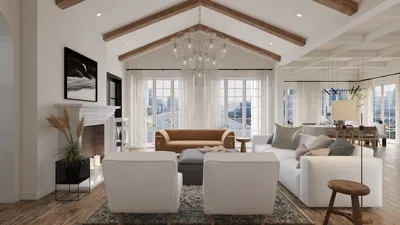
Are you aiming to craft breathtaking interior renders using 3ds Max? This robust platform stands out among interior designers due to its advanced rendering features and user-friendly interface. Regardless of your experience level, becoming proficient in 3ds Max can significantly enhance your designs and captivate your clients.
Getting Acquainted with 3ds Max
Before embarking on rendering techniques, it's essential to grasp the fundamentals of 3ds Max. This software empowers you to develop 3D models, animate, and produce high-quality visual content. Begin by navigating through its interface and uncovering key features such as modeling tools, material editor, and lighting settings.
Establishing Your Interior Scene
To create realistic renders, initiate by arranging your scene. Select a suitable layout that highlights the functionality of the space. Incorporate versatile furniture and intelligent storage options to elevate your design.
Lighting is a pivotal factor in rendering. Blend natural and artificial lighting to introduce depth and warmth to your scene. Explore various light types, including Omni lights and Spotlights, to set the desired atmosphere.
Textures and materials are crucial for rendering realism. Utilize the Material Editor to apply textures to surfaces and adjust attributes such as glossiness and reflection. Integrating sustainable materials can also boost the appeal of your design.
Rendering Settings for Superior Outcomes
When prepared to render, fine-tune your settings for optimal results. Opt for the Mental Ray or V-Ray rendering engines to achieve high-quality outputs. Pay attention to resolution, anti-aliasing, and shadow configurations to highlight your interior designs effectively.
Enhancement through Post-Processing
Following the render, leverage post-processing applications like Adobe Photoshop to refine your images. Adjust settings such as brightness, contrast, and color balance to enrich the final visual. This phase can significantly improve the overall quality of your renders.
Strategies for Achieving Successful Interior Renders
1. Keep your models tidy and well-organized for smoother navigation.
2. Utilize reference images to guide your design and rendering journey.
3. Experiment with various angles and camera settings to explore different perspectives.
Frequently Asked Questions
Q: Which rendering engine is best for interior renders in 3ds Max?
A: Both Mental Ray and V-Ray serve as fantastic options for producing high-quality interior renders. Select based on your particular requirements and preferences.
Q: What techniques can I use to enhance the realism of my interior renders?
A: Concentrate on lighting, materials, and textures. Incorporating real-world references can significantly aid in achieving a more authentic appearance.
Welcome to Homestyler, your top choice for home design software.