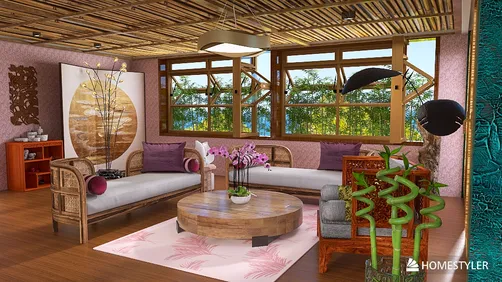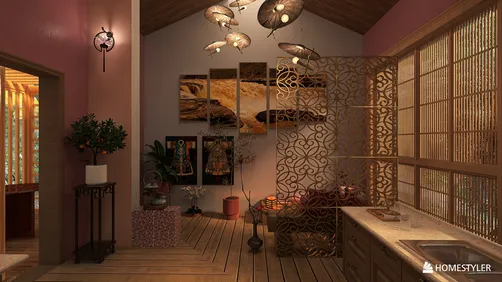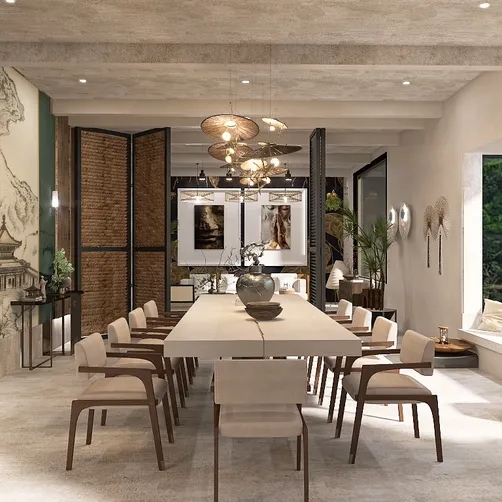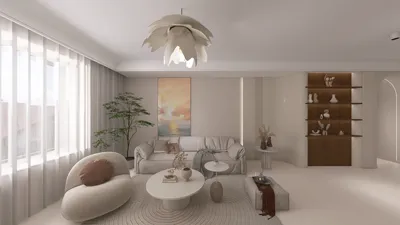
When discussing architectural visualization, producing engaging day and night building renders is vital. These visuals not only highlight your designs but also help clients envision how a structure fits into its surroundings at different times of day. This guide will explore effective methods for achieving remarkable results in both daylight and evening scenes using Homestyler for your projects.
Grasping Lighting in Day and Night Renders
Lighting serves as a pivotal aspect of architectural rendering. In daytime visuals, natural sunlight should be simulated to emphasize the building's features. Conversely, for night scenes, focusing on artificial lighting is key to crafting an inviting atmosphere. Here’s a guide to tackling each scenario:
1. **Sun Positioning**: Modify the sun’s angle to create the desired shadow length and intensity, accurately portraying the time of day in your render.
2. **Skybox Creation**: Utilize a high-resolution skybox to enhance the background's realism, ensuring it aligns with the sun's position.
1. **Artificial Light Sources**: Integrate elements such as streetlights, building illumination, and interior lighting to breathe life into your nighttime visualization.
2. **Color Temperature**: Apply warmer hues for interior lighting and cooler shades for exterior fixtures to achieve a cohesive nighttime aesthetic.
Rendering Software for Day and Night Visuals
There is a variety of rendering software that can assist you in creating striking day and night visuals. Here are some top recommendations:
Blender is a robust open-source platform that permits meticulous lighting adjustments and offers numerous plugins for added realism.
With its user-friendly interface, Lumion simplifies the process of developing stunning renders efficiently, encompassing both day and night scenarios, making it a great tool to use alongside Homestyler.
Post-Processing Suggestions
After rendering, post-processing can significantly enhance the quality of your images:
Final Thoughts
Developing realistic day and night building renders requires a solid understanding of lighting, the appropriate software, and effective post-processing techniques. By mastering these strategies, you can enhance your architectural visualizations and leave a lasting impression on clients. Don't shy away from experimentation to discover your unique approach! Consider using Homestyler to bring your designs to life.
Frequently Asked Questions
Q: What’s the best way to begin creating building renders? A: Start by selecting the appropriate software and honing basic lighting and rendering skills to establish a strong foundation.
Q: How can I enhance the realism of my renders? A: Concentrate on achieving realistic lighting, textures, and materials, and make sure not to overlook the post-processing phase to perfect your final images.
Welcome to the premier Home Design Software