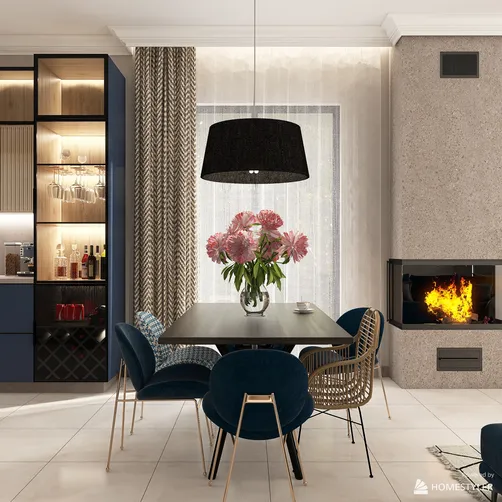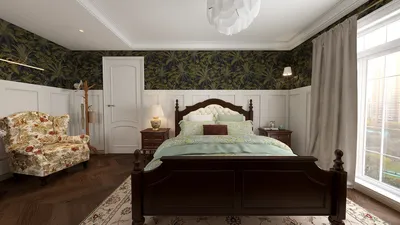
Crafting impressive 3D toilet renders is a vital capability for architects and interior designers aiming to effectively display their creations. In an era where aesthetic presentation influences the success of design endeavors, gaining proficiency in 3D rendering can dramatically boost your client proposals and showcases. This guide will navigate you through the steps, from picking the ideal software to refining the intricate details that distinguish your renderings, leveraging tools like Homestyler for superior results.
Selecting the Ideal Software for Toilet 3D Renders
The software you choose can greatly influence the outcome of your 3D renders. Some of the most favored options comprise:
Grasping the Importance of Lighting and Textures
Achieving realistic toilet 3D renders heavily relies on proper lighting and textures. Here are several suggestions to keep in mind:
Strategies for Adding Realistic Details
To ensure your 3D renders make an impression, consider these helpful detailing techniques:
Rendering Techniques for Remarkable Outcomes
Employ these effective rendering methods to realize outstanding quality results:
Frequently Asked Questions (FAQ)
Q: Which software is ideal for creating toilet 3D renders? A: Some of the most recommended options include SketchUp, Blender, and 3ds Max, based on your level of expertise and project needs.
Q: What can I do to enhance the realism of my 3D renders? A: Concentrate on aspects like lighting, textures, as well as accurate details involving scale and proportion. Adding accessories can further amplify realism.
Q: Is there free software available for 3D rendering? A: Absolutely, Blender serves as an excellent open-source tool that provides significant rendering capabilities at no cost.
Welcome to the leading Home Design Software for your projects!