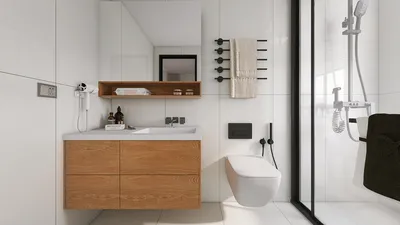
Designing compact areas effectively requires a solid 2D top view floor plan, which is crucial for visualizing both layout and functionality within your home. A thoughtfully crafted floor plan not only optimizes your available space but also enhances the visual appeal. Let's delve into the steps for creating a practical 2D floor plan that meets your specific requirements.
Fundamentals of 2D Floor Plans
A 2D floor plan offers a top-down perspective of your layout, elucidating the connections between different areas in your dwelling. It typically showcases walls, doors, windows, and furniture arrangements, allowing you to visualize how all elements work together.
Collecting Measurements and Features
Before diving into the design, gather all necessary measurements of your space. It's important to accurately note the dimensions of each room, including windows and doors. Make sure to account for elements such as:
Selecting a Design Tool
Numerous tools exist to aid in creating a 2D top view floor plan. You might choose software like Homestyler, SketchUp, or opt for traditional graph paper for a more hands-on method. Pick the option that you find most intuitive and easy to use.
Developing the Floor Plan
Begin by outlining the exterior walls of your space. Follow these guiding steps:
Evaluate and Modify
After your floor plan is drawn, assess it for efficiency. Think about how movement flows and the accessibility of each area. Adjust as needed to ensure a pleasant living space.
Strategies for Optimizing Small Spaces
Keep these extra strategies in mind while crafting your 2D floor plan:
Frequently Asked Questions
Q: Which software should I use for crafting a 2D floor plan? A: You can explore tools like Homestyler, SketchUp, or even use simple graph paper for manual drafting.
Q: What are some ways to maximize storage in a compact area? A: Think about integrated furniture, multifunctional items, and utilizing vertical storage options.
Get Started with the Leading 2D Floor Planner








































