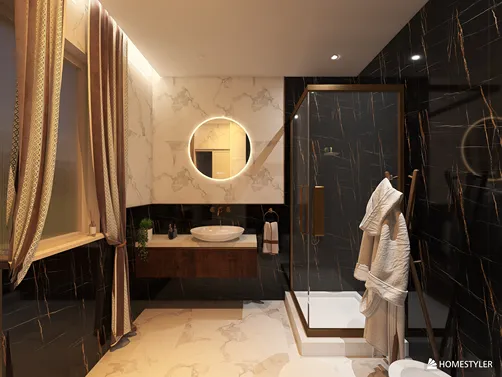
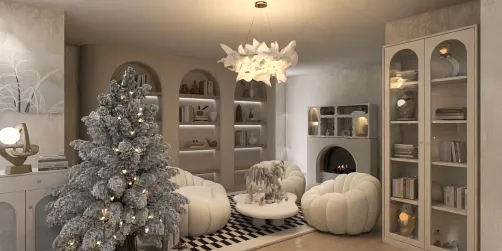
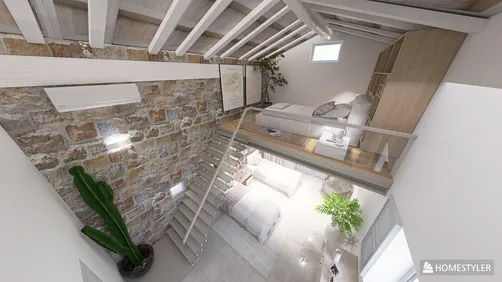
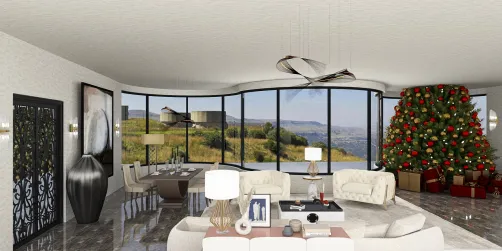
Designing 2D floor plans using Homestyler is a fundamental expertise for interior designers who wish to visualize and enhance their spaces. Regardless of whether you’re dealing with a cozy apartment or a larger residence, effectively placing furniture can significantly elevate your design. In this article, we will delve into the process of crafting detailed 2D floor plans, with a particular emphasis on furniture arrangement and decor.
Getting Started with Homestyler
Before we start with the steps to create a 2D floor plan, ensure you have Homestyler set up on your device. Take some time to get accustomed to its interface, tools, and features. Here’s how you can begin:
Incorporating Furniture into Your 2D Floor Plan
Integrating furniture into your floor plan not only beautifies the design but also aids in visualizing how the space will be utilized. Here’s a guide on how to accomplish this:
Final Touches for Your Floor Plan
Before you complete your 2D floor plan, remember to polish the final details:
Tips for Optimizing Your Floor Plan
Consider these extra tips to enhance the effectiveness of your 2D floor plan:
FAQ
Q: Is it possible to create a 3D model from my 2D floor plan using Homestyler? A: Absolutely! After finalizing your 2D floor plan, you can easily extrude walls and add depth to develop a 3D model.
Q: Where can I find furniture models to incorporate in Homestyler? A: You can access an extensive selection of furniture models through the 3D Warehouse directly in Homestyler.
welcome to Use No.1 2D Floor Planner