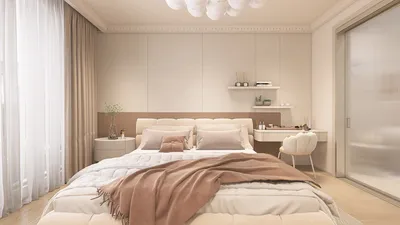
Crafting stunning 3D renders in Blender combines a unique blend of imagination, technical expertise, and a deep understanding of the software's functionalities. No matter if you're just starting or have considerable experience, becoming proficient in Blender rendering can significantly enhance the quality of your projects.
Getting Familiar with Blender's Rendering Engines
In Blender, two main rendering engines are available: Eevee and Cycles. Eevee serves as a real-time render engine, ideal for quick previews and game developing, while Cycles offers ray-traced rendering for an increased level of realism. Selecting the appropriate engine is crucial for your rendering experience.
Essential Tips for Outstanding Renders
1. **Prioritize Lighting**: Effective lighting is fundamental to a successful render. Try different lighting arrangements, such as the three-point lighting setup, to enhance depth and mood.
2. **Utilize High-Quality Textures**: Incorporate high-resolution textures to enrich the detail on your models. Blender's shader editor enables you to craft intricate materials that bolster realism.
3. **Focus on Composition**: Adhere to the rule of thirds and apply framing techniques to direct the viewer's gaze. Including foreground elements can also add depth to your composition.
4. **Post-Processing Techniques**: Leverage Blender's compositor for post-processing enhancements like bloom, glare, and color grading, which can lend a polished feel to your work.
5. **Innovate with Camera Angles**: Experimenting with different angles and perspectives can make your render truly unique and eye-catching.
Assembling Your Scene
Begin by outlining your scene using basic shapes. Gradually introduce details and refine your models. You can also enrich your environment with assets from Blender's library or other sources.
Common Questions
Q: How can I enhance my Blender rendering skills? A: Regular practice, watching tutorials, and engaging with Blender communities can help you discover and master new techniques.
Q: What steps can I take to achieve more realistic renders? A: Concentrate on mastering lighting, utilizing high-quality textures, and ensuring realistic proportions in your models.
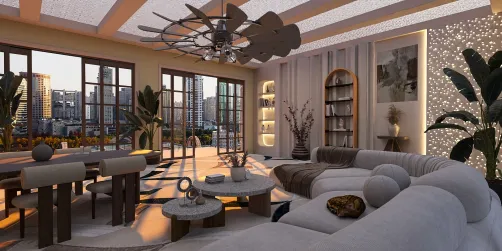
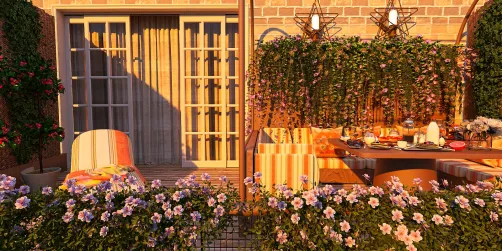
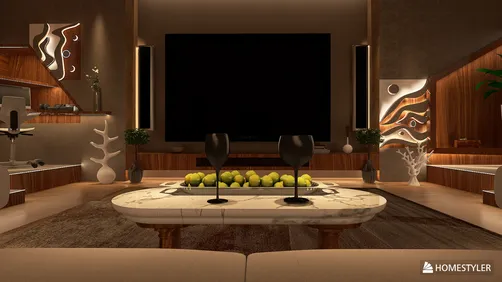
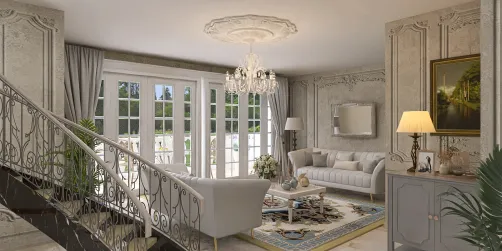
Explore Homestyler, the top home design software, to elevate your design projects effortlessly.
































![[For dear Adelina madee 🤎]](https://hs-designs.homestyler.com/production/design/images/8a07e535-9cbc-4132-a42a-5932dac3a112/1706972286037.jpg?x-oss-process=image/resize,w_502,m_mfit/format,webp)




