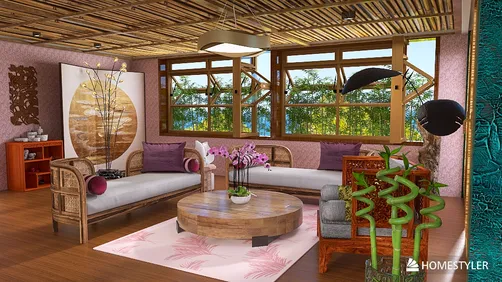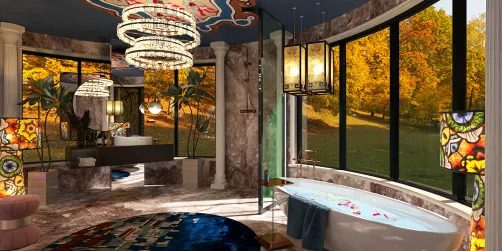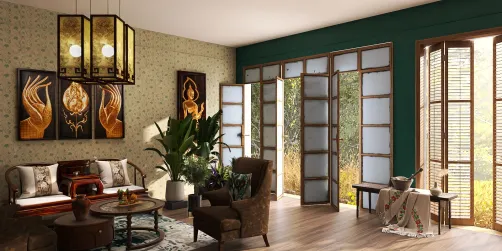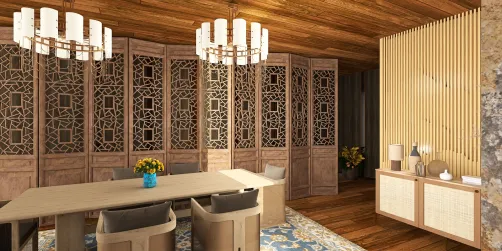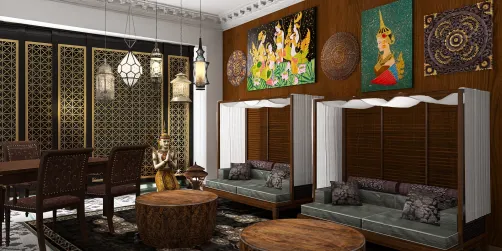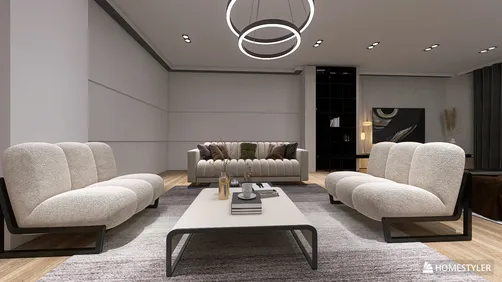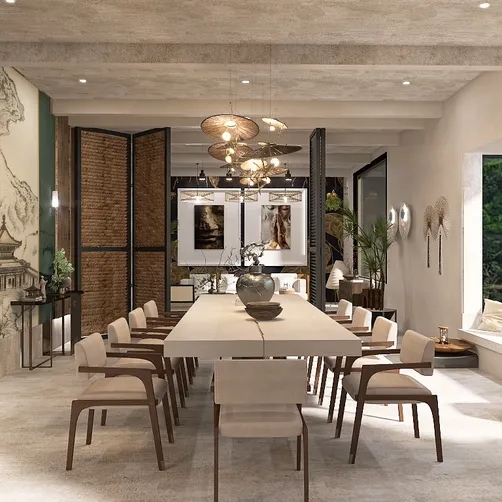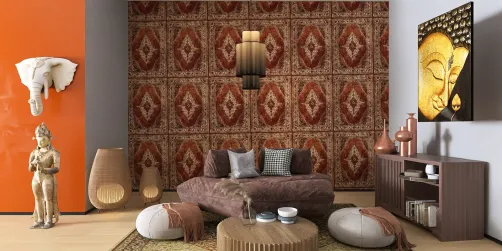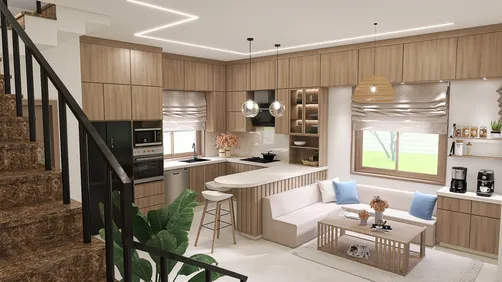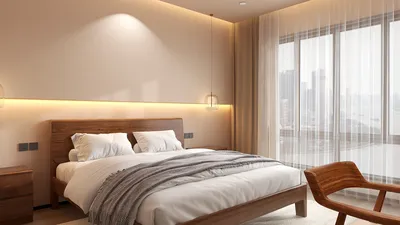
Crafting impressive interior visualizations is crucial for interior designers and architects who wish to exhibit their creative concepts. With its robust rendering capabilities and intuitive features, ArchiCAD empowers users to create lifelike representations that bring their projects to fruition. Whether you’re working on an inviting apartment or a sleek corporate office, mastering ArchiCAD can enhance your presentations and leave a lasting impression on clients.
Exploring the Rendering Features of ArchiCAD
ArchiCAD is equipped with a comprehensive suite of rendering tools designed to transform your 3D models into striking photorealistic images. Its integrated CineRender engine, crafted by MAXON, utilizes advanced techniques to provide realistic simulations of materials, lighting, and shadows. Learning to effectively leverage these tools is essential for creating top-tier interior visualizations.
Strategies for Realistic Renderings
For achieving photorealistic results, keep these strategies in mind:
Optimizing Your Workflow with ArchiCAD
In the realm of interior design, efficiency is paramount. To refine your workflow within ArchiCAD:
Final Thoughts
By utilizing the potent rendering capabilities of ArchiCAD and applying these aforementioned strategies, you can create breathtaking interior renders that engage your audience. Remember, continual practice and exploration of various techniques are vital for honing your skills.
Common Inquiries
Q: What is the optimal method for crafting a realistic interior render in ArchiCAD? A: Concentrate on lighting, quality materials, and strategic camera angles. Make the most of ArchiCAD's rendering capabilities to achieve the finest outcomes.
Q: Is ArchiCAD also suitable for exterior renderings? A: Absolutely, ArchiCAD is a versatile tool that can be utilized for both interior and exterior rendering tasks.
Welcome to the top-notch home design software experience with Homestyler.