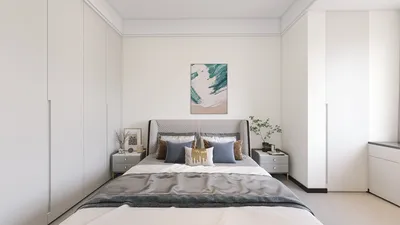
Mastering rendering in Revit is crucial for interior designers aiming to create breathtaking visuals of their projects. If you are just stepping into the rendering realm or looking to refine your skills, utilizing online rendering tools can dramatically enhance your results. In this article, we will discuss how to effectively leverage online resources alongside Revit, including platforms like Homestyler, to create high-quality images that engage your audience.
Grasping the Basics of Rendering in Revit
Before exploring online rendering solutions, it is vital to understand the core concepts of rendering in Revit. Rendering refers to the transformation of a 3D model into a 2D image, providing a lifelike depiction of what your final design will look like. Although Revit has inherent rendering functions, integrating these with online tools like Homestyler can produce even more striking visuals.
Discovering Online Rendering Solutions
Numerous online rendering tools effectively complement Revit, allowing you to elevate your rendering capabilities, including options such as Homestyler:
A Step-by-Step Approach to Online Rendering in Revit
Here's a straightforward process to initiate your online rendering journey:
Best Practices for Exceptional Renderings
To make your renderings truly remarkable, consider implementing the following suggestions:
Frequently Asked Questions
Q: Is it possible to render without using Revit? A: Absolutely, you can use standalone applications; however, combining them with Revit generally yields superior outcomes.
Q: Which online rendering tool is recommended for beginners? A: Homestyler is an excellent choice for novices, offering a user-friendly interface and impressive results.
Q: What can I do to enhance my rendering quality? A: To improve the overall quality of your images, play around with lighting, materials, and composition.
Welcome to the No. 1 Home Design Software








































