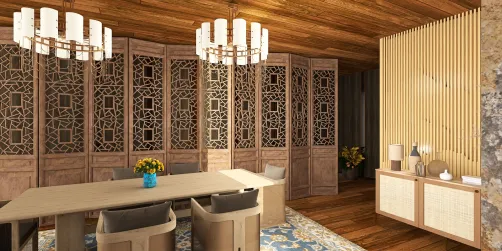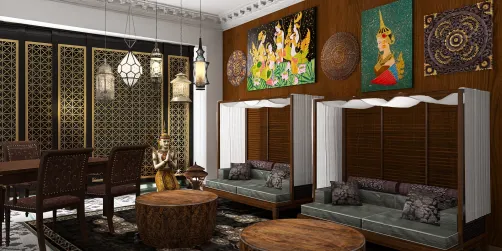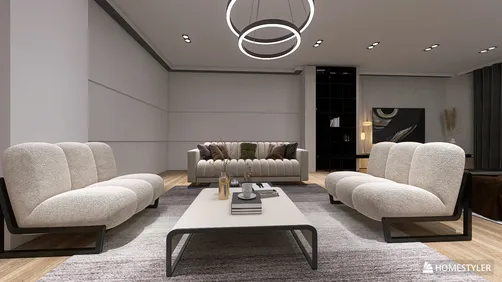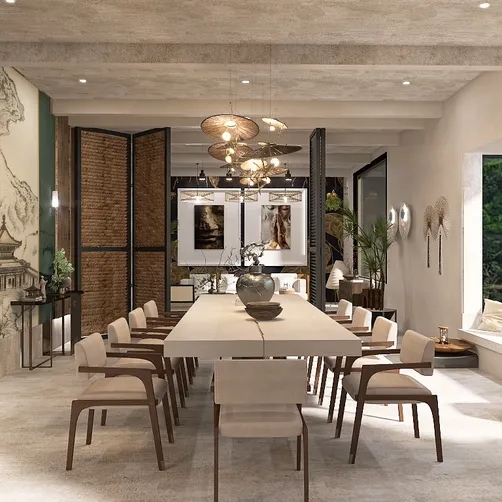
Creating breathtaking house renders stands as a fundamental part of contemporary architectural visualization. Leveraging tools such as Lumion alongside the Homestyler app can dramatically improve the quality of your exterior designs. This guide will provide you with key steps to achieve remarkable results, ensuring that your designs are both functional and visually stunning.
Grasping the Essentials of Rendering
The initial phase of crafting outstanding house renders involves comprehending the rendering process. Rendering is essentially the creation of a photorealistic image derived from a 3D model. With Homestyler and Lumion in your toolkit, designers can efficiently generate high-quality visualizations. Here are some vital points to keep in mind:
Preparing Your Model in Homestyler
Before moving on to Lumion, it's crucial to prepare your model using Homestyler. Here are several recommendations to ensure a seamless transition:
Importing Your Model into Lumion
Once your model is optimized in Homestyler, it's time to import it into Lumion. Follow this guide for a smooth import process:
Applying Textures in Lumion
Post-import, applying textures is essential for achieving a lifelike appearance. Lumion presents an extensive library of materials that you can customize according to your design requirements:
Enhancing Your Render with Appropriate Lighting
Lighting plays a crucial role in the quality of your render. Lumion offers various solutions to create the ideal ambiance:
Incorporating Surrounding Elements
Adding environmental elements such as trees, vehicles, and humans can bring your rendering to life. Lumion allows you to:
Final Touches and Rendering
Before your render is complete, ensure to make final adjustments:
Conclusion
By adhering to these guidelines, you can craft impressive exterior renders utilizing both Lumion and Homestyler. Remember, the key to improvement lies in practice, so don’t shy away from experimenting with various techniques and styles to discover what best suits your projects.
FAQ
Q: What strategies can enhance rendering speed in Lumion? A: To boost rendering speed, optimize your model by minimizing polygon count, employing simpler materials, and ensuring your computer meets Lumion's hardware specifications.
Q: Is it possible to use Lumion with other 3D modeling applications? A: Absolutely, Lumion is compatible with numerous 3D modeling programs, including Revit, ArchiCAD, and Rhino, providing flexibility in your workflow.
Q: What advice would help in creating realistic terrains in Lumion? A: Utilize Lumion's terrain tools, layer diverse plants for depth, and adjust seasonal settings to fit the desired look of your design.
Welcome to the ultimate Home Design Software experience!