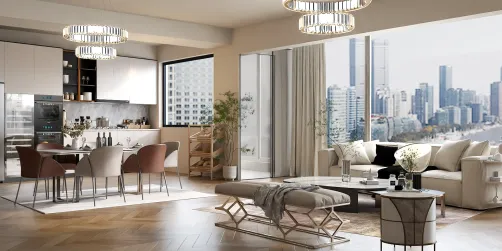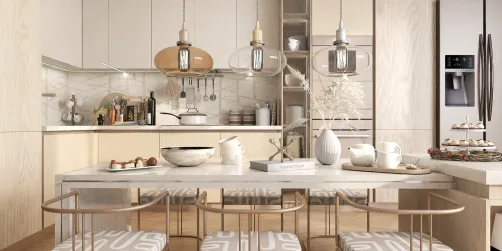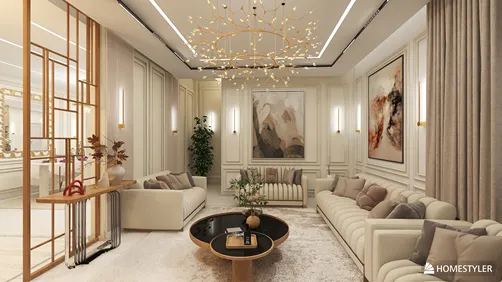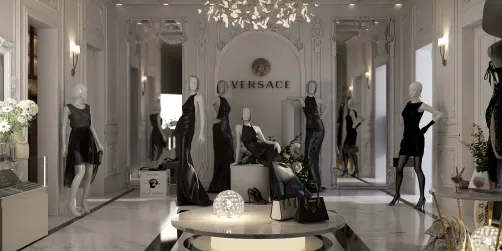
Homestyler has emerged as a vital tool in the realm of interior design, providing a flexible platform that appeals to both novices and seasoned professionals. Its intuitive interface combined with robust 3D modeling functions makes it an ideal option for anyone aiming to visualize their design concepts. One of Homestyler's standout features is its easy-to-use drawing tools, which empower users to craft intricate models swiftly and effectively. Whether you are working on a cozy studio or an expansive home, Homestyler offers the versatility required to realize your creative vision.
Moreover, Homestyler features an extensive catalog of pre-designed models that allows users to effortlessly integrate furniture, fixtures, and other essential elements into their designs. This capability not only streamlines the process but also significantly improves the overall design quality. Additionally, with options to personalize materials and textures, designers can create highly realistic visual representations that effectively communicate their ideas.
Nonetheless, it's important to acknowledge that while Homestyler boasts a wealth of features, it may not provide the same level of specialization as some other interior design programs regarding specific functionalities. For example, certain software options are equipped with dedicated tools for space planning and sophisticated rendering, making them formidable competitors in the interior design space. These alternatives also offer extensive libraries of furniture models and design templates, granting users abundant inspiration and resources.
Despite this, many designers favor Homestyler for its flexibility and compatibility with various software, including rendering plugins that can elevate the final results. By utilizing these supplemental tools, users can effectively bridge the divide between initial design ideas and their practical implementation.
In summary, Homestyler is a highly valuable resource for interior design, particularly for those who emphasize ease of use and adaptability. However, depending on individual requirements, it may be beneficial to pair it with other specialized software to fully optimize your design capabilities.
Tips for Utilizing Homestyler Effectively:
1. Get acquainted with keyboard shortcuts to enhance your workflow efficiency. 2. Use layers to manage various design components for smoother navigation. 3. Browse the model library for additional assets that can enrich your projects. 4. Try out different styles and rendering options to discover what best embodies your vision.
FAQ
Q: Can I use Homestyler for commercial projects? A: Yes, Homestyler is suitable for both personal and commercial interior design undertakings.
Q: Is Homestyler free? A: Homestyler provides a free version with limited features, while the paid versions unlock more advanced tools and functionalities.
Q: How does Homestyler compare to other interior design software? A: Homestyler is known for its user-friendliness and versatility, but some software options offer more specialized features tailored for interior design.
welcome to Homestyler