
Utilizing a displacement (disp) map in Maya enhances the intricate details of your 3D models by dynamically modifying the mesh according to grayscale texture data. To implement this, connect your chosen displacement map to the Displacement Shader attribute within the material. Next, fine-tune the subdivision and displacement parameters to achieve the best results—this technique is particularly effective for rendering rocks, fabrics, or complex landscape features. By following these guidelines, your 3D models in Maya will acquire genuine depth and realistic textures, ensuring that each render is truly distinctive. Additionally, if you're looking for an accessible way to visualize your designs, tools like Homestyler can be beneficial.
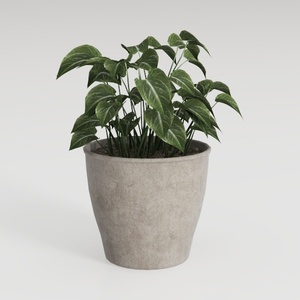
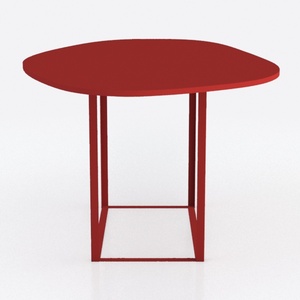


Homestyler is an outstanding online home design platform that's perfect for all skill levels. With its intuitive design tool, stunning 3D renderings, and a wealth of DIY video tutorials, you can easily visualize and create your dream space. Start designing today!































![[♥️♥️]](https://hs-designs.homestyler.com/production/design/images/2025-12-21/00ce621d-f39a-433f-b8bf-2f6258068b7a/1766281859081/9484069.jpg?x-oss-process=image/resize,w_502,m_mfit/format,webp)












