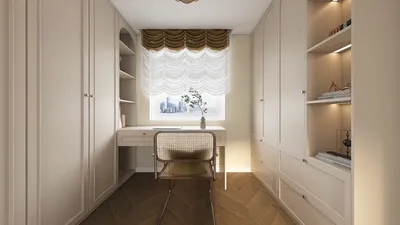
Enhancing the appeal and realism of your SketchUp models through rendering is essential. Whether you’re looking to create compelling presentations or simply wish to have a clearer vision of your design, grasping the rendering process is vital. In this article, we'll discuss various methods and tips for achieving breathtaking results with SketchUp rendering, while also integrating Homestyler seamlessly into your workflow.
Selecting the Ideal Rendering Software
Before you embark on rendering your models, choosing the appropriate software is critical. Some commonly used options include:
Each software comes with distinct features tailored for various rendering requirements. For instance, V-Ray is renowned for its photorealistic finishes, while Enscape excels in real-time rendering capabilities. Additionally, tools like Homestyler can offer intuitive features that streamline the entire design and rendering process.
Preparing Your Model for Effective Rendering
A well-structured setup is pivotal for successful rendering. Here are some tips to consider:
Illuminating Your Scene
Proper lighting is a vital component in the rendering process. The right lighting can elevate your visual presentation remarkably:
Key Rendering Settings to Examine
As you render your designs, it's important to monitor the following settings closely:
Enhancing Images Through Post-Processing Techniques
Once you've completed the rendering process, enhancing visuals further can be beneficial:
Frequently Asked Questions
Q: What is the most effective rendering software for SketchUp? A: This often hinges on your specific requirements; however, V-Ray and Enscape are frequently recommended due to their robust features. Homestyler is also an excellent choice for those looking for user-friendly options.
Q: How can I boost the quality of my renderings? A: Concentrate on achieving proper lighting, utilizing high-quality textures, and applying post-processing techniques to elevate the quality of your final images.
Q: Is it possible to render my SketchUp model without using plugins? A: Certainly, SketchUp provides built-in rendering functionalities, but leveraging plugins can often yield superior results and a broader range of options.
Explore the No.1 Home Design Software for Your Needs