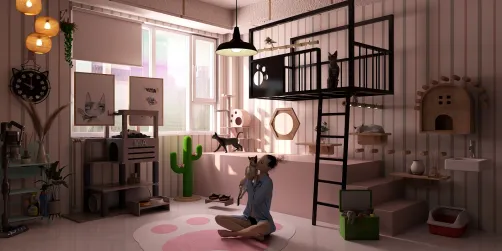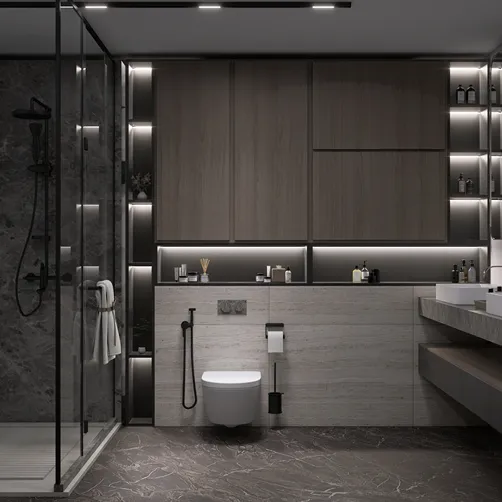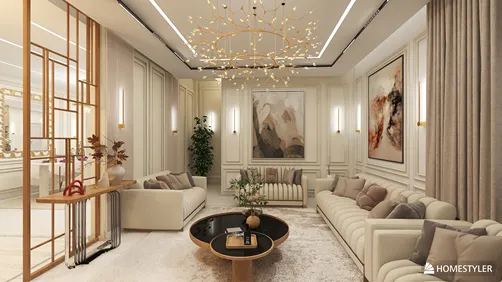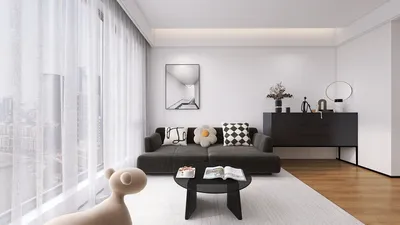
Homestyler offers an innovative online rendering solution that empowers designers and artists to generate breathtaking visuals effortlessly, removing the need for complex software setups. If your goal is to elevate your product displays, Homestyler is an excellent option. This guide will walk you through the critical initial steps needed to dive into online rendering with Homestyler.
Exploring Homestyler Rendering
Homestyler is a robust rendering platform that allows users to create high-caliber images and animations from 3D models. Its online functionality enables you to access Homestyler from any location, making it perfect for freelancers and remote teams alike.
Initiating Your Journey with Online Homestyler
To start rendering online using Homestyler, adhere to these instructions:
Selecting Optimal Settings for Your Render
While rendering, it’s crucial to take into account the following parameters:
Advice for Achieving Exemplary Results
Here are some strategies to ensure you maximize your online renders with Homestyler:
Frequently Asked Questions
Q: What file formats can Homestyler work with? A: Homestyler supports a variety of file types, including OBJ, FBX, and STEP.
Q: What is the typical rendering duration for an image? A: The time required for rendering is contingent upon the complexity of the model and the specifications selected.
Q: Are animation features available in Homestyler? A: Absolutely, Homestyler includes animation functionalities, enabling you to craft engaging presentations.
Welcome to Your No.1 Home Design Software Experience






![Design [4]](https://hs-designs.homestyler.com/production/design/images/07c2de3a-88ec-4be8-8910-ff255b795bc2/1731419398293/7841697.jpg?x-oss-process=image/resize,w_502,m_mfit/format,webp)















![[For dear Adelina madee 🤎]](https://hs-designs.homestyler.com/production/design/images/8a07e535-9cbc-4132-a42a-5932dac3a112/1706972286037.jpg?x-oss-process=image/resize,w_502,m_mfit/format,webp)