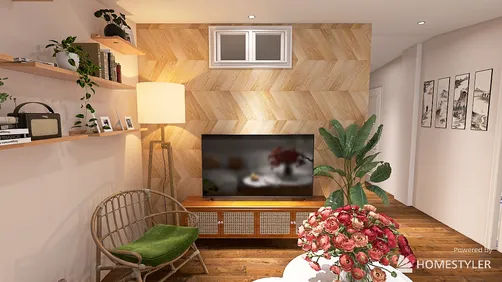
Designing a compact office auditorium floor plan presents a unique task that demands thorough consideration of spatial dynamics, usability, and visual appeal. A thoughtfully constructed auditorium not only meets various needs—ranging from meetings to training sessions—but does so while maintaining an element of comfort and style. The secret lies in integrating innovative storage solutions along with adaptable seating options to optimize your available area, and tools like Homestyler can assist in visualizing these layouts effectively.
Assessing Your Spatial Requirements
Prior to starting the design process, it's vital to evaluate the dimensions and configuration of your office environment. Keep the following aspects in mind:
Versatile Seating Solutions
Seating plays a pivotal role in the design of a compact auditorium. Choose adaptable furniture that can be easily modified for various setups, allowing for seamless transitions during events:
Maximizing Vertical Space
Making effective use of vertical space is essential in a limited auditorium. Consider implementing these strategies:
Illumination and Sound Management
Effective lighting and acoustic quality are critical for the success of your auditorium. Here are some pointers:
Frequently Asked Questions
Q: What is the recommended capacity for a small office auditorium? A: Generally, a small office auditorium should cater to 20-50 individuals, covering an area of approximately 500-800 square feet.
Q: How can I improve the sound quality in a compact auditorium? A: Incorporate sound-dampening materials like carpeting and acoustic panels to enhance the auditorium's auditory experience.
Q: Which seating options are optimal for a multifunctional auditorium? A: Stackable or modular seating is preferable, as it accommodates various seating arrangements with ease.
Introduction to Homestyler for Floor Planning


















![[For dear Adelina madee 🤎]](https://hs-designs.homestyler.com/production/design/images/8a07e535-9cbc-4132-a42a-5932dac3a112/1706972286037.jpg?x-oss-process=image/resize,w_502,m_mfit/format,webp)