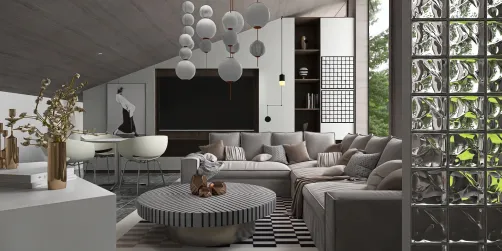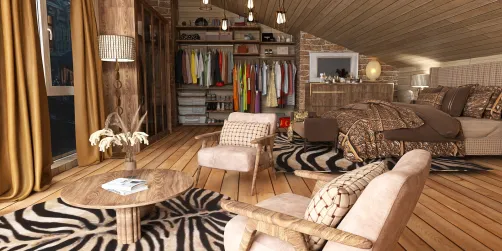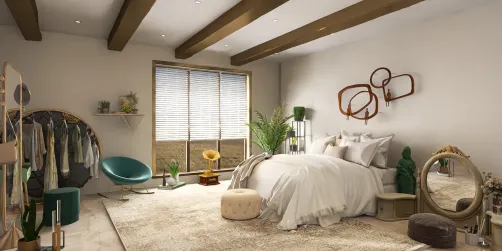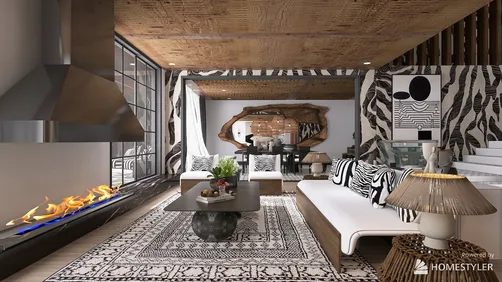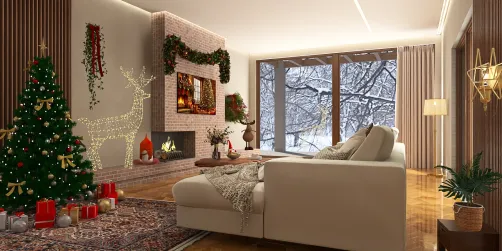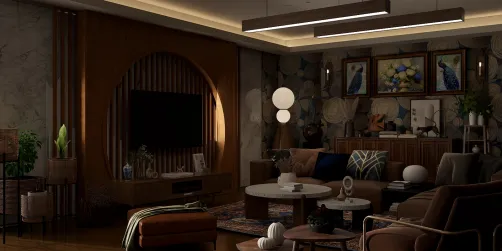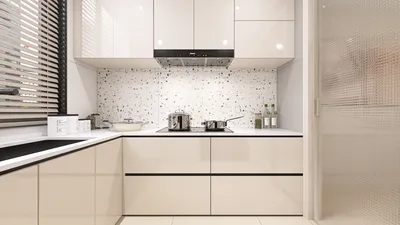
In the realm of interior design, crafting visually stunning interior render images is pivotal for presenting your design concepts and attracting potential clients. By utilizing the right methodologies and tools, you can generate visuals that not only emphasize the aesthetics of your designs but also convey the functionality of the spaces you create. Let’s explore some effective strategies for producing eye-catching render images that reflect your design philosophy and style, integrating the Homestyler tool where possible.
Clarifying Your Design Vision
Before jumping into the creation of render images, it’s vital to have a comprehensive understanding of your design vision. This includes:
By defining your vision clearly, your render images can embody the true essence of your design, enhancing their attractiveness to potential clients.
Selecting Appropriate Tools
The software you choose will greatly impact the quality of your render images. Here are some popular options, including Homestyler:
Assess your requirements and select a tool that aligns with your workflow to guarantee the efficient production of high-quality renders.
Importance of Lighting and Textures
Lighting has a crucial effect on the success of a render image. Consider these recommendations:
Focusing on these elements will aid in crafting a more welcoming and authentic environment in your images.
Demonstrating Multi-Functional Spaces
In compact areas, illustrating how spaces can serve multiple functions is essential. Use render images to depict:
These features not only enhance the practicality of your designs but also make them visually compelling.
Soliciting Feedback and Iteration
After creating your initial render images, it is essential to gather feedback from colleagues or clients. Utilize their comments to refine your images further. Iteration is a fundamental aspect of design, and constructive criticism can reveal areas for enhancement that you may have overlooked.
Frequently Asked Questions
Q: Which software is ideal for generating interior render images? A: Notable options include SketchUp, V-Ray, Revit, and Homestyler, depending on your unique requirements and the complexity of your projects.
Q: How can I enhance the lighting in my render images? A: Effectively use natural light, incorporate various types of artificial lighting, and experiment with different light intensities and color tones.
Q: What techniques can I employ to make small spaces appear larger in render images? A: Implement open layouts, multi-functional furniture, and light, neutral color palettes to create an illusion of spaciousness.
Welcome to the premier Home Design Software that facilitates your vision.