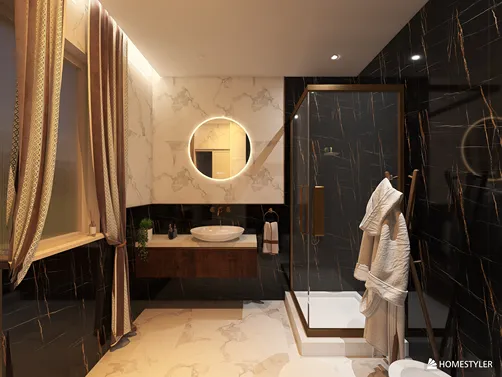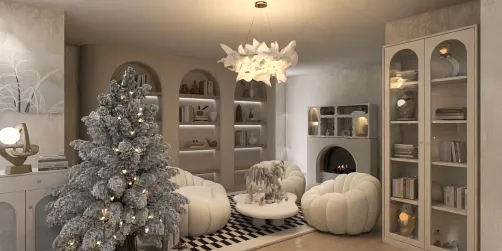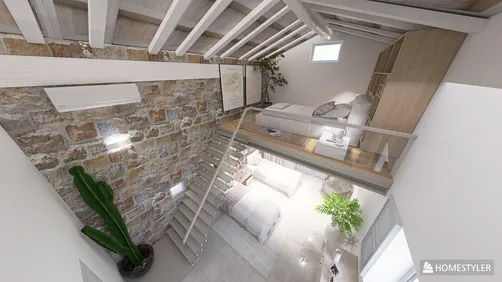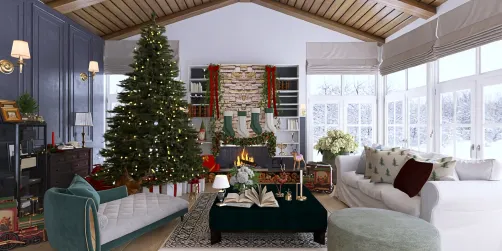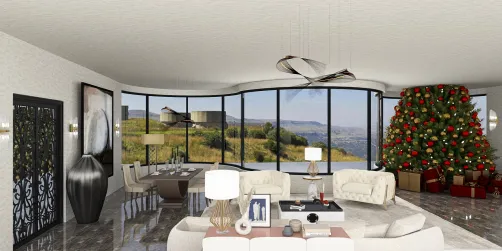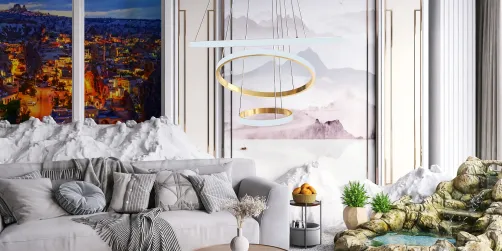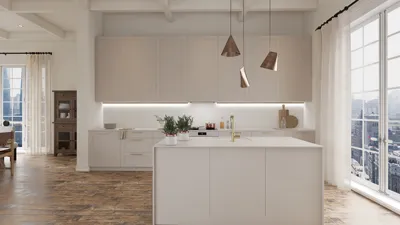
Developing interior design models can be a delightful and fulfilling journey for anyone passionate about aesthetics and practicality. Whether you're an aspiring designer, an architect, or a homeowner eager to envision your space more clearly, grasping the process of crafting these models is crucial. In this guide, we'll delve into the steps involved in creating interior design models, the tools at your disposal, and some tips to elevate your design skills. The initial phase in model creation is defining your project. Clarify the model's purpose: is it intended for a client showcase, a personal endeavor, or a learning opportunity? Once your goal is set, gather all relevant details about the space, such as measurements, current furniture arrangements, and architectural characteristics. Accurate data will guarantee that your model is both realistic and functional. Next, decide on the model type you wish to create. There are numerous possibilities, including physical models made from materials like cardboard, foam board, or wood, as well as digital models crafted using design software. Digital modeling is increasingly favored for its adaptability and ease of modifications. Programs such as Homestyler provide intuitive interfaces that allow you to create intricate 3D models in just a few clicks. After determining the type of model, begin sketching the layout. On a digital platform, start by designing the floor plan. Be sure to incorporate all key features, including walls, doors, windows, and fixed furniture. For physical models, create a scale drawing that accurately reflects the measurements of the space, serving as your guide for cutting and assembling materials. Once your layout is ready, proceed to construct your model. For physical models, cut out the necessary pieces based on your scale drawing and adhere them using glue or tape. Pay attention to elements such as wall heights, window placements, and furniture arrangements. In software like Homestyler, you can commence adding components from the program’s furniture library, which offers a rich assortment of items and design ideas, simplifying the process of furnishing your space realistically. As you build your model, reflect on the aesthetic dimensions of your design. Color palettes, textures, and lighting significantly impact interior design. If you’re working digitally, experiment with various materials and finishes to evaluate their effect on the overall ambiance of the space. For physical models, utilize paint, fabric samples, and additional materials to embody these aspects. Upon completion, take a moment to assess your model. Is the layout practical? Does it cater to the occupants' needs? Do the aesthetic elements harmonize? Seek feedback from peers or mentors, as they can provide invaluable perspectives. Moreover, when utilizing software, make use of rendering features to generate high-quality visual representations of your design. In summary, creating interior design models is a comprehensive process that melds creativity, technical acumen, and a sharp eye for detail. By adhering to the aforementioned steps, you can effectively realize your design concepts, whether in physical or digital form. Continual practice and refinement of your skills will soon lead you to become a skilled interior designer!
Tips 1:
Explore various design styles and trends to invigorate your creativity and ensure your models remain innovative and captivating.
FAQ
Q: What software is best for creating interior design models? A: Tools like Homestyler, SketchUp, and Planner5D are popular choices due to their user-friendly interfaces and extensive libraries of furniture models.
Q: How do I ensure my physical model is to scale? A: Utilize precise measurements and a scale drawing as your guide when cutting and assembling materials.
Q: Can I use online resources for design inspiration? A: Absolutely! Websites and platforms like Pinterest and Homestyler provide a wealth of design ideas and inspiration.
welcome to Homestyler
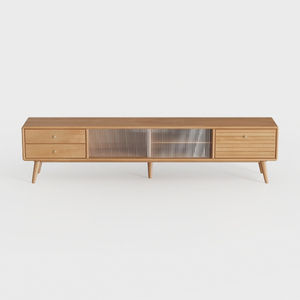
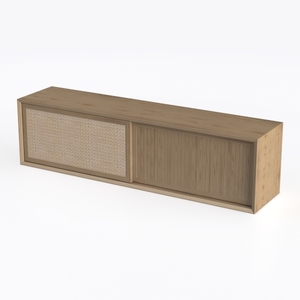
Discover your interior design potential with Homestyler! This user-friendly online platform offers a fantastic design tool alongside stunning 3D renderings and inspiring design projects. Plus, with engaging DIY video tutorials, you’ll be creating beautiful spaces in no time—perfect for both beginners and seasoned designers!