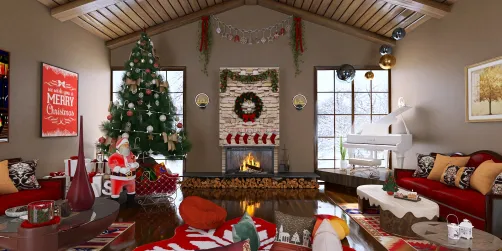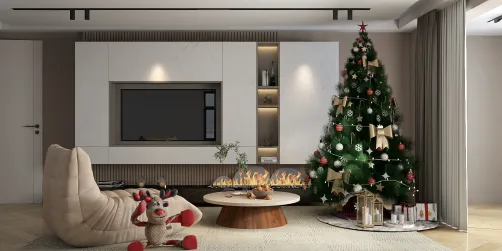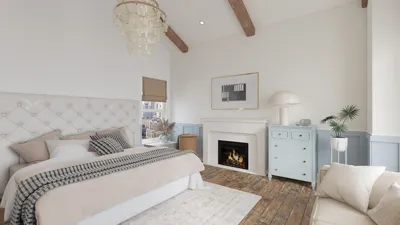
Designing a stunning floor plan on your Android device has become remarkably straightforward. This comprehensive guide is designed to assist you in utilizing a floor plan creator app effectively, whether you're working on a charming apartment or an expansive residence. We will delve into different functionalities, offer guidance, and share tips to enhance your design capabilities while incorporating Homestyler for optimal results.
Getting Started with Floor Plan Creator Apps
Before immersing yourself in the design experience, selecting a suitable floor plan creator app tailored to your requirements is essential. Aim for an interface that is easy to navigate, a range of versatile design tools, and compatibility with your device. Some popular choices include:
After choosing an app, download it from the Google Play Store and open it to embark on your design adventure.
Understanding the Essentials of Floor Plan Design
Creating an effective floor plan necessitates a solid grasp of its fundamental components:
Acquainting yourself with these elements will facilitate a smoother design process.
Step-by-Step Guide to Crafting Your Floor Plan
Adhere to these steps to construct your floor plan:
By following these instructions, you can develop a detailed floor plan that aligns with your specifications.
Tips for Elevating Your Floor Plan Design
To elevate your design, keep these constructive tips in mind:
FAQ
Q: Which floor plan creator app is the simplest for Android? A: Many users find Homestyler to be highly user-friendly thanks to its intuitive layout and extensive features.
Q: Can I share my floor plan by exporting it? A: Certainly! Most floor plan creator apps facilitate the export of your designs in various formats, making sharing effortless.
Q: Can I visualize my floor plan in 3D? A: Numerous advanced applications, including Homestyler, provide options for 3D visualization, enabling you to experience your design from various angles.
Welcome to the Ultimate Floor Plan Creator!