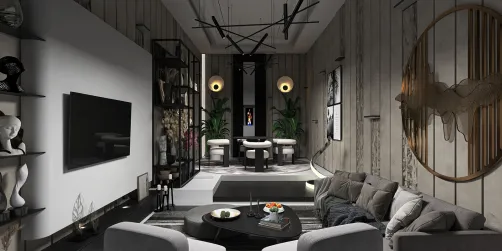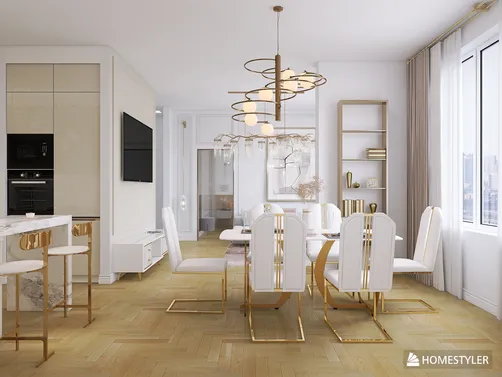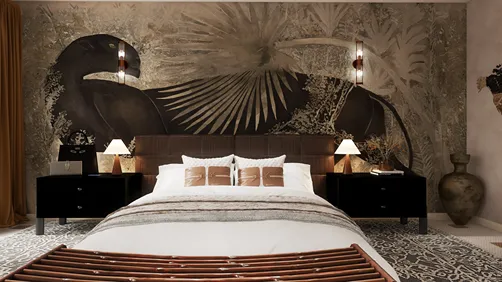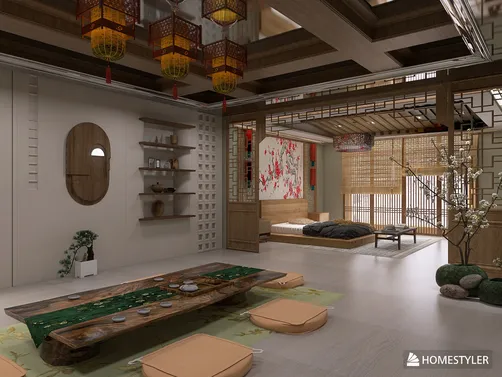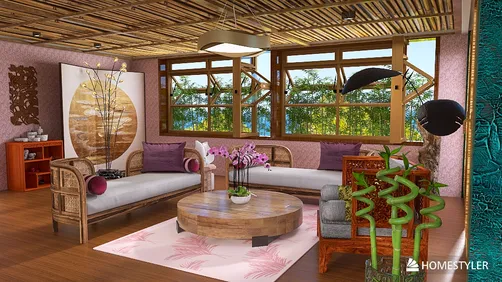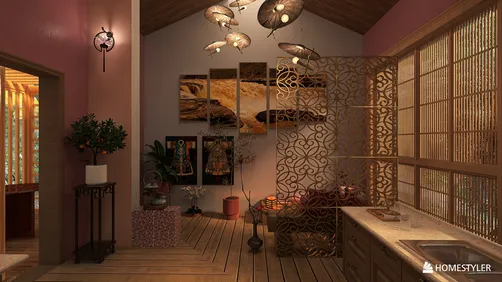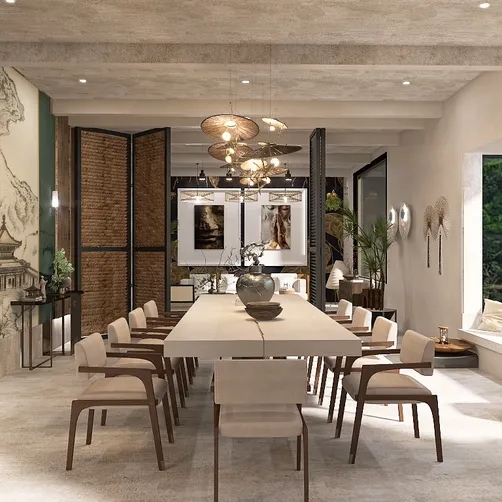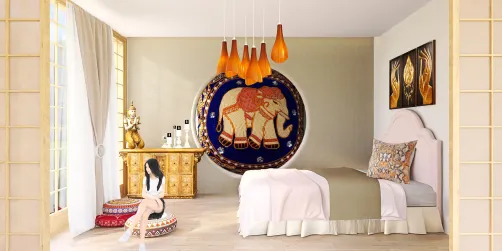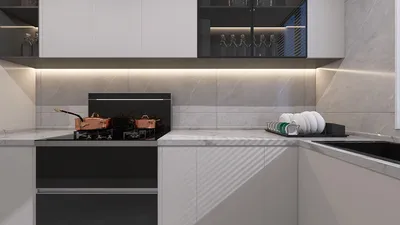
Crafting enchanting night renders in 3ds Max with Vray can truly elevate your interior design presentations into breathtaking visual stories. By adjusting the right parameters, you can recreate the soothing atmosphere of a serene night or the excitement of a lively nightlife, adding charm to your environment. This guide aims to provide you with the key Vray configurations that will help you achieve the finest outcomes for your nighttime renderings.
Exploring Vray Lighting Techniques for Night Renders
To achieve lifelike night renders, it's imperative to concentrate on the lighting arrangement. Unlike daytime scenes, nighttime visuals significantly depend on artificial light sources. Consider the following crucial elements:
For evening scenes, utilize a variety of artificial lighting types:
Modify the color temperature of your lights to evoke warmth and ambiance. Generally, lower color temperatures (approximately 2700K) emulate incandescent lighting, while higher temperatures (around 5000K) are akin to fluorescent forms.
Key Vray Configurations for Night Renders
Activate Global Illumination in your rendering settings to achieve more authentic lighting effects. Here’s how to do it:
Correct exposure parameters are vital for night renders:
Make sure your output parameters are finely tuned:
Post-Rendering Techniques
Post-processing, with tools like Photoshop, can significantly enhance your images after rendering:
Final Thoughts
By meticulously adjusting Vray settings and honing in on lighting techniques, you are capable of producing remarkable night renders that elegantly display your interior designs. Remember, practice leads to perfection, so feel free to explore various lighting combinations and post-processing methods until you reach the outcomes you aspire to achieve. Additionally, platforms like Homestyler can assist in further refining your designs and rendering processes.
Frequently Asked Questions
Q: What are the optimal lights for interior night renders using Vray? A: The most effective lights include Vray Light, Vray Rect Light, and Vray Sphere Light, as they successfully simulate various types of artificial lighting.
Q: How can I create a realistic atmosphere in my night renders? A: Prioritize using lower color temperatures for your lights, enable Global Illumination, and correctly adjust your camera exposure settings.
Welcome to the Premier Home Design Software