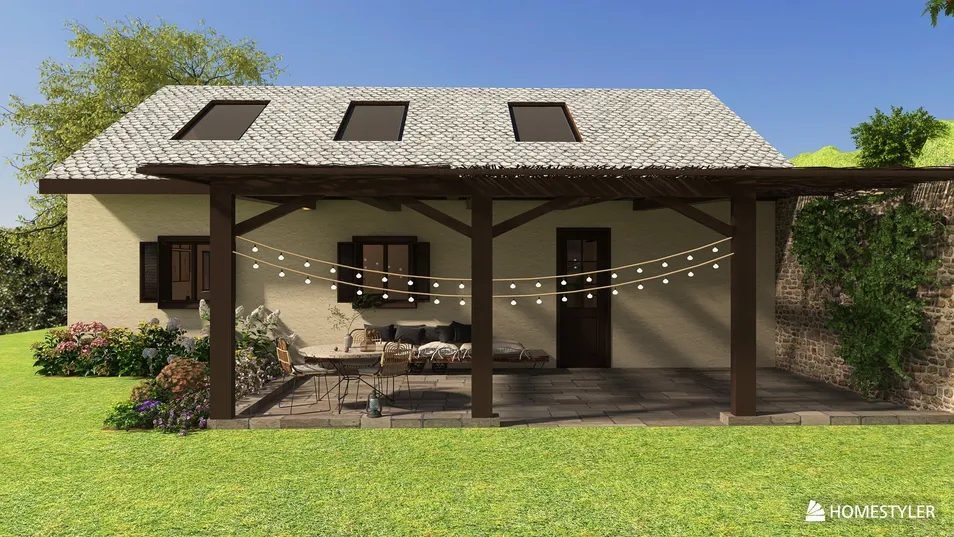
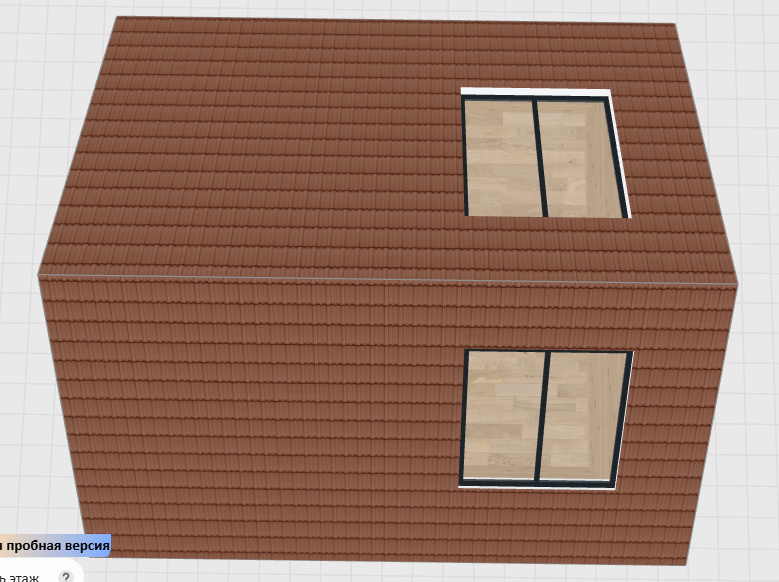
🎉 The Long-Awaited Roof Window Feature Is Now Live!
You can now freely add windows to roofs and create bright, airy lofts, skylights, or sunlit rooftop spaces with ease.
🛠️ How to Use It? Just 4 Simple Steps:
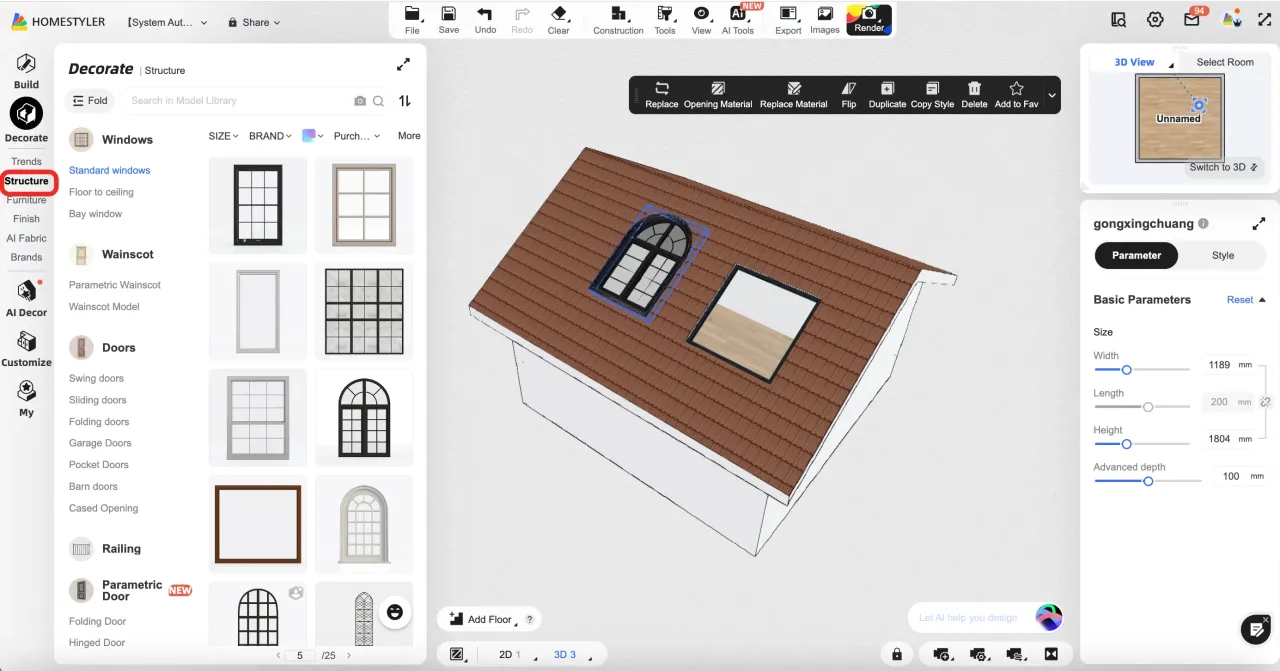
1.In the left menu, go to Structure and use the roof tool to draw and generate your roof.
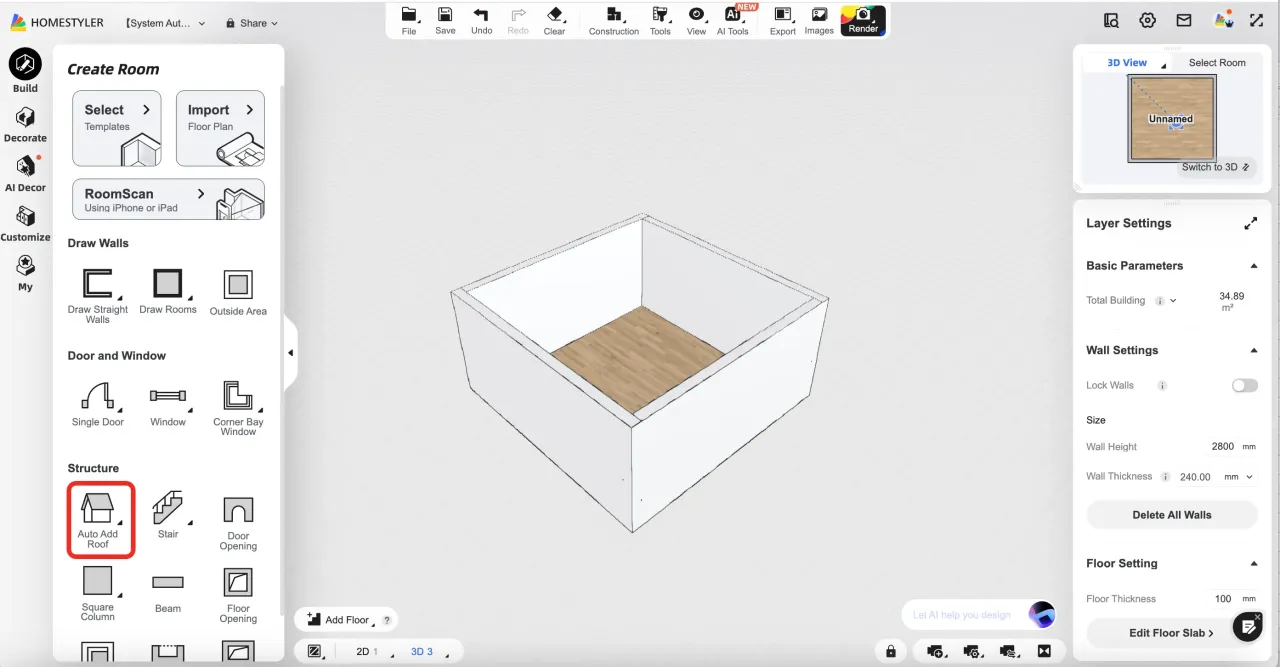
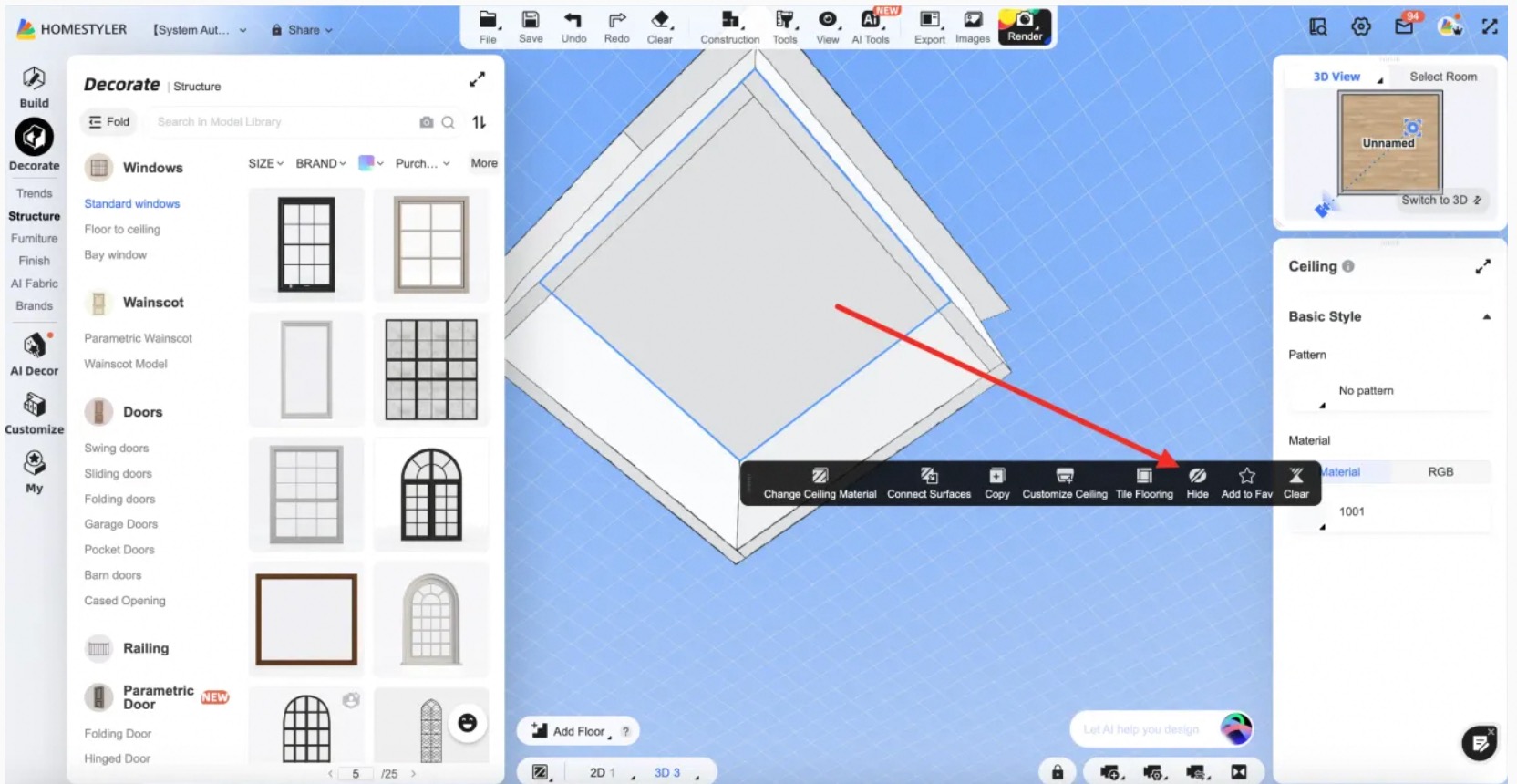
2.Once the roof is created, simply drag and drop any window model from the library directly onto the roof surface. After placement, select the window to adjust its size, height, rotation, and other properties in the right-side panel.
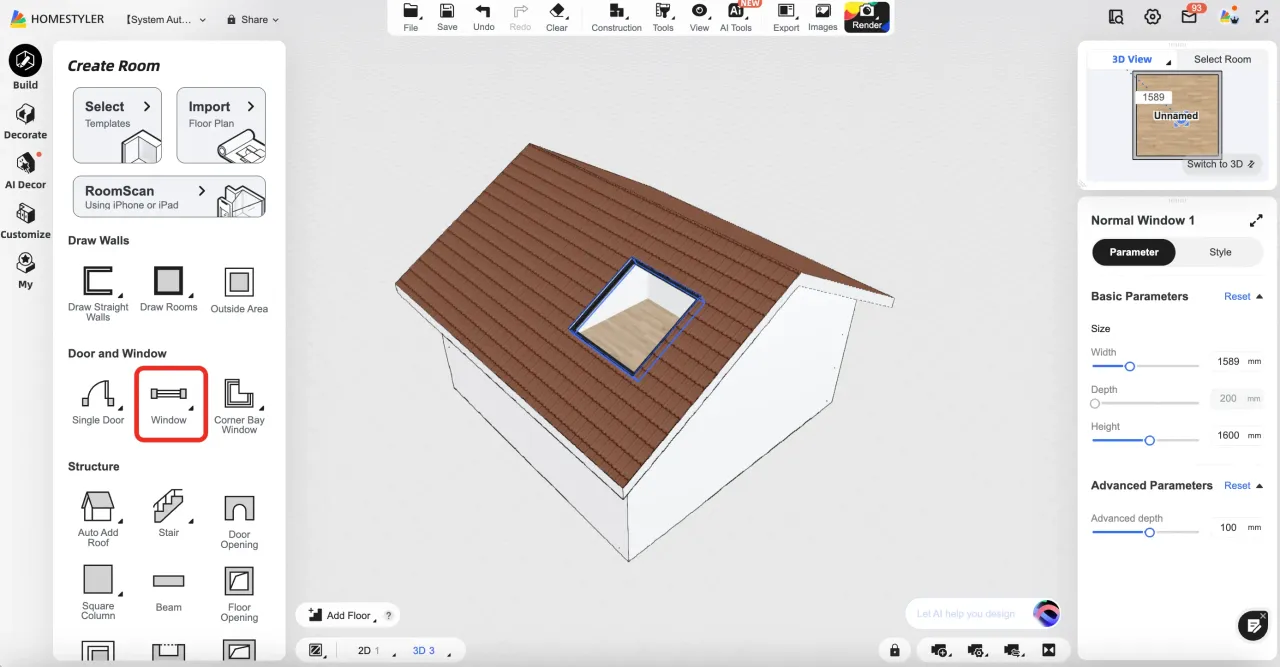
✅ All window models under Decorate > Structure > Window are supported.
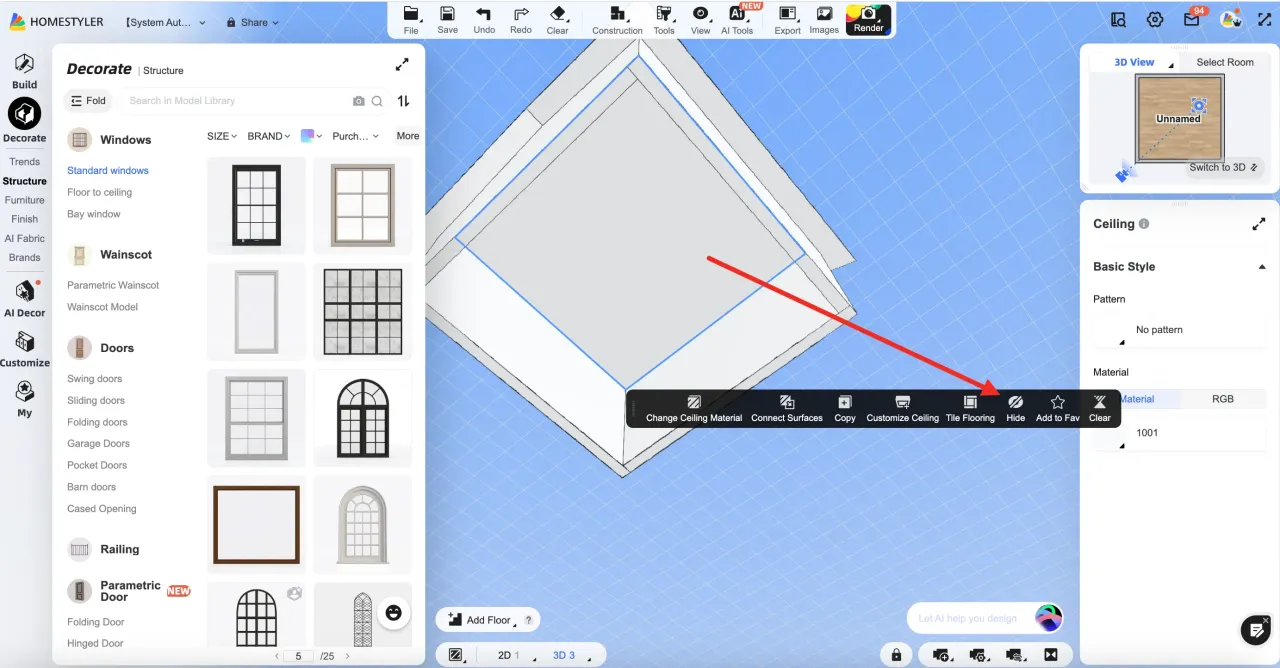
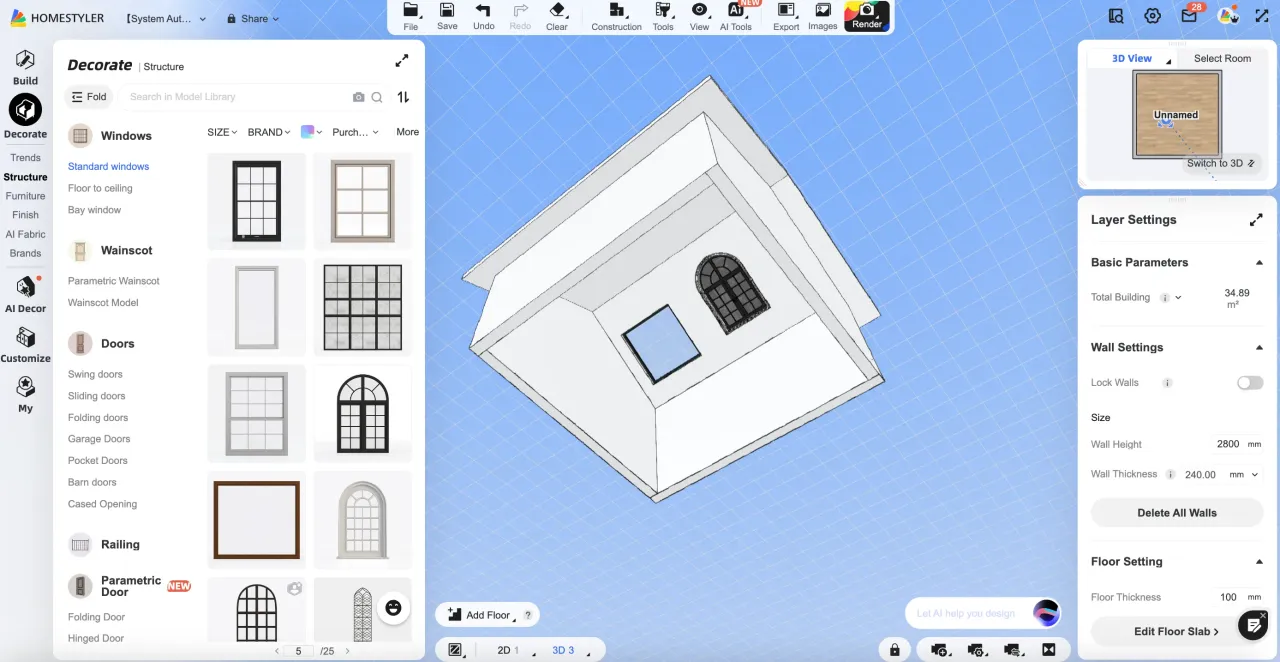
4.Enter 3D room view, click on the ceiling, and choose "Hide" — then look up to see your roof windows from inside the room!
-